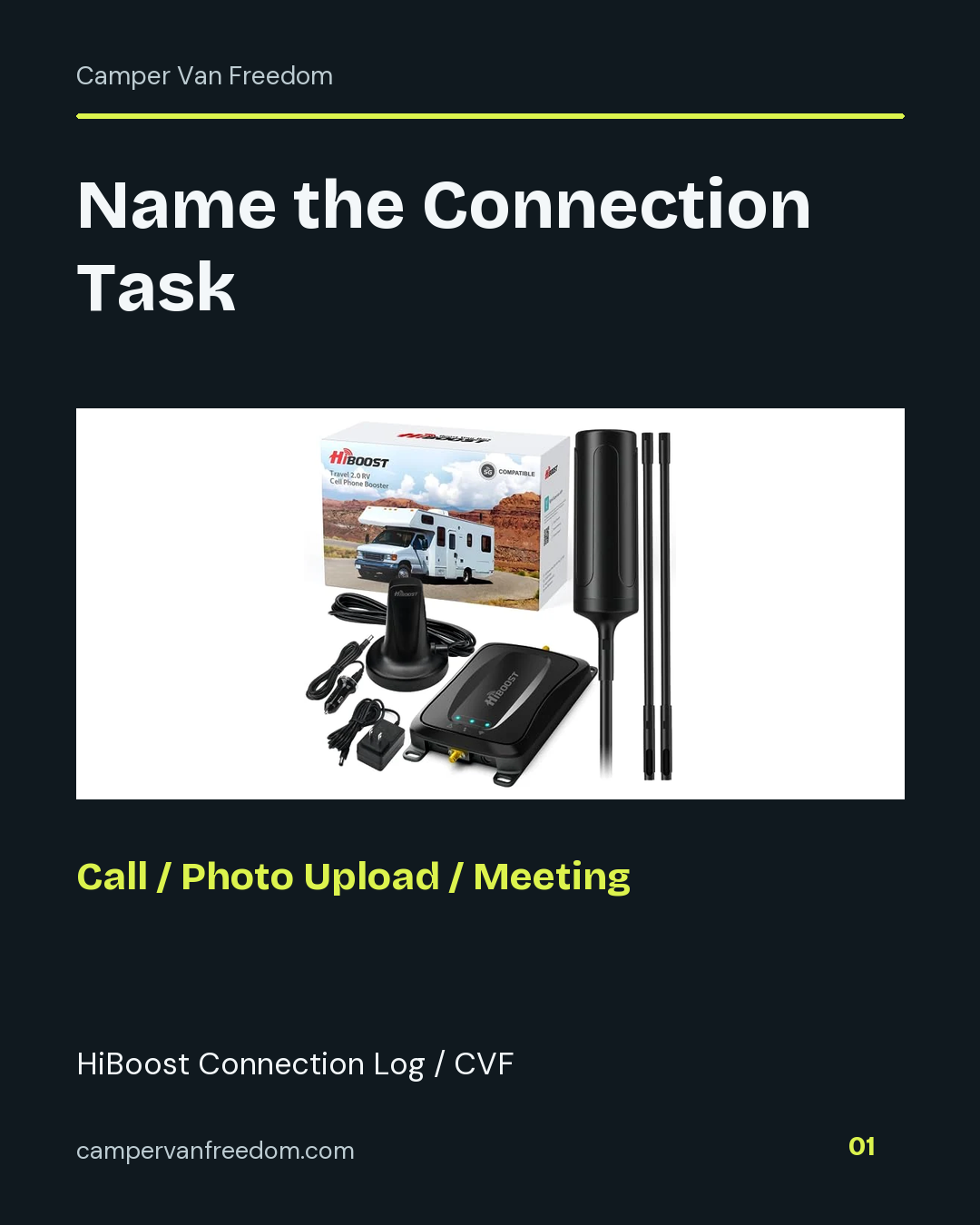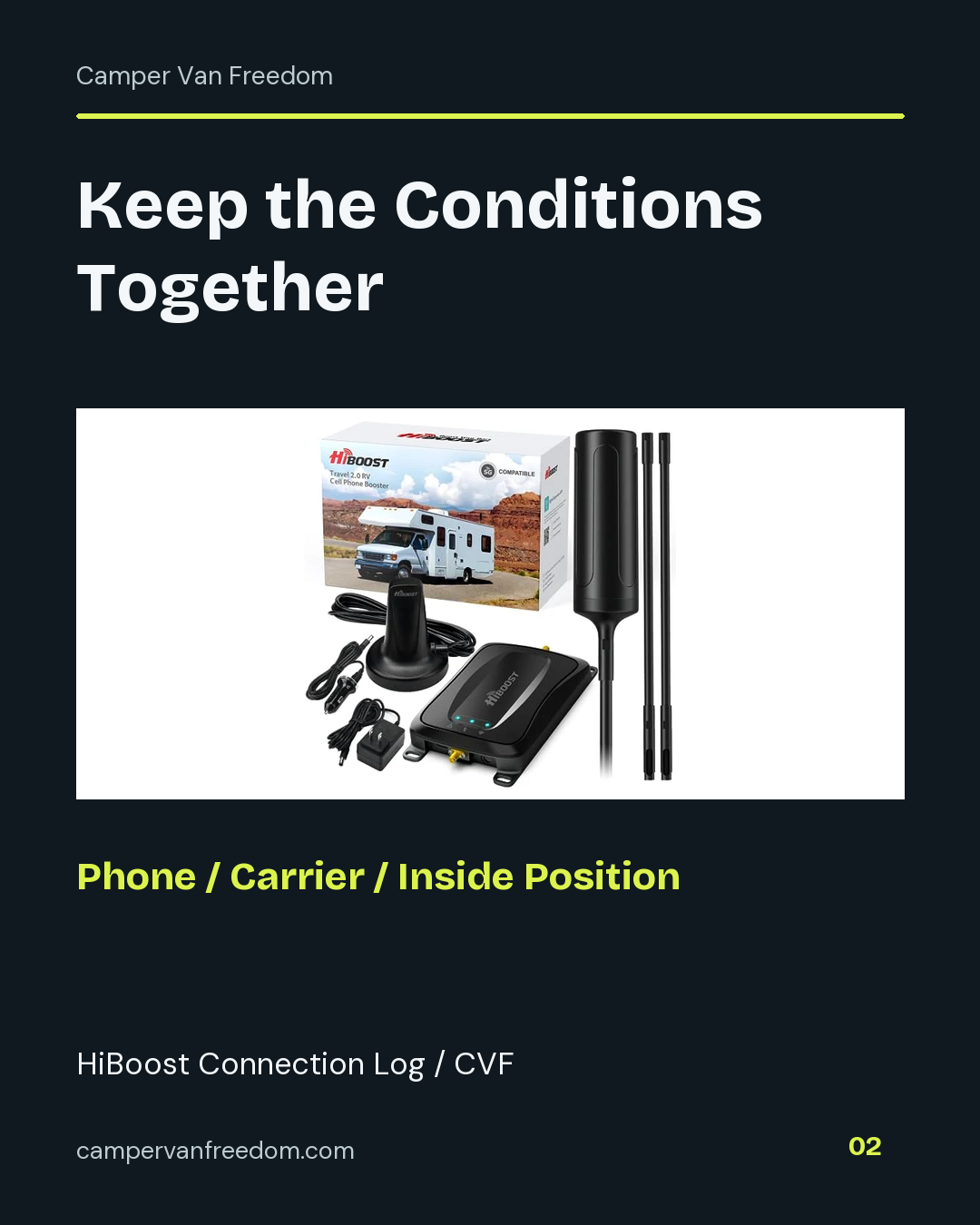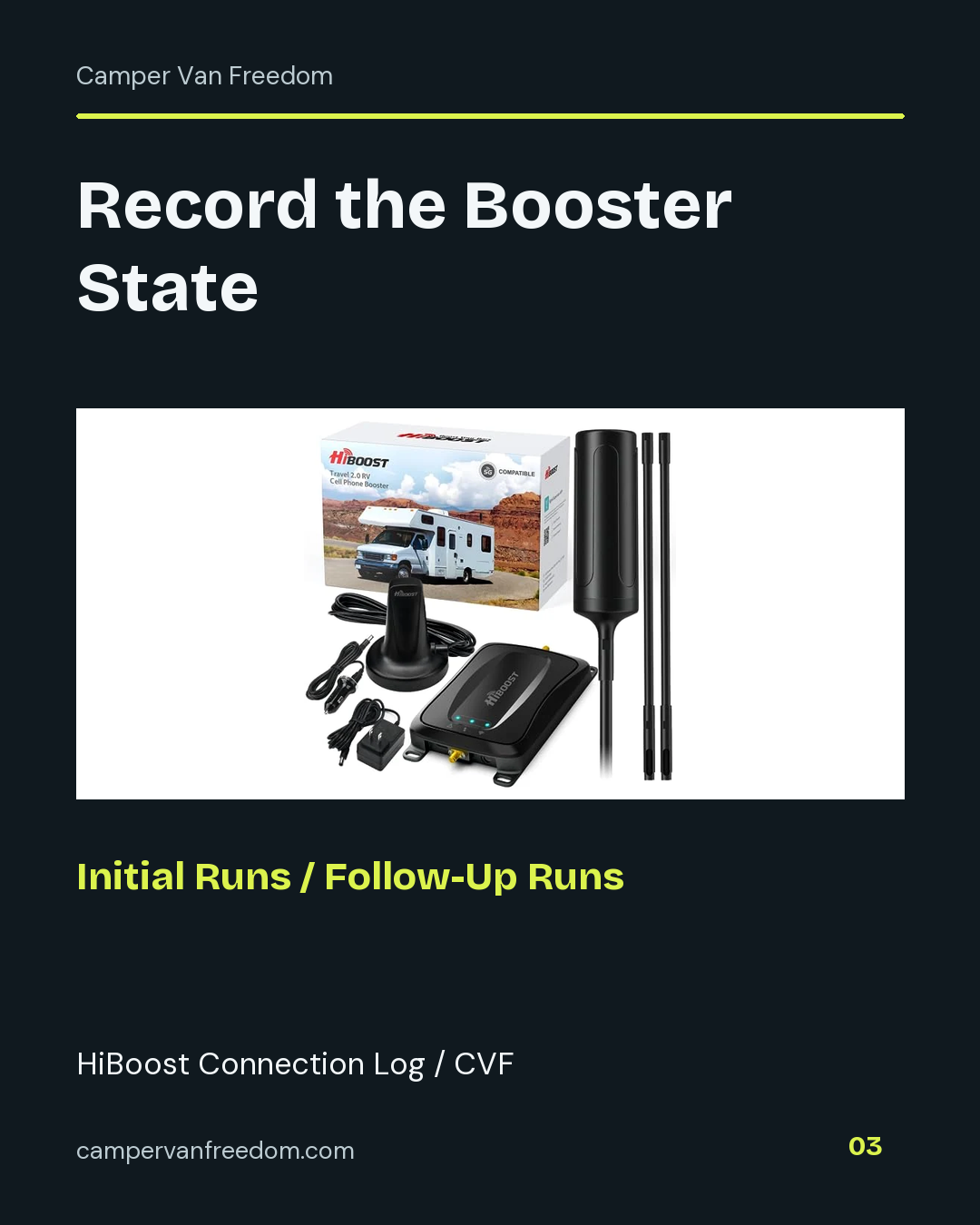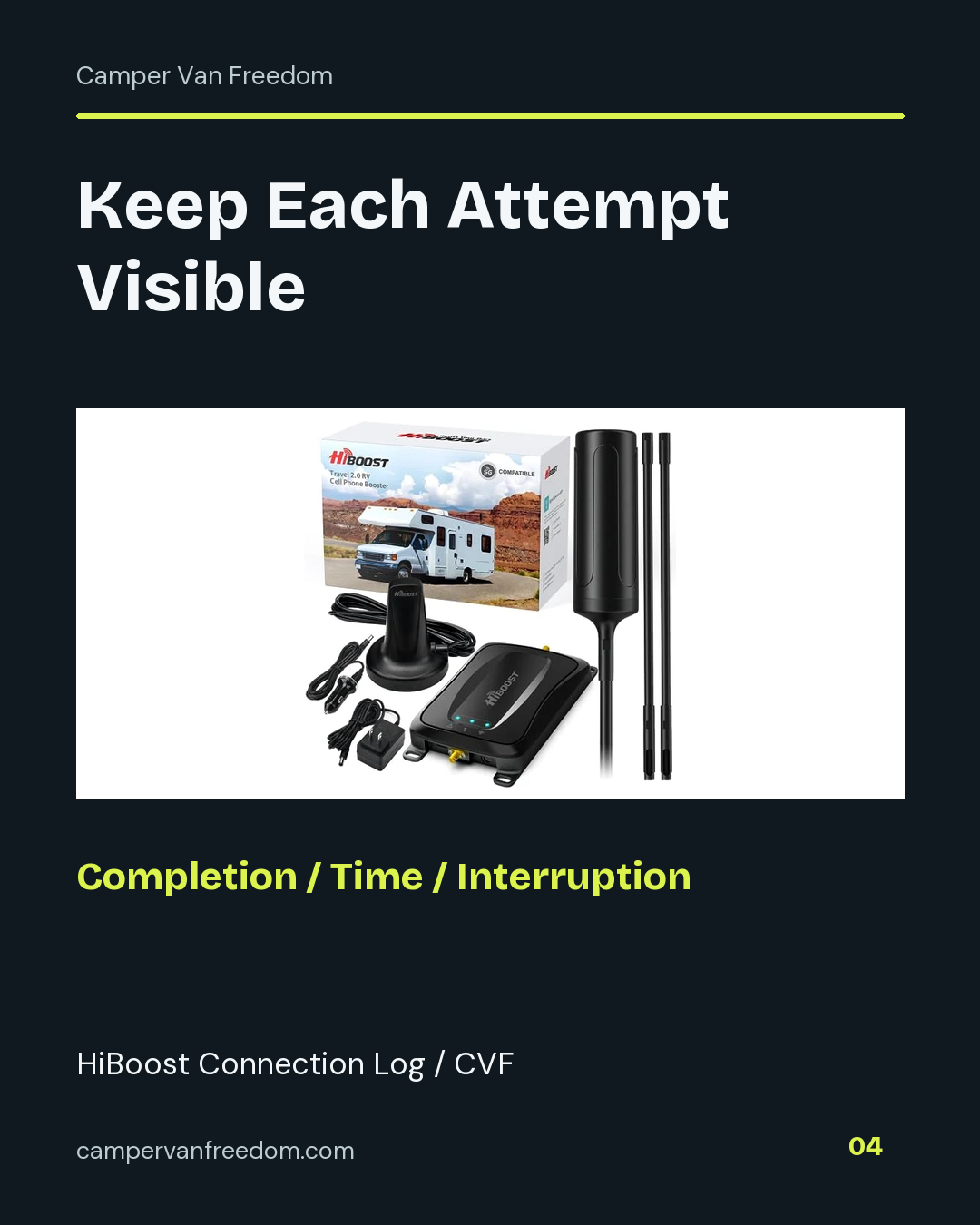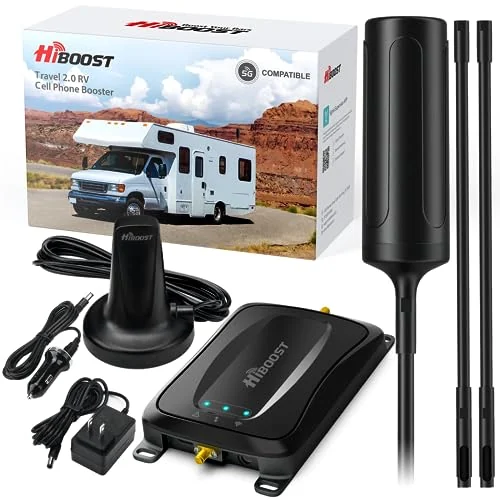
HiBoost Travel 2.0 RV Signal Booster
The Travel 2.0 RV kit combines a cellular signal booster with external and internal antennas. Its separate components connect through the supplied cables.
View on AmazonElectrical & Wiring · My build kit
I bought the HiBoost Travel 2.0 RV kit for my van. Keep that generation separate from the current RV offer, compare the antenna and cable package, and record a named connection task.
By Steven Smith · Camper Van Freedom
The Travel 2.0 RV kit combines a cellular signal booster with external and internal antennas. Its separate components connect through the supplied cables.
View on AmazonAn RV cell phone signal booster uses an outside antenna, a booster and an inside antenna as parts of one system. The outside antenna receives an available cellular signal, the booster amplifies supported signals and the inside antenna serves the vehicle's interior area. Cable routes and the position where the phone is used therefore belong in the comparison alongside the booster hardware.
Draw those three positions on a simple van layout before pricing the kit. Mark the exterior mounting point, the route into the van and the intended interior use position. This gives each supplied cable a specific job and exposes whether an extra mounting or routing component is needed.
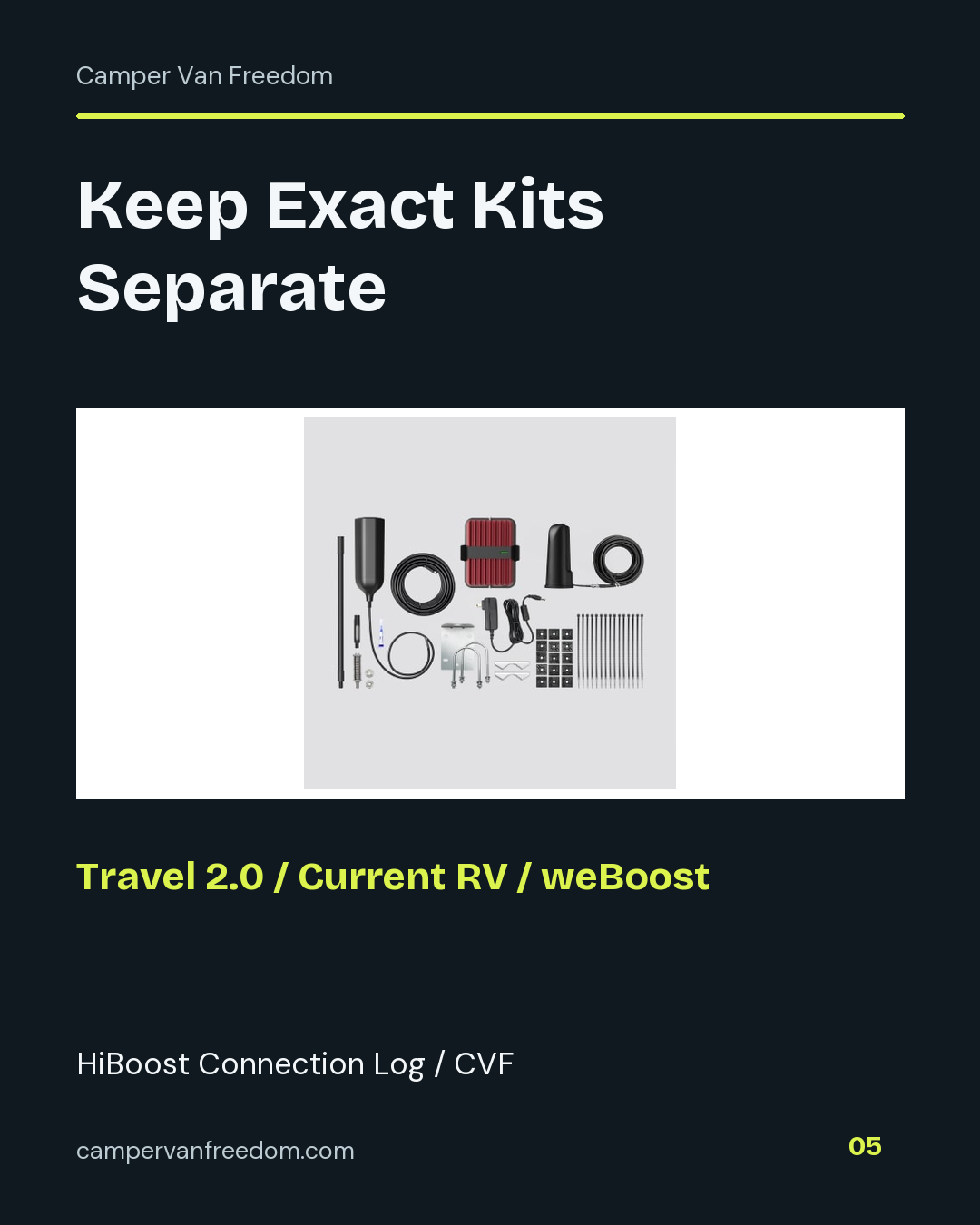
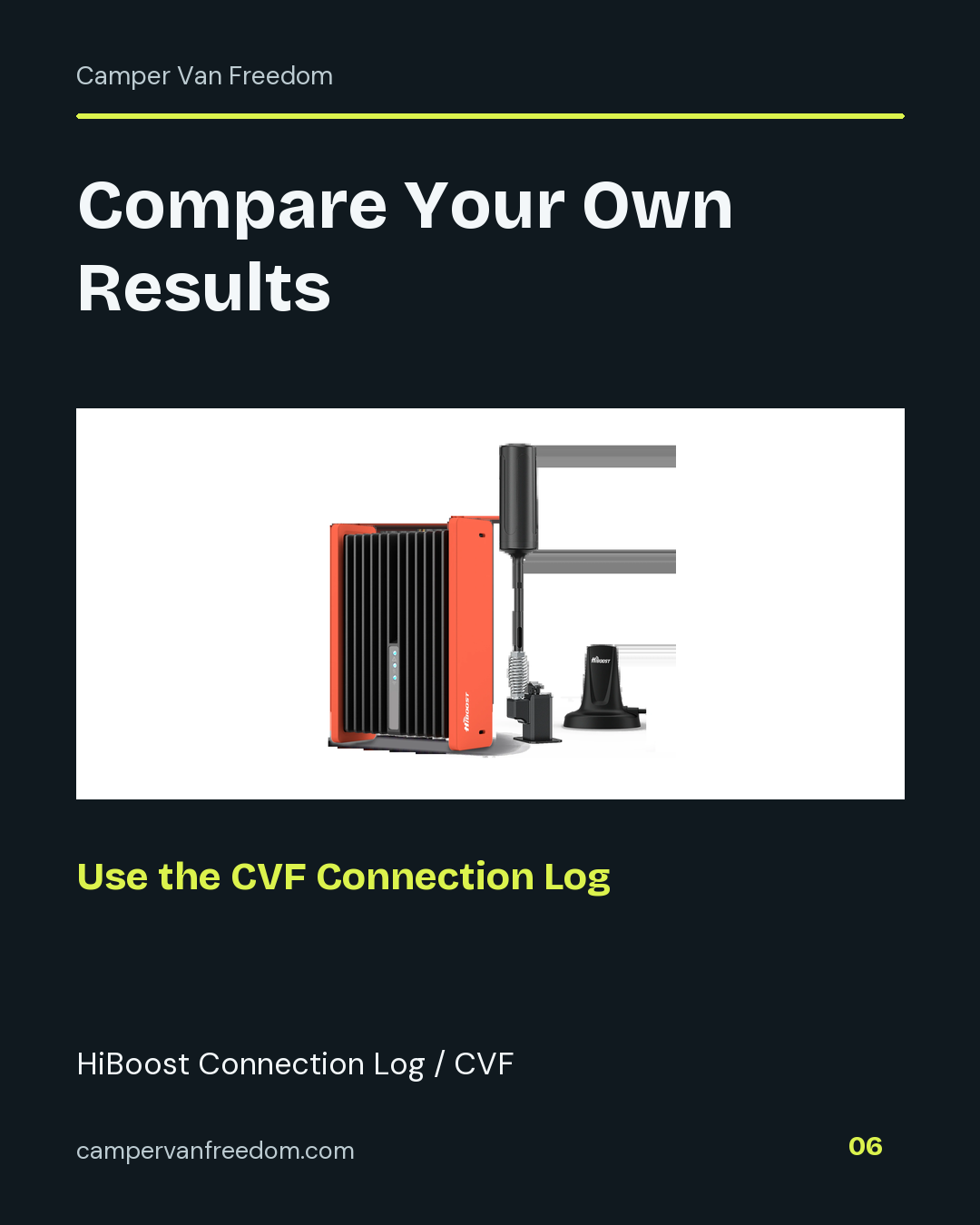
The Travel 2.0 RV is the product in my purchase history. HiBoost's manual library separates that generation from newer Travel products. Use the manual and component list for the exact box being compared, including the antennas, cables and power connection. A similar product name can still describe a different package.
When comparing the current HiBoost RV offer with the weBoost kits shown below, write down what is supplied and what must be added. Include mounting hardware, a suitable route for the cables and the power connection in the complete cost. A lower initial price can lead to a different total once those parts are listed.
Choose a concrete task such as completing a call, opening a named page or uploading the same file. Keep the device, carrier, location inside the van and test task consistent across the comparison. Record the booster state for each attempt rather than relying on memory after moving to another campsite.
Elapsed time answers a different question from whether the task completed. Record both, together with interruption notes. If an upload did not finish, retain that outcome in the log instead of deleting the attempt. A collection of completed and incomplete attempts gives the next comparison a useful starting point.
Available mounting space, cable routing and access to the interior antenna are concrete selection factors. Plan how the cable will reach the chosen locations and where the booster body will remain accessible. Use each kit's own instructions for its specified arrangement rather than applying one manufacturer's layout to another product.
The configuration worksheet is the buying record; the connection log is the observation record. Keep them linked by the exact kit name and date. That lets you distinguish a product-package change from a change in campsite, carrier or use position when looking back at the results.
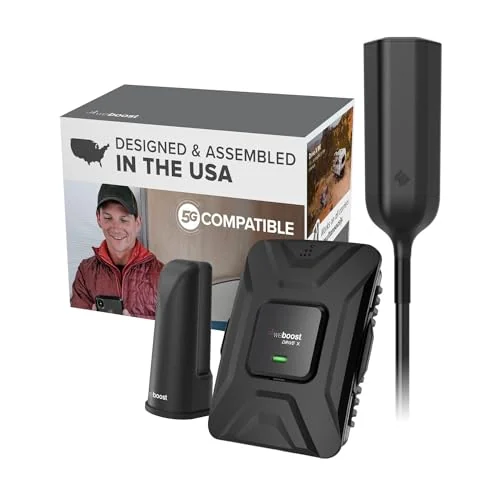
The Drive X RV kit includes a cellular booster and separate antennas. Supplied cables link the exterior antenna, booster and indoor antenna.
View on Amazon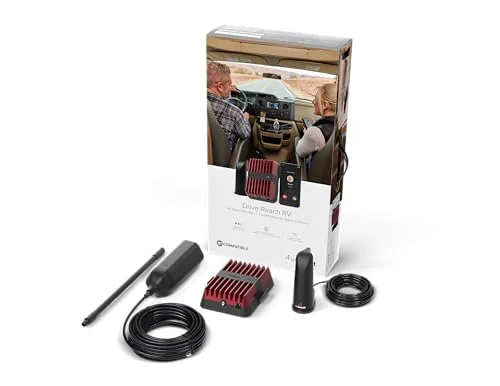
The Drive Reach RV packages a cellular booster with an exterior antenna and indoor antenna. The separated components allow the antenna locations and booster body to occupy different spaces.
View on AmazonKeep the exact package and its documentation in each column. Enter your own costs and observations below.
Use the same named task, device, carrier and inside position for both sets. Keep completion and interruption notes beside each attempt; the mean includes only elapsed times you enter, with blank times excluded.
A cellular booster works on the cellular connection used by a compatible device. Campground Wi-Fi is a separate connection path. Label which connection you are evaluating in the task log so an improvement or interruption is associated with the right service.
Use a named task as the main comparison: a completed call, page load or upload. Bars can be recorded as an additional observation, but the task outcome and elapsed time show whether the connection did the work you needed at that location.
Use the Travel 2.0 RV entry in HiBoost’s manual library or the linked Travel 2.0 RV PDF. Keep the version with your original product record. Use the newer product’s own documentation when pricing a separate current offer.
Give each location its own dated group of attempts. Repeat the same task with the same device and carrier, and keep the inside position recorded. Compare those groups without merging them into one result that loses the location or conditions.