A multi-port USB charger was among the electronics I bought for the van.
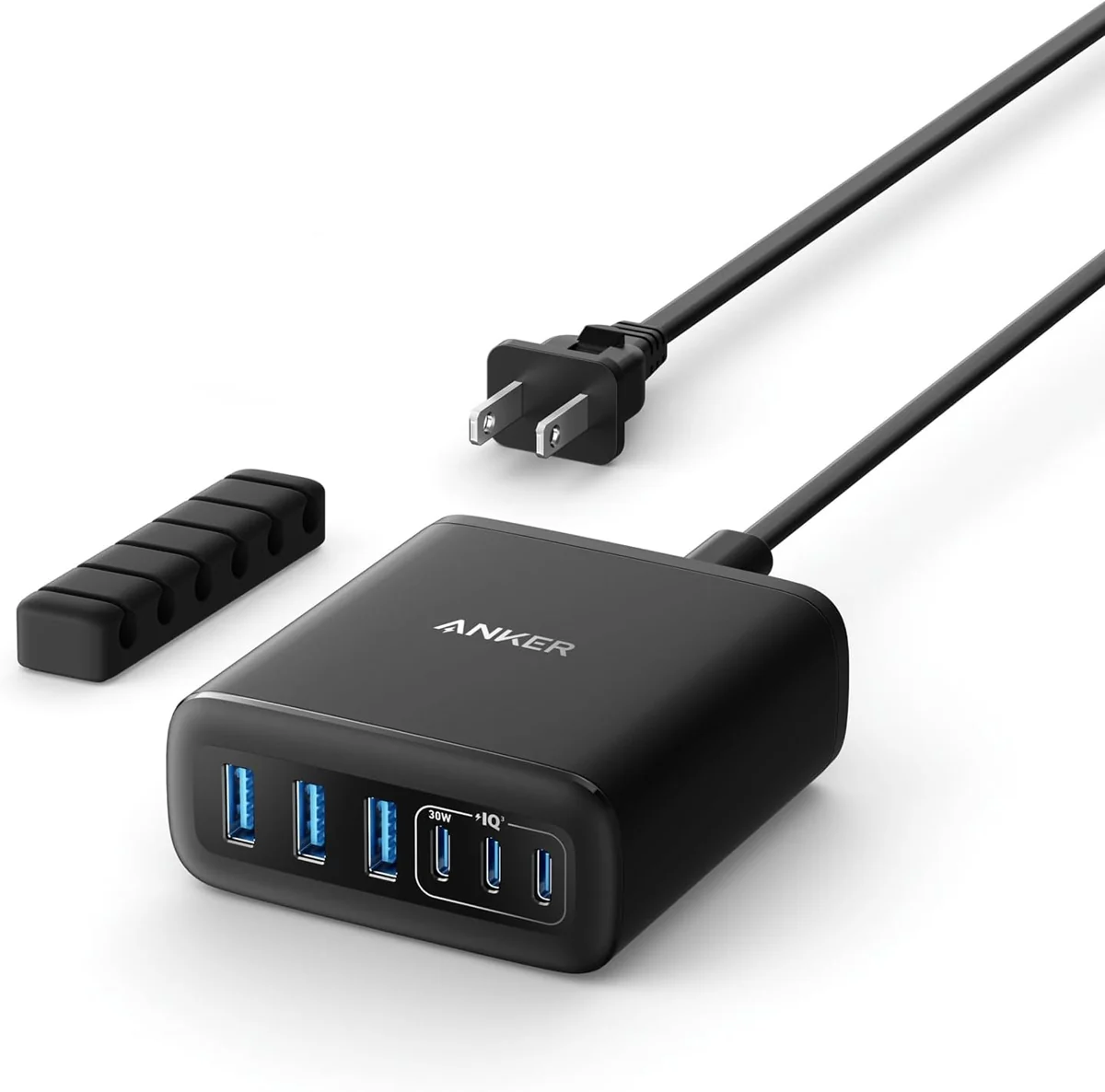
The featured Amazon option is Anker Six-Port Desktop Charger.
Port Layout Within the Charging Equipment
I used SketchUp to plan the interior and put body openings ahead of the framing, floor and wall panels.
My Interior Preparation notes included the shower drain and openings for three water tanks in that preparation sequence.
I removed cargo tie-down hardware for later framing mounts and door trim for the later insulation and paneling.
The cargo floor during my preparation session before sound deadening.Removing stuck-on residue during the floor cleanup.
My Takeaway for the Build
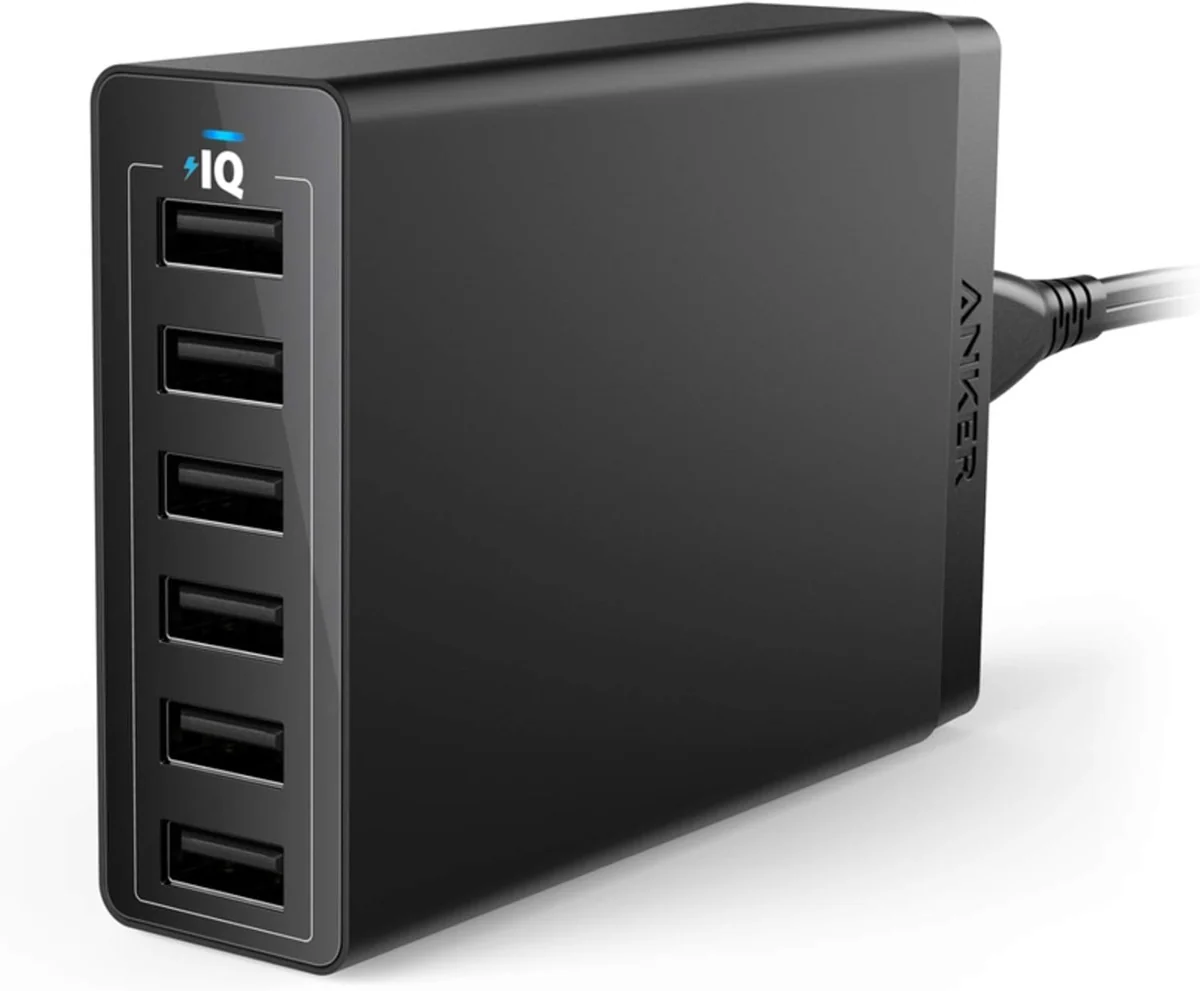
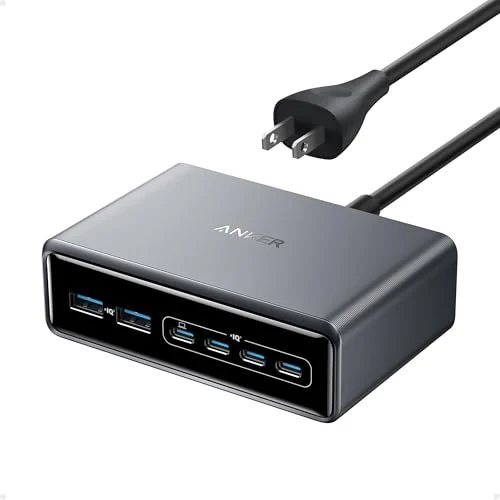
Planning the interior included where portable-device cables would finish as well as the fixed components. The desktop-charger comparison makes port layout and the supply lead useful details. The featured Anker mixes USB-C and USB-A, PowerPort 6 uses USB-A, and Prime offers another six-port enclosure to arrange on a shelf.
Product Details And Van-Build Uses
Specification
Product Detail
Current Option
Anker A2154
Port Mix
Three USB-C and three USB-A
Manufacturer Guide
112W six-port charger family
A charging station's total output and individual port outputs are different details. The Anker guide provides the port map for the featured A2154 option, making it useful to keep beside the device cables. For a van charging area, leave space to insert and remove each plug and give unused leads a place to rest. Label the cable by the device it serves. This six-port current option remains separate from my original multi-port charger purchases and their different package layouts.
The original Anker quick-start guide identifies the ports and their output combinations for A2154.
Alternative products
Two Alternatives to Compare
The featured Anker combines USB charging connections in a desktop unit. PowerPort 6 uses a USB-A layout, while the Prime station provides another six-port arrangement with USB-C connections.