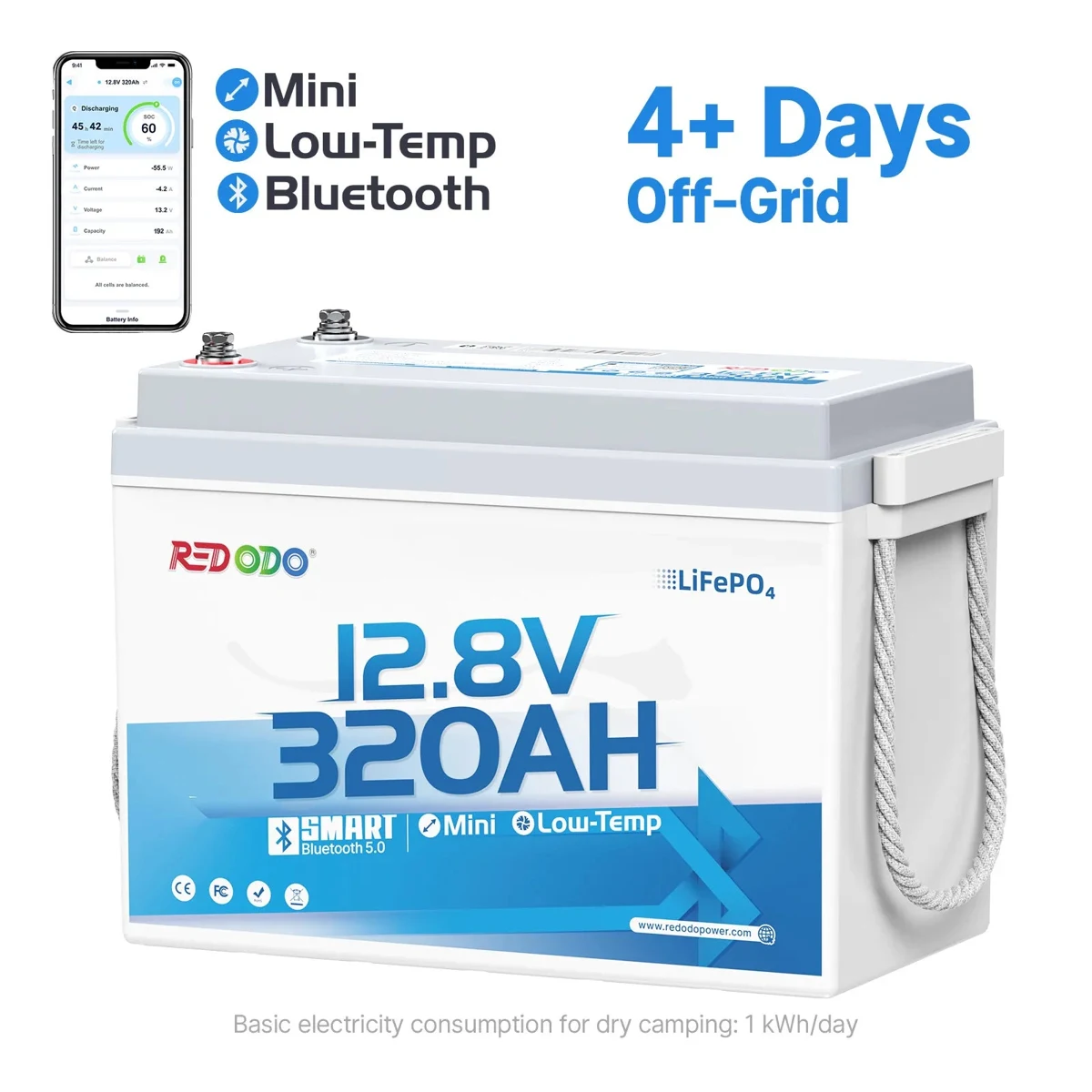
Redodo 12V 320Ah Mini Bluetooth — Alternative
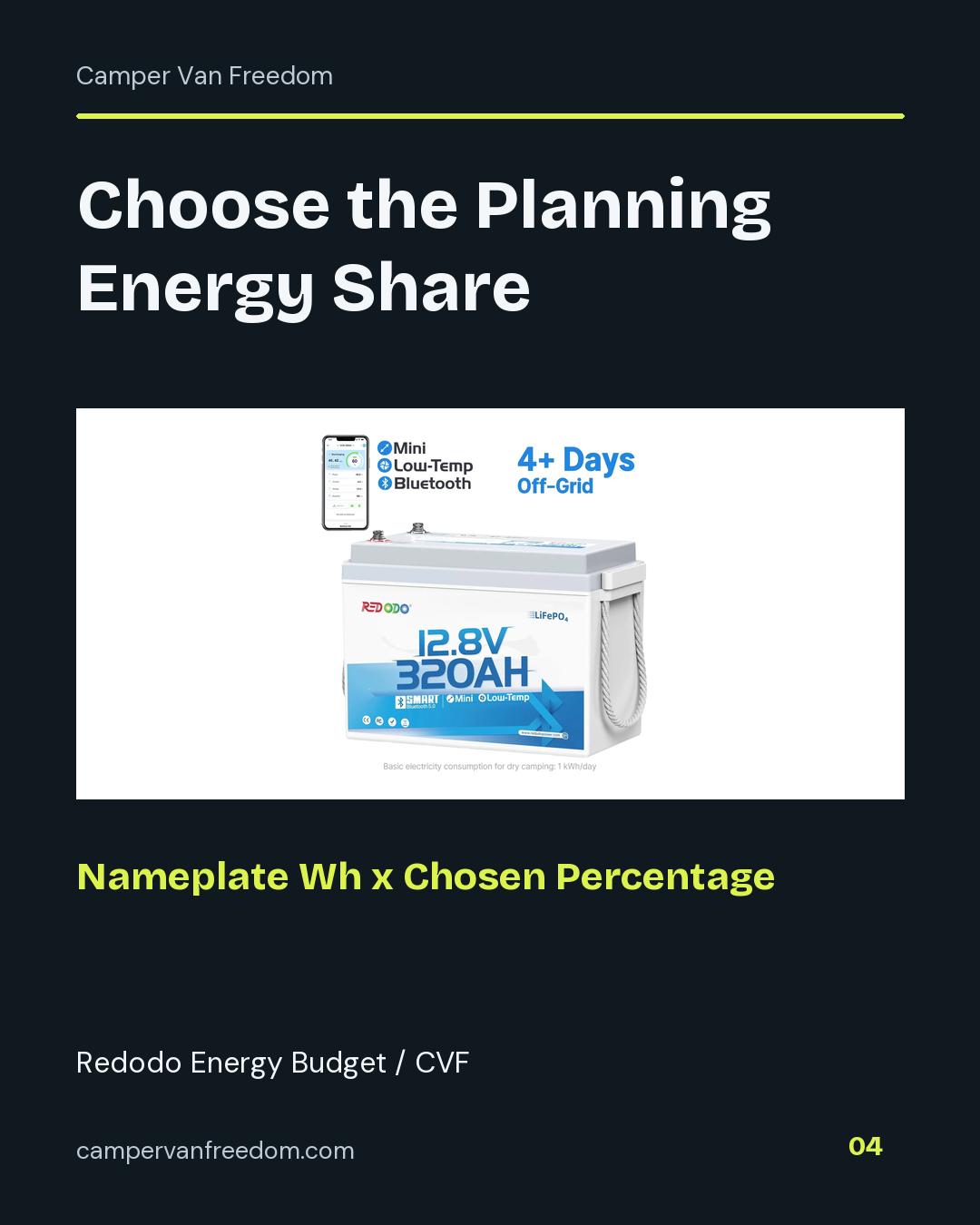
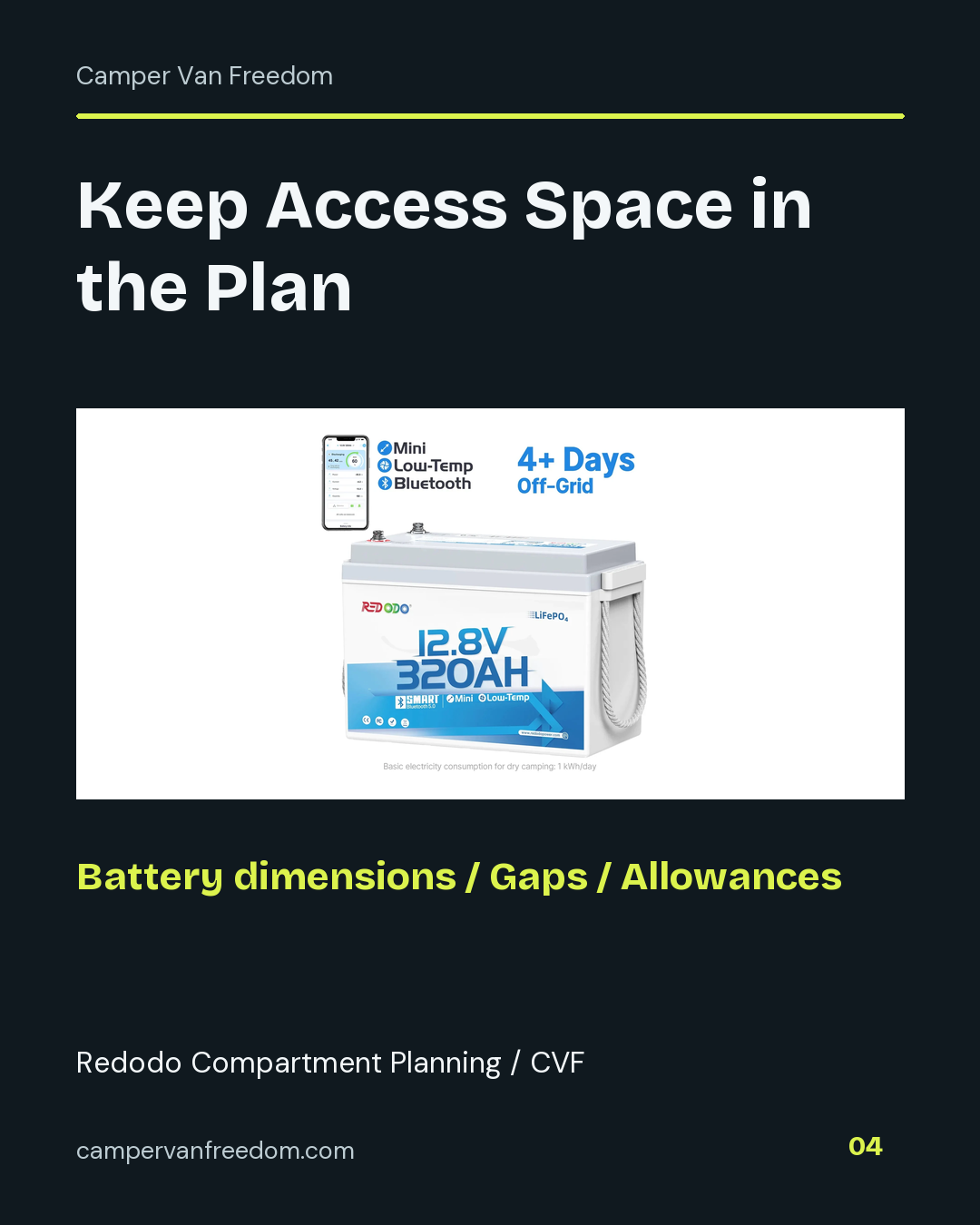
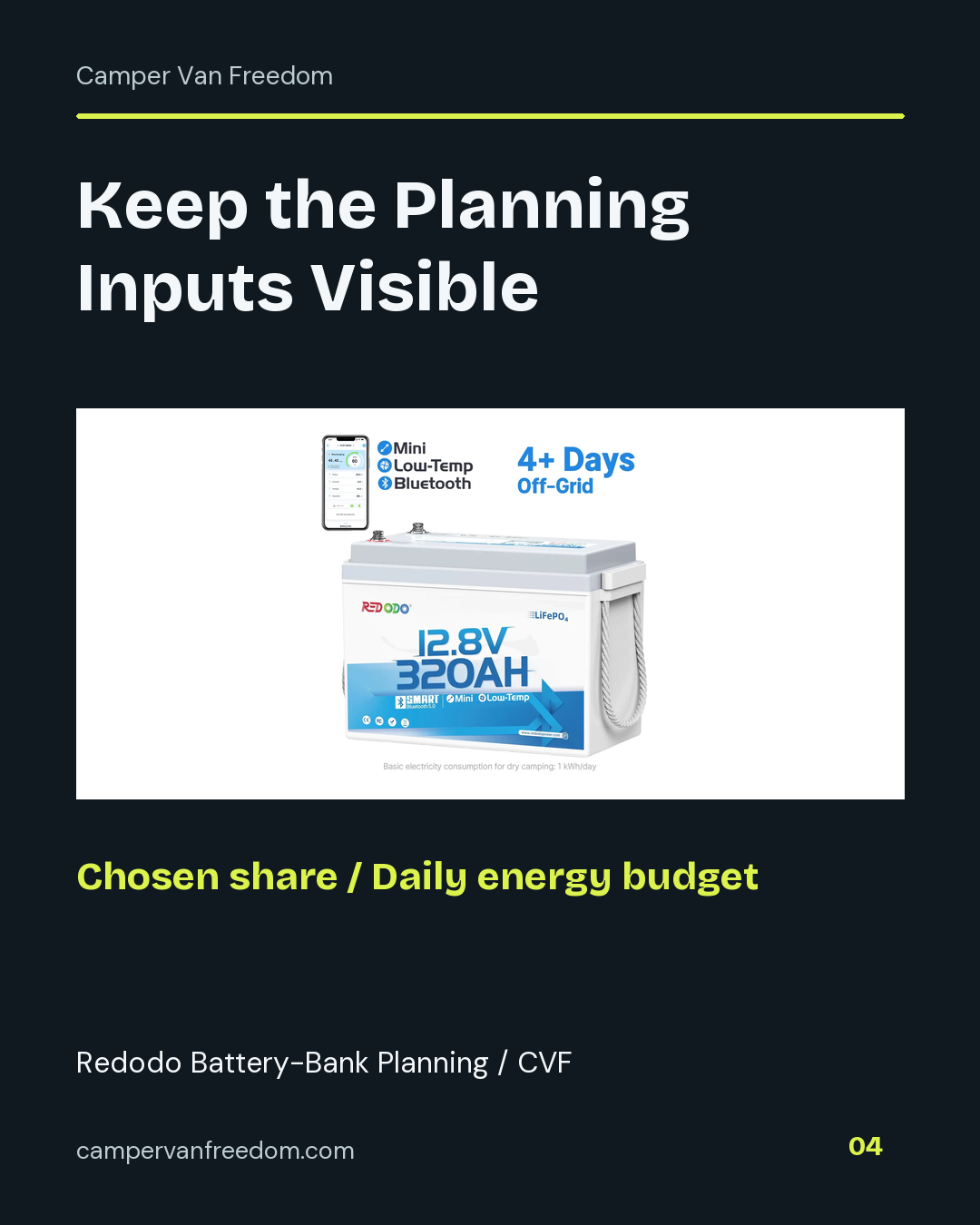
The Redodo 320Ah Mini Bluetooth is a separate LiFePO4 battery format. Compare its capacity, enclosure and monitoring features with the 410Ah option.
View Redodo AlternativeElectrical & Wiring · Battery Bank Planning
I bought a Redodo 12V 410Ah two-pack for my van equipment. Compare that purchase record with the current pack options, then keep voltage, capacity, quantity and complete cost together in the battery-bank worksheet.
By Steven Smith · Camper Van Freedom
Open the Battery-Bank WorksheetMy original purchase record names “Redodo 12V 410Ah Lithium LiFePO4 Battery - 2 Pack.” Keep the quantity of two with that record. The current manufacturer page offers one-, two- and four-pack selections; this page’s main direct link opens the current offer with its own selected quantity.
The original two-pack record and a current one-pack price answer different questions. I keep the purchase identity intact while comparing current models and quantities separately. The worksheet leaves the specification and cost inputs editable so the comparison follows the exact package being considered.
A battery-family name does not identify the whole purchase. Record the exact model, selected pack and number of batteries. A listing that displays a price per battery can still sell a multi-unit bundle, while a product-family page can default to one unit. Write the number of physical batteries in the worksheet and enter the complete battery cost for that quantity.
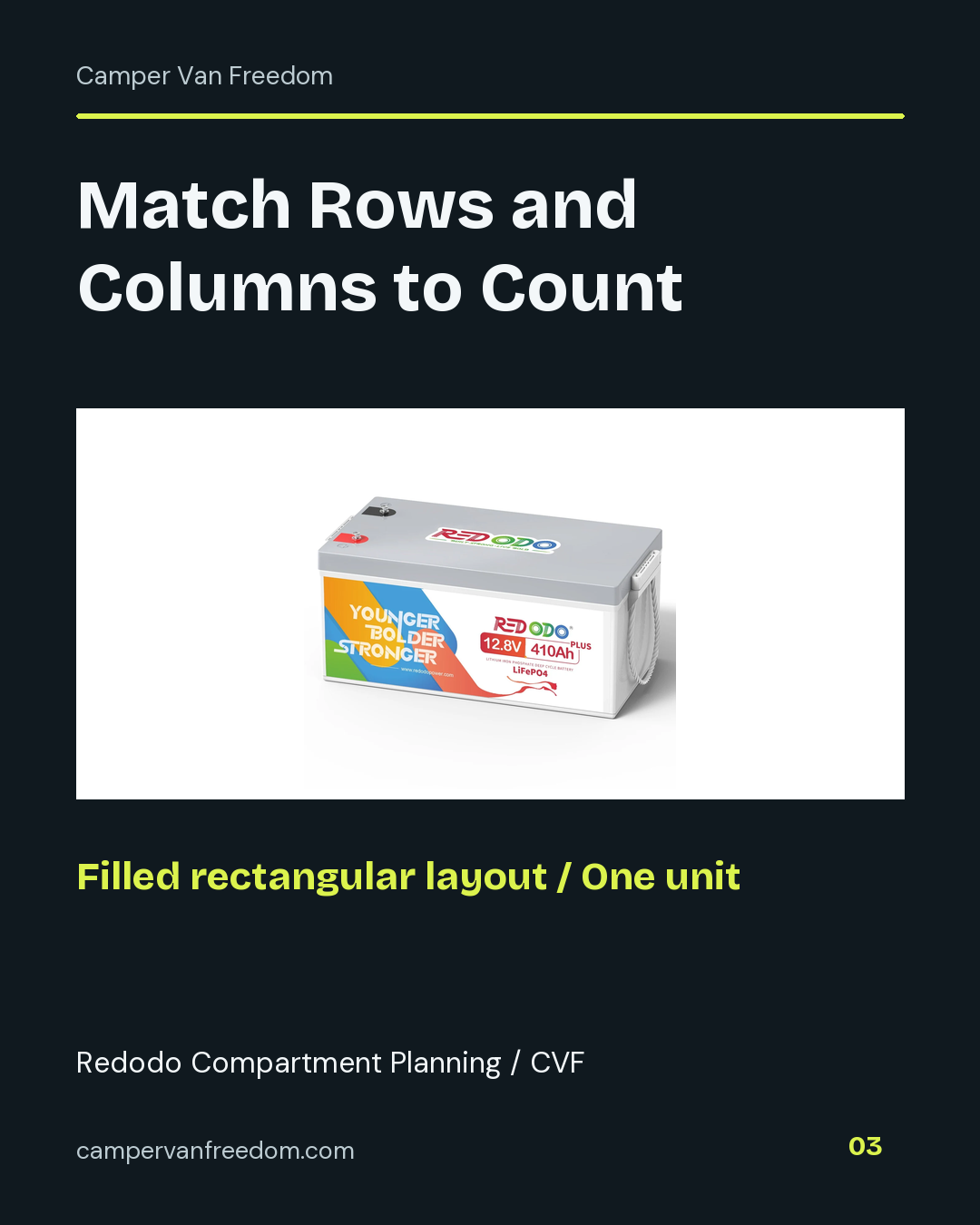
Redodo's current 410Ah Group 8D page provides several pack choices. Its 320Ah Mini Bluetooth is a separate model with a different enclosure and monitoring feature set. Keep those models in separate columns instead of treating a smaller case or a different amp-hour label as a pack-size change.
Amp-hours describe charge capacity at a specified voltage. For an energy comparison, multiply nominal voltage by amp-hours per battery and the number of batteries. The result is the summed nameplate energy in watt-hours. The worksheet shows the three inputs beside the total, making it easier to spot a missing battery or a voltage copied from another product.
Use the nominal voltage from the exact battery's label or specification sheet. A “12V” product-family name and the nominal voltage printed on a LiFePO4 battery serve different roles in the record. Record the source for the value you enter. The energy sum also keeps this comparison separate from a decision about series or parallel wiring and the resulting bank amp-hour rating.
Build the daily energy budget one load at a time. Enter each load’s watts and hours per day, then multiply to obtain watt-hours per day. Use a measured average power for a cycling load when available, or label an estimate as planned. Record the observation period, settings and measurement point with the source. Keep conversion and standby losses in the same energy boundary as the daily total.
The load builder sums completed rows and can copy the total into that candidate’s daily budget. An unfinished row stays visible so it cannot quietly become a zero. A checked zero is a valid entry. Keep an earlier scenario in its own saved CSV before changing equipment or daily operating hours.
Nameplate energy is nominal voltage times amp-hours per battery times physical battery count. Multiply that energy by the planning-share percentage you choose to allocate, then divide by the entered daily watt-hour budget. For a worked example, 5,000 Wh times 80% gives 4,000 planning Wh. Dividing by 1,000 Wh per day gives four planning days. Keep those chosen assumptions with the result.
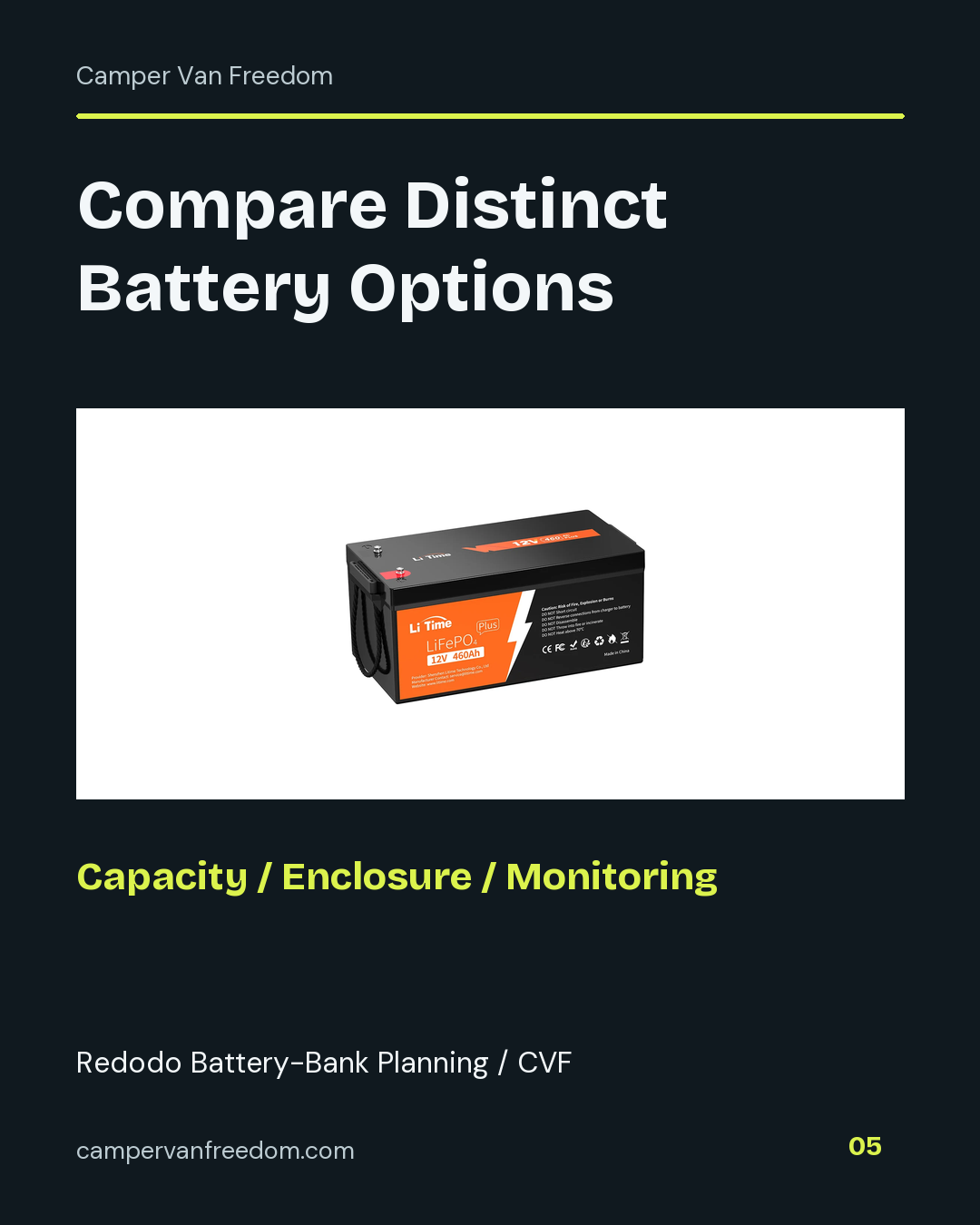
Compare the current Redodo 410Ah one-pack, Redodo 320Ah Mini Bluetooth and LiTime 460Ah as separate configurations with their own quantities and specification sources. The daily budget, physical layout and complete cost belong together; changing a pack quantity changes more than the advertised price.
Record the exact battery’s length, width and height from its current dimension drawing or specification sheet. Use a common length unit for the battery, the available compartment, inter-battery gaps and the overall access allowances you choose. Keep the source and dimension orientation with the layout notes. A pack selection changes quantity; it does not replace the dimensions of each physical battery.
For a filled rectangular arrangement, enter rows and columns and match their product to the battery count already recorded in the energy plan. Length follows the columns and width follows the rows. The worksheet adds a chosen gap between adjacent batteries along each axis. Record the overall extra length, width and height that you want to reserve around the group as separate allowances.
The required layout length is battery length times columns, plus the gaps between those columns and the overall length allowance. Width uses the corresponding rows, battery width, gaps and overall width allowance. Required height is the entered battery height plus the overall height allowance. The calculation keeps all batteries in the same entered orientation and one layer.
Measure the corresponding internal compartment length, width and height. The worksheet subtracts each required layout dimension from its compartment dimension and reports three separate margins. A negative margin identifies the axis to revisit. Keep those measurements with the terminal arrangement, connector access, mounting details and exact manual in the source and layout fields.
Compare the current 410Ah Group 8D, the 320Ah Mini Bluetooth and the LiTime 460Ah in separate configurations. Use each model’s own dimension source and selected quantity. The Mini Bluetooth is a separate model with its own enclosure and monitoring arrangement. Save the physical plan alongside the energy budget and complete cost so a model or pack change remains visible across the comparison.
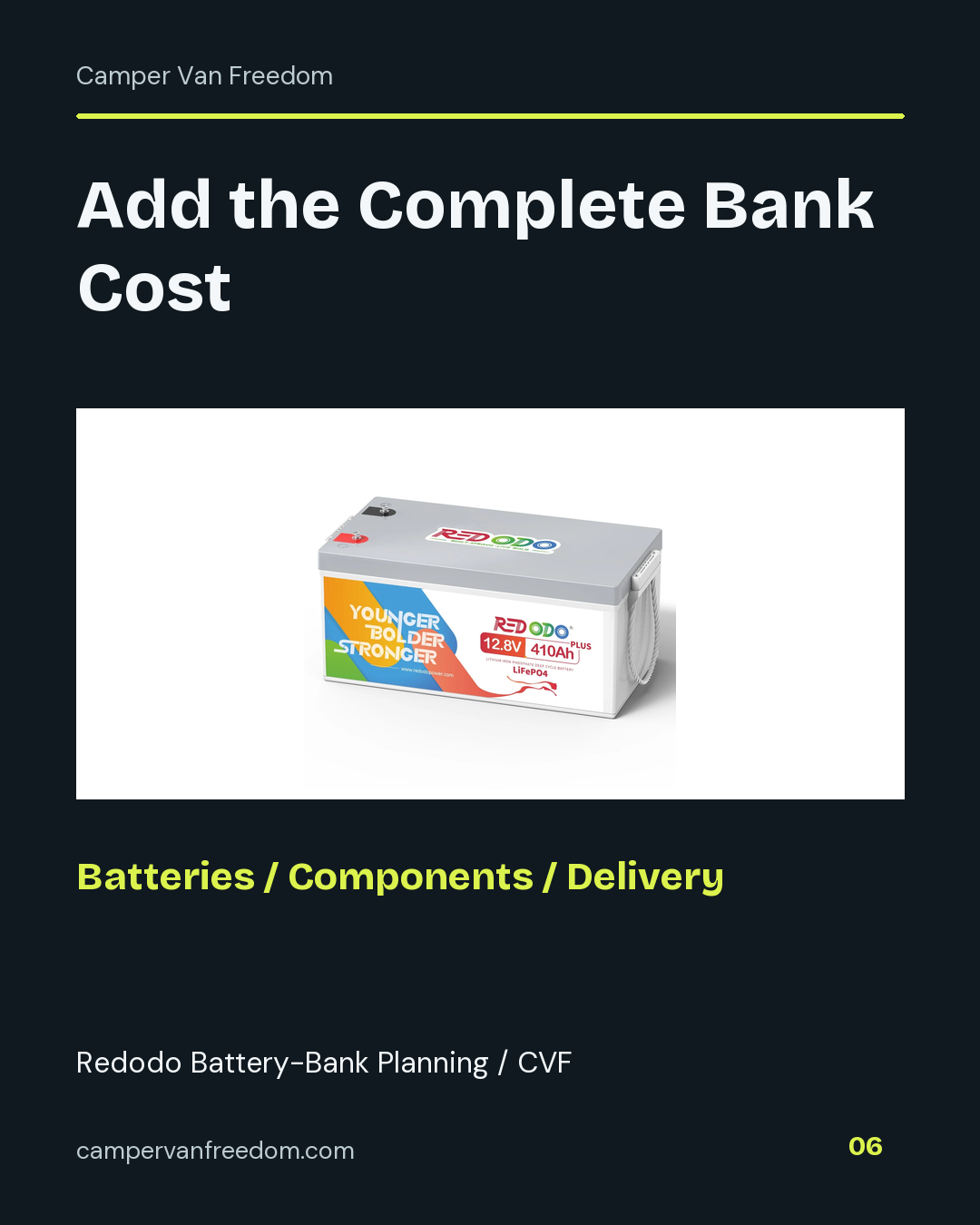
Enter the total battery cost for the selected quantity, additional components, and delivery or other charges in separate fields. The worksheet totals those categories. Include the parts your chosen configuration requires rather than comparing a complete bundle against a single battery price.
Save the exact offer, quantity and date with that total. On a product page with several pack options, recheck the selected package before using the basket total in the comparison. The two-pack in my purchase record remains a two-pack even when a current one-pack offer becomes the starting point for another plan.
The current Redodo 410Ah one-pack offer is shown above. These two researched alternatives change the battery format or capacity; neither is presented as another battery I bought or used.
The Redodo 320Ah Mini Bluetooth is a separate LiFePO4 battery format. Compare its capacity, enclosure and monitoring features with the 410Ah option.
View Redodo Alternative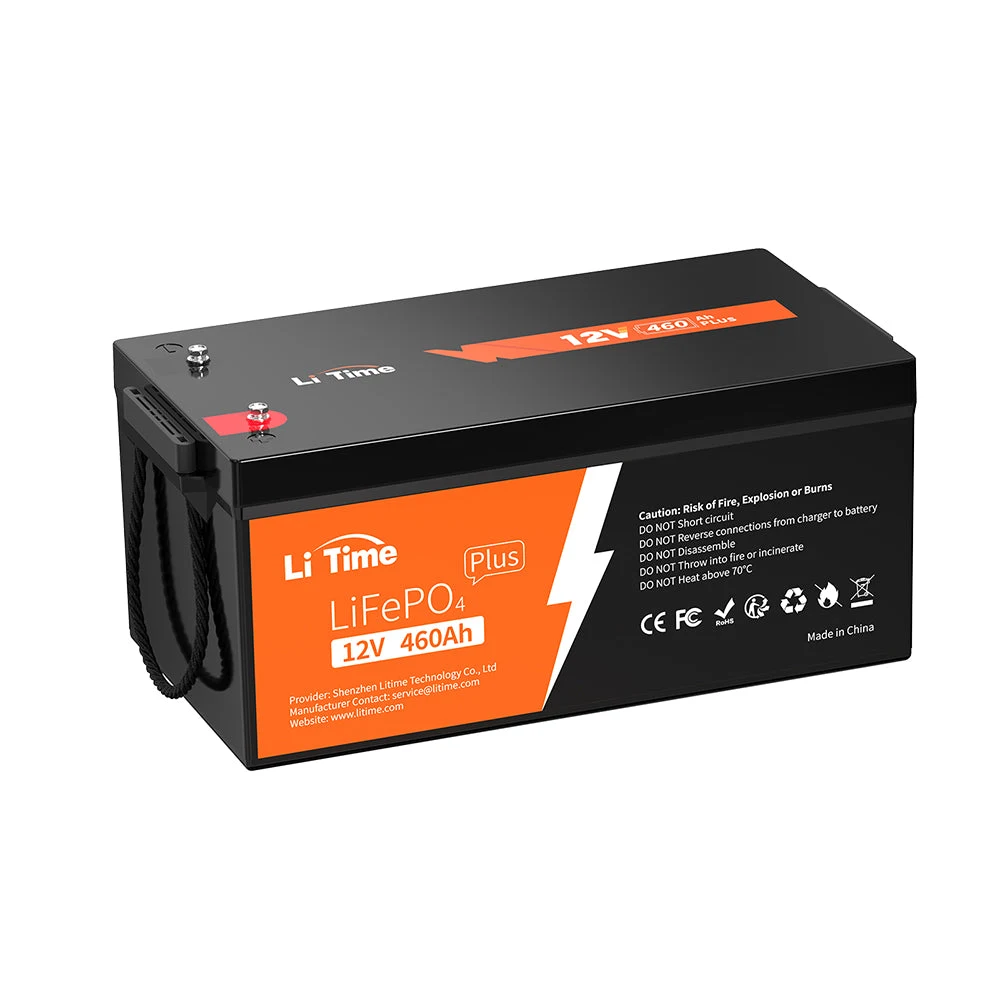
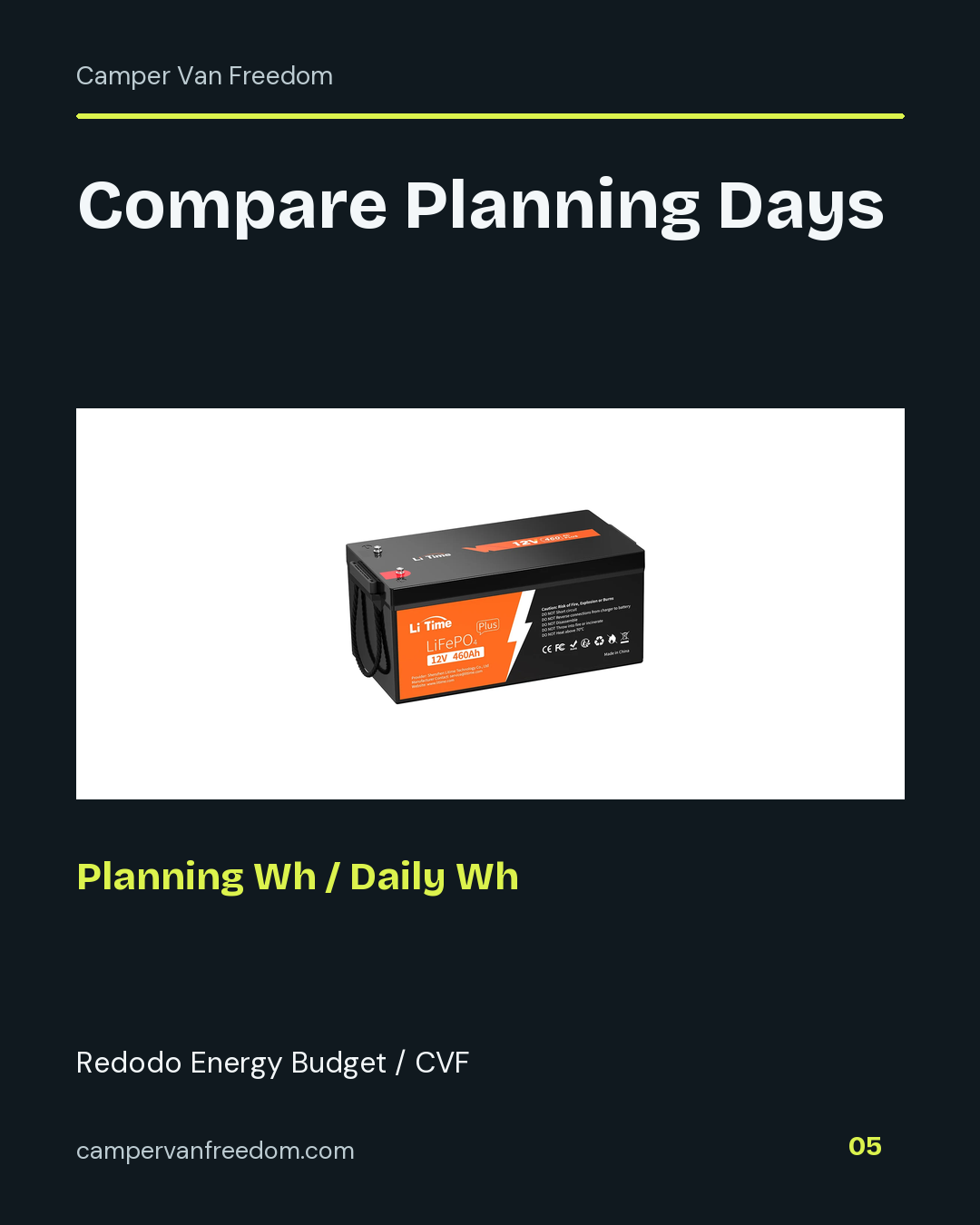
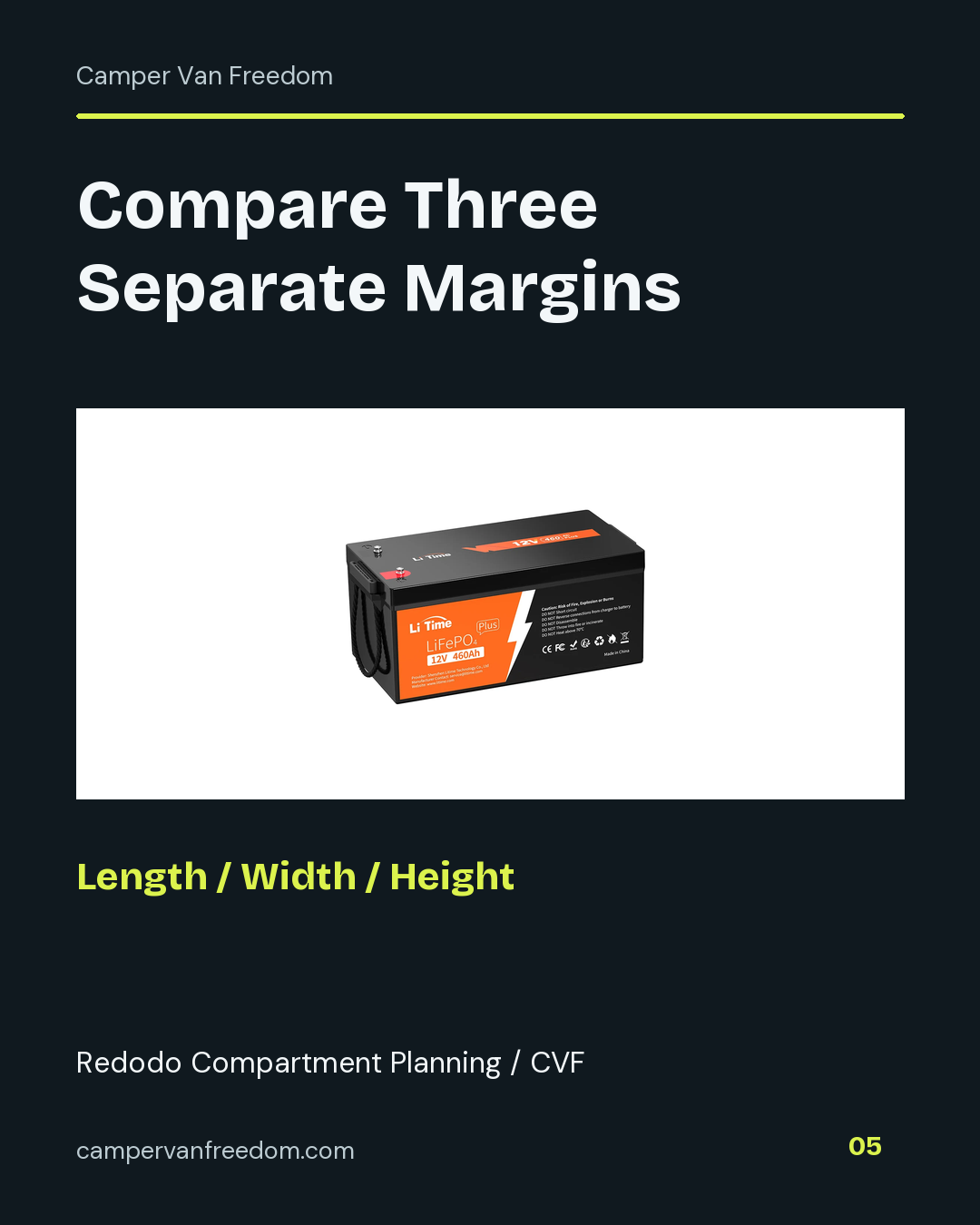
The LiTime 460Ah Group 8D is a separate lithium battery option. Keep its dimensions, quantity and current specification sheet in its own comparison column.
View LiTime Product Reference| Candidate | Model Identity | Quantity to Record |
|---|---|---|
| Redodo 410Ah Group 8D | Current 410Ah battery family; separate from my historical two-pack record | Selected one-, two- or four-pack |
| Redodo 320Ah Mini Bluetooth | Smaller-capacity model with Bluetooth in its identity | Selected battery or bundle quantity |
| LiTime 460Ah Group 8D | Different brand and capacity | Selected battery or bundle quantity |
Compare three exact configurations. Keep nominal energy, battery count, chosen planning inputs and complete cost together. Expand compartment planning in each configuration to enter a filled rectangular layout, chosen access space and measured compartment dimensions.
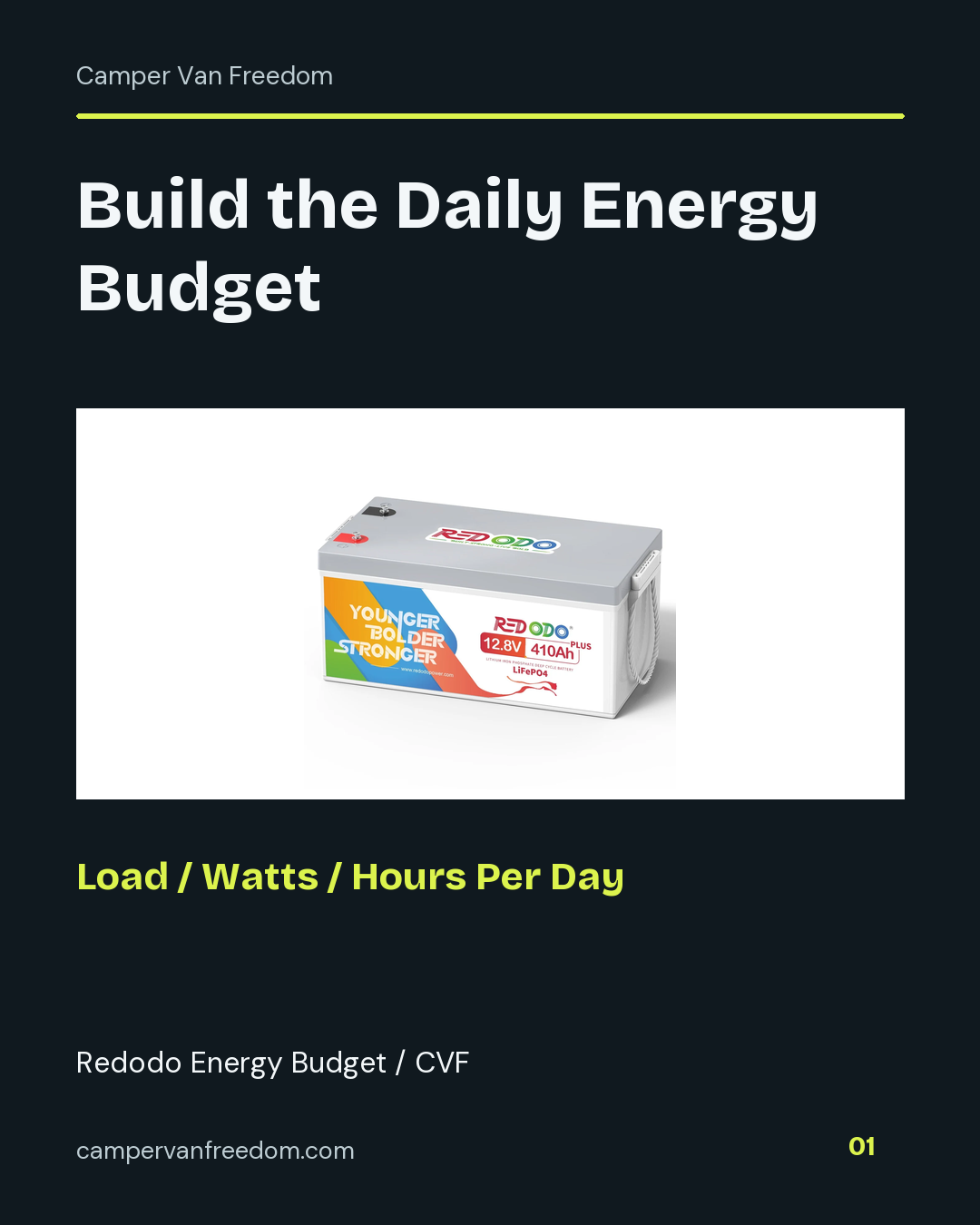
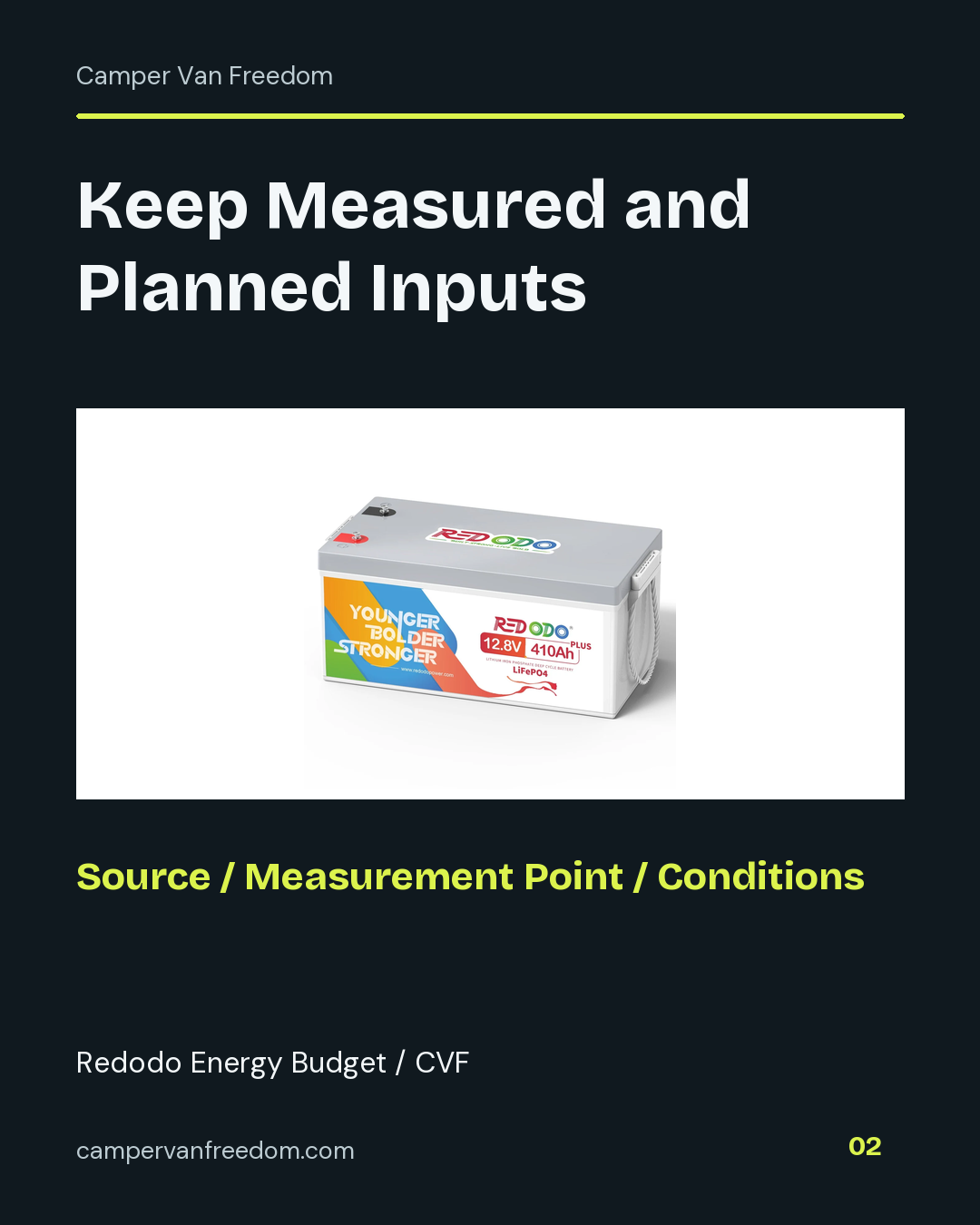
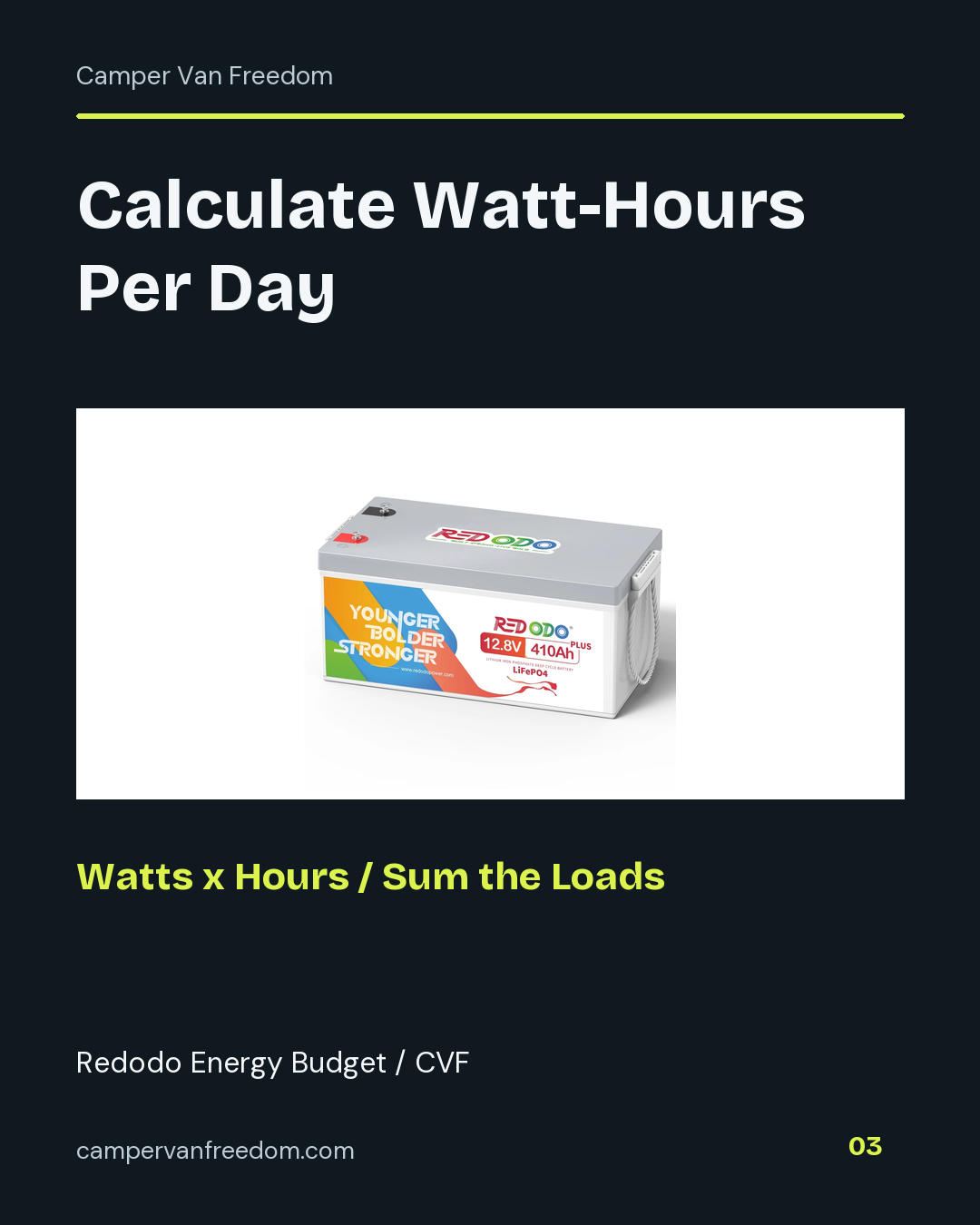
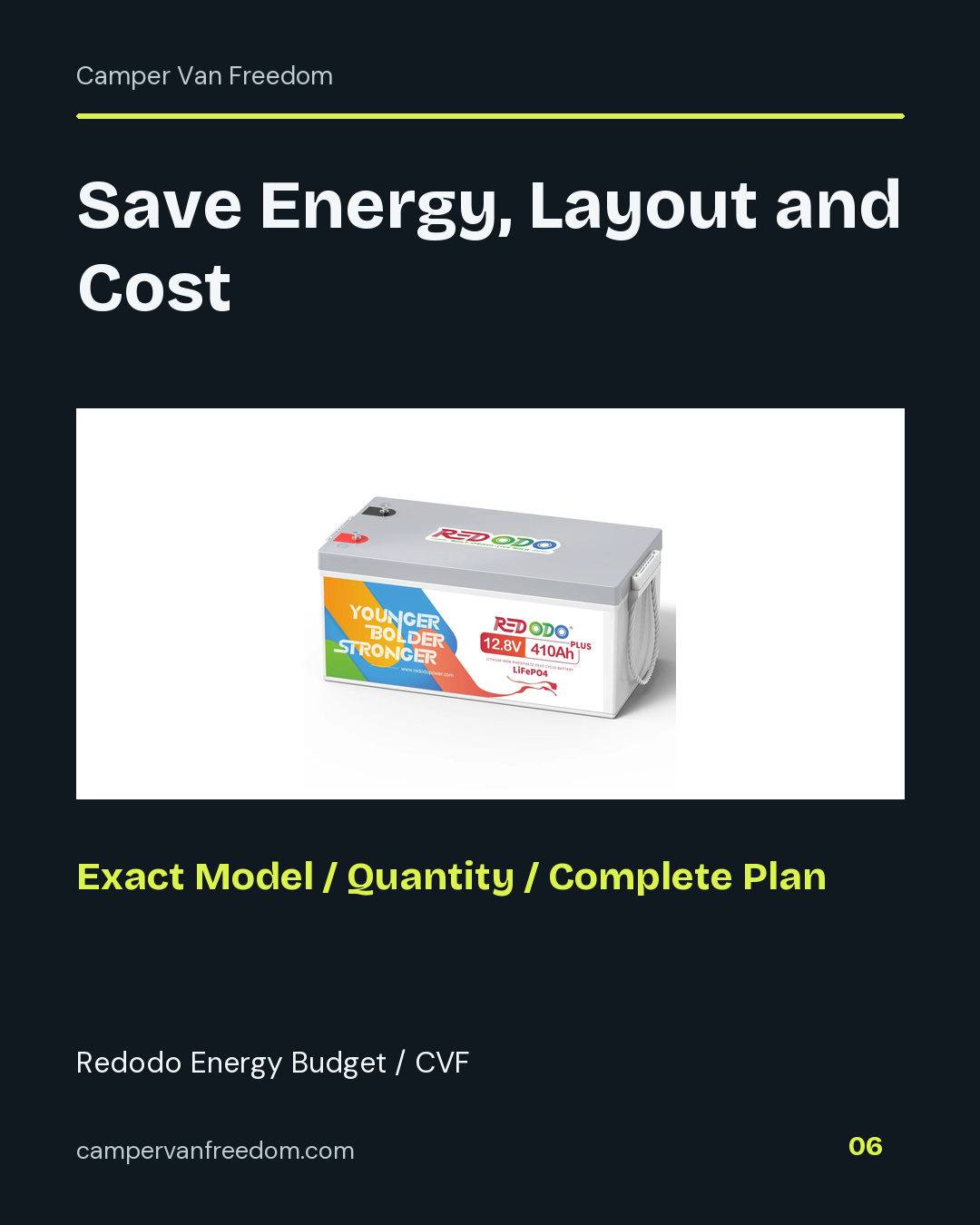
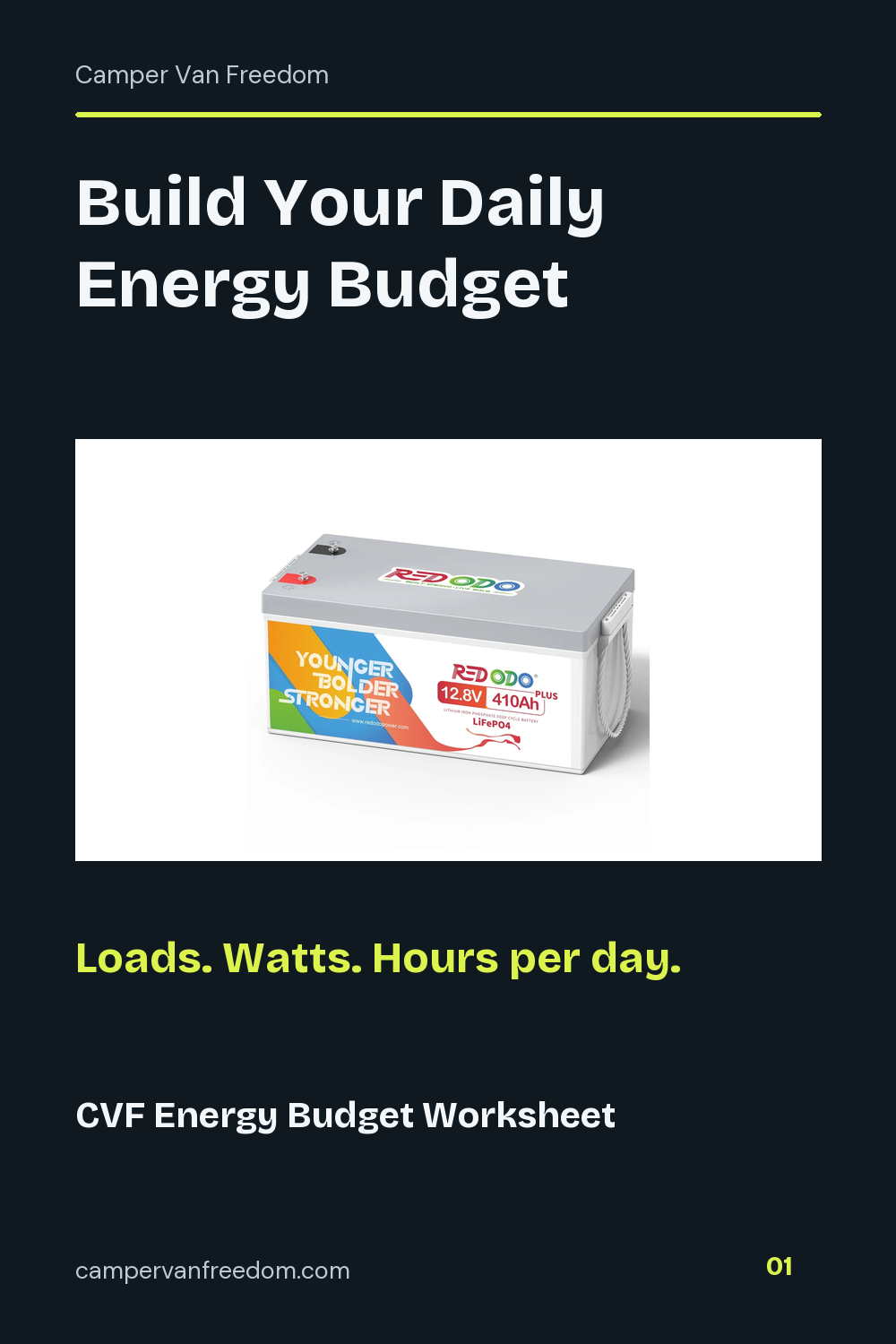
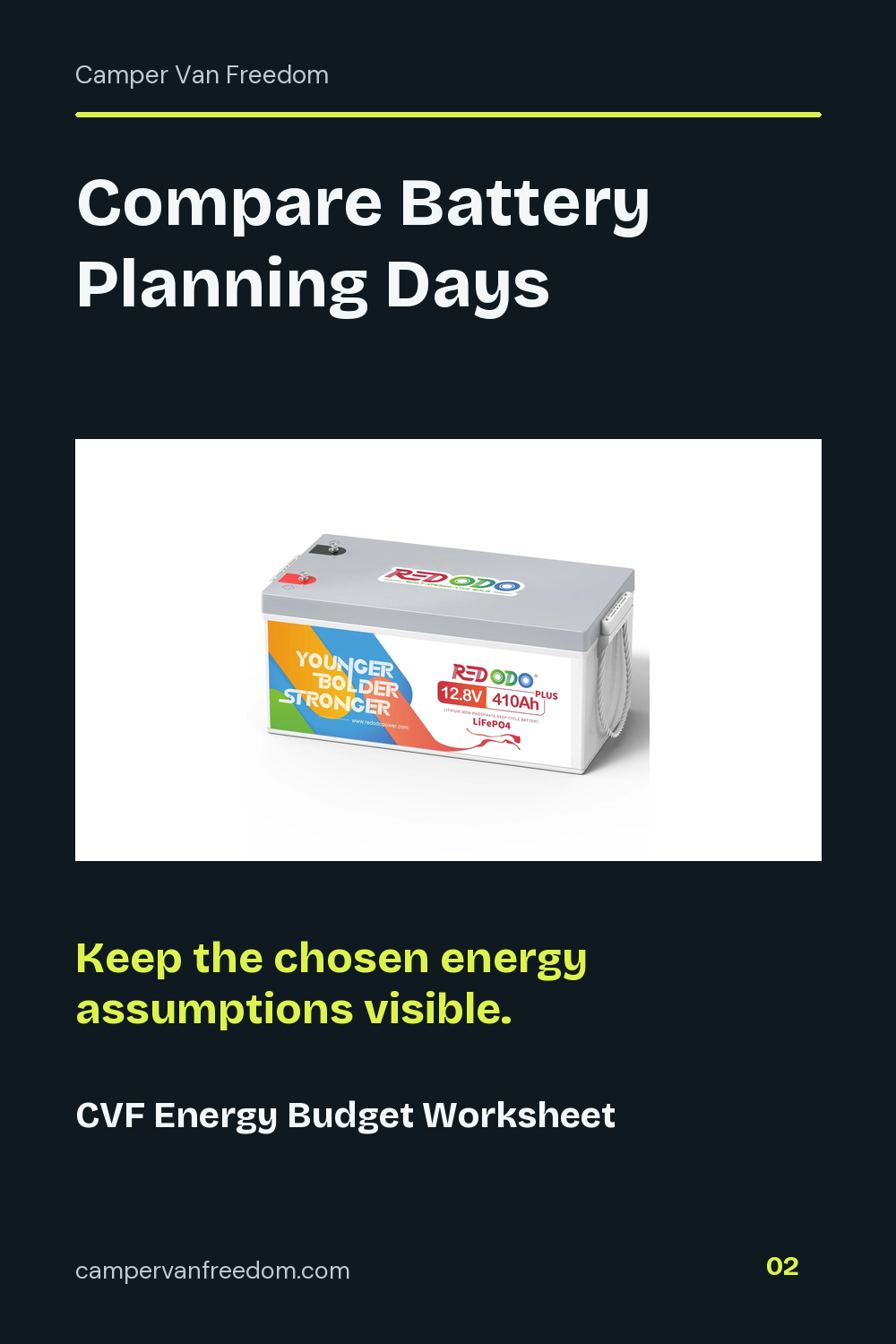
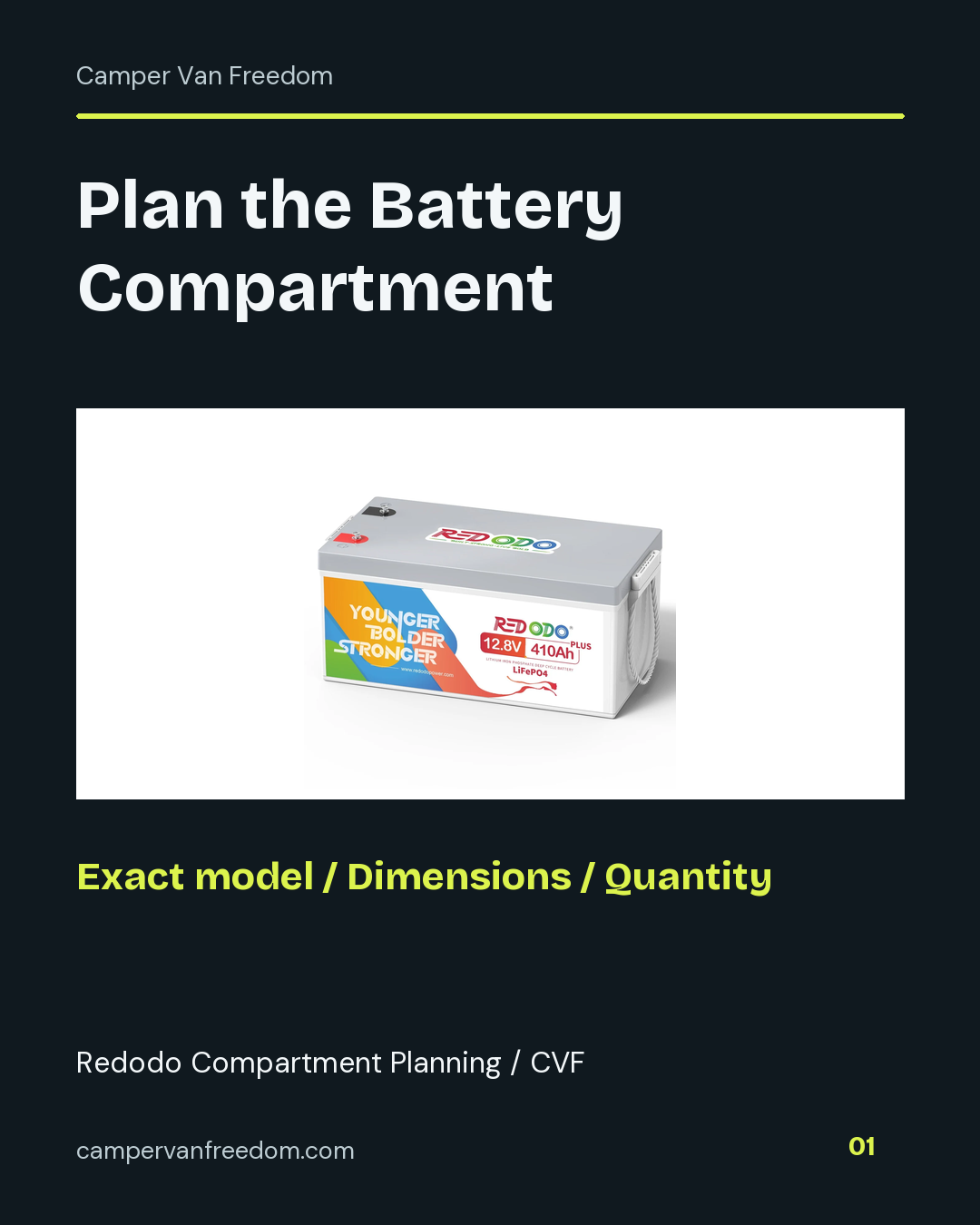
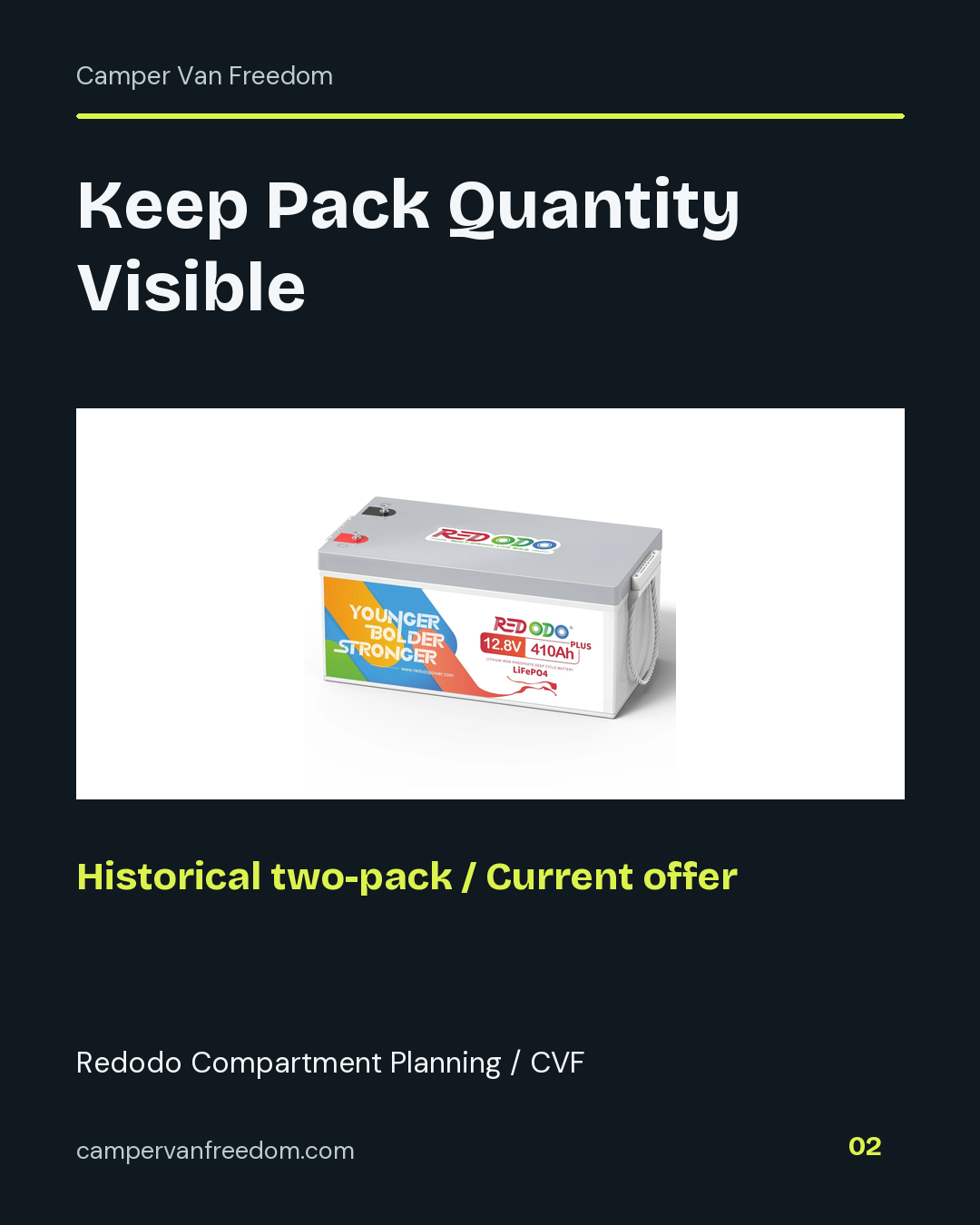
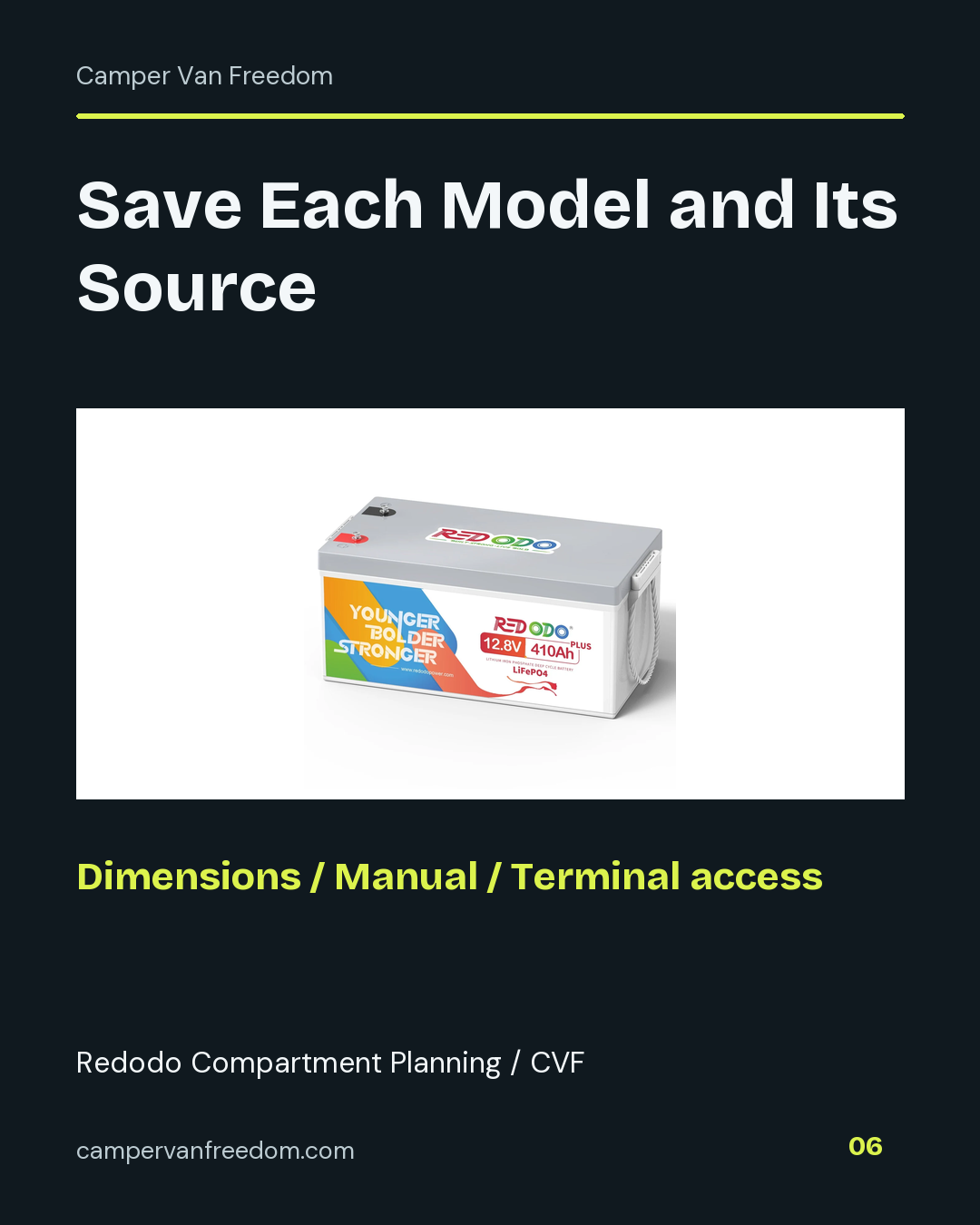
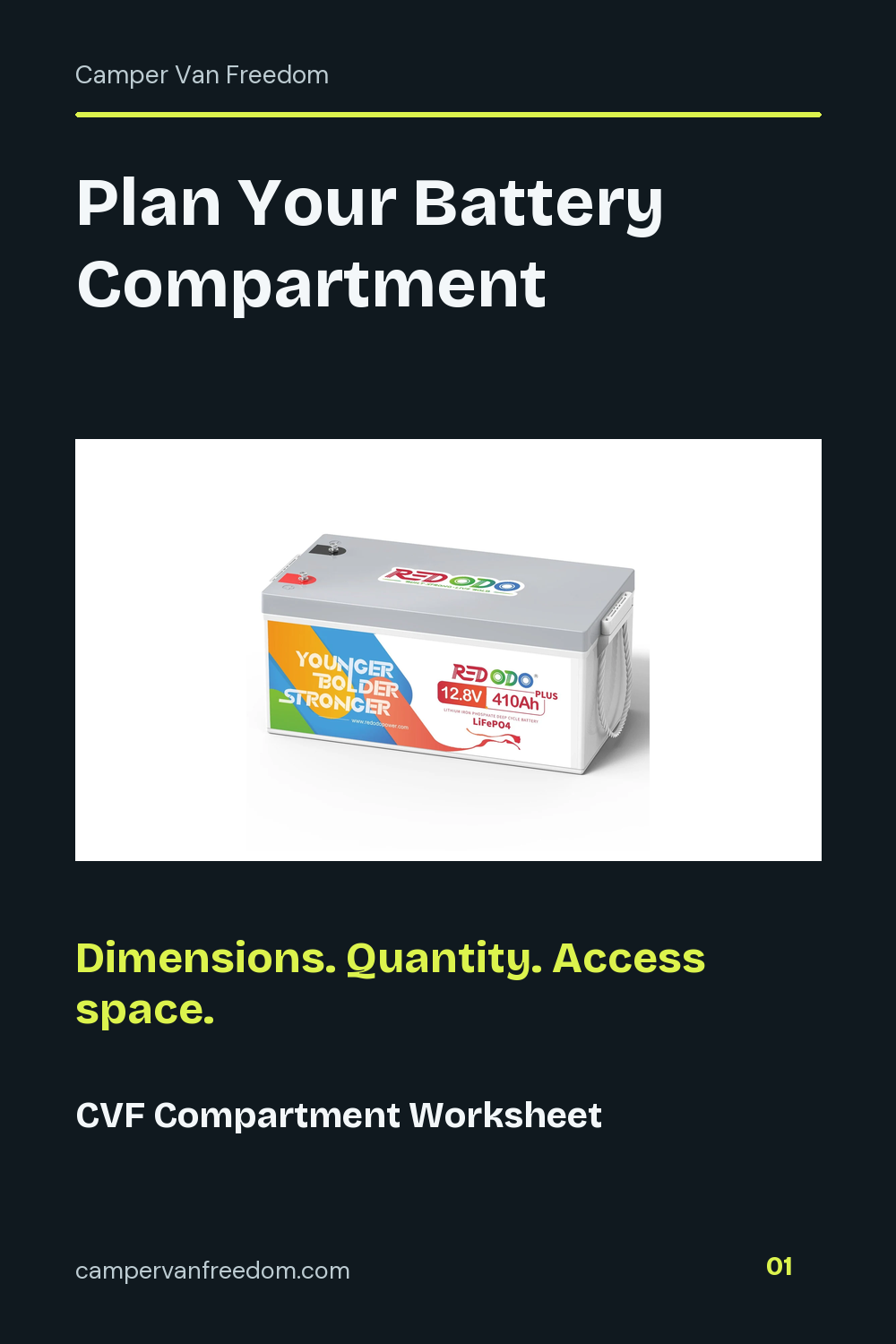
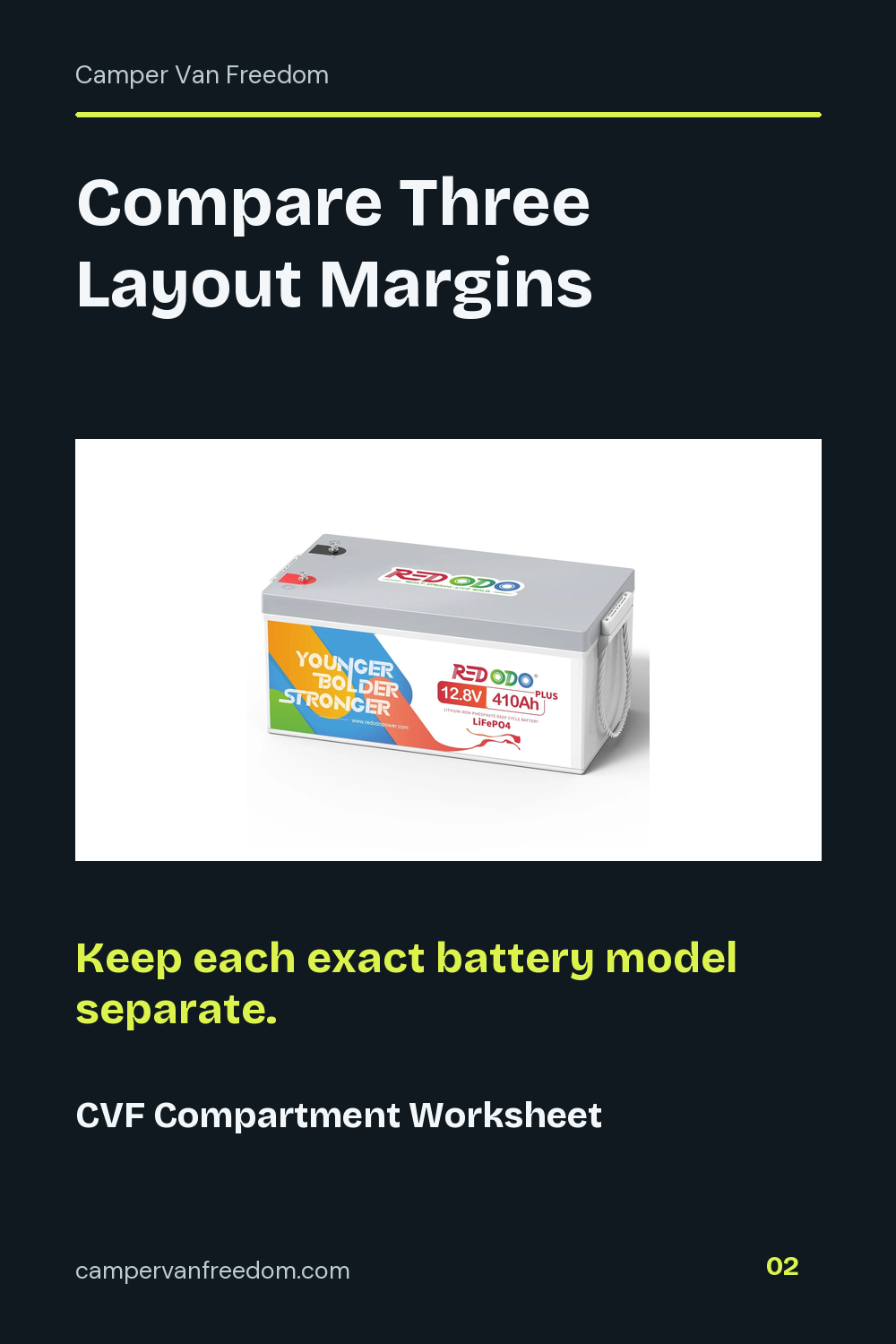
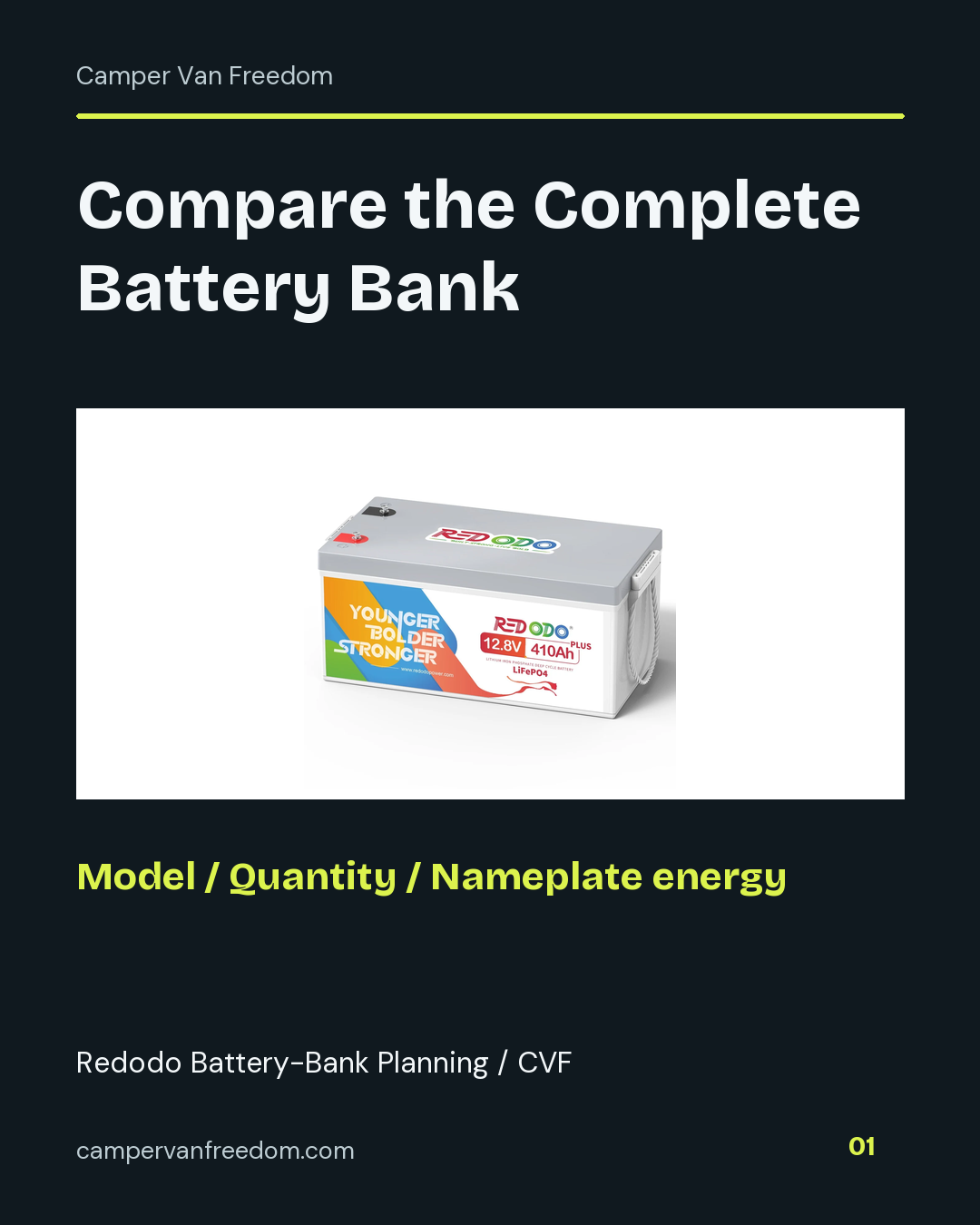
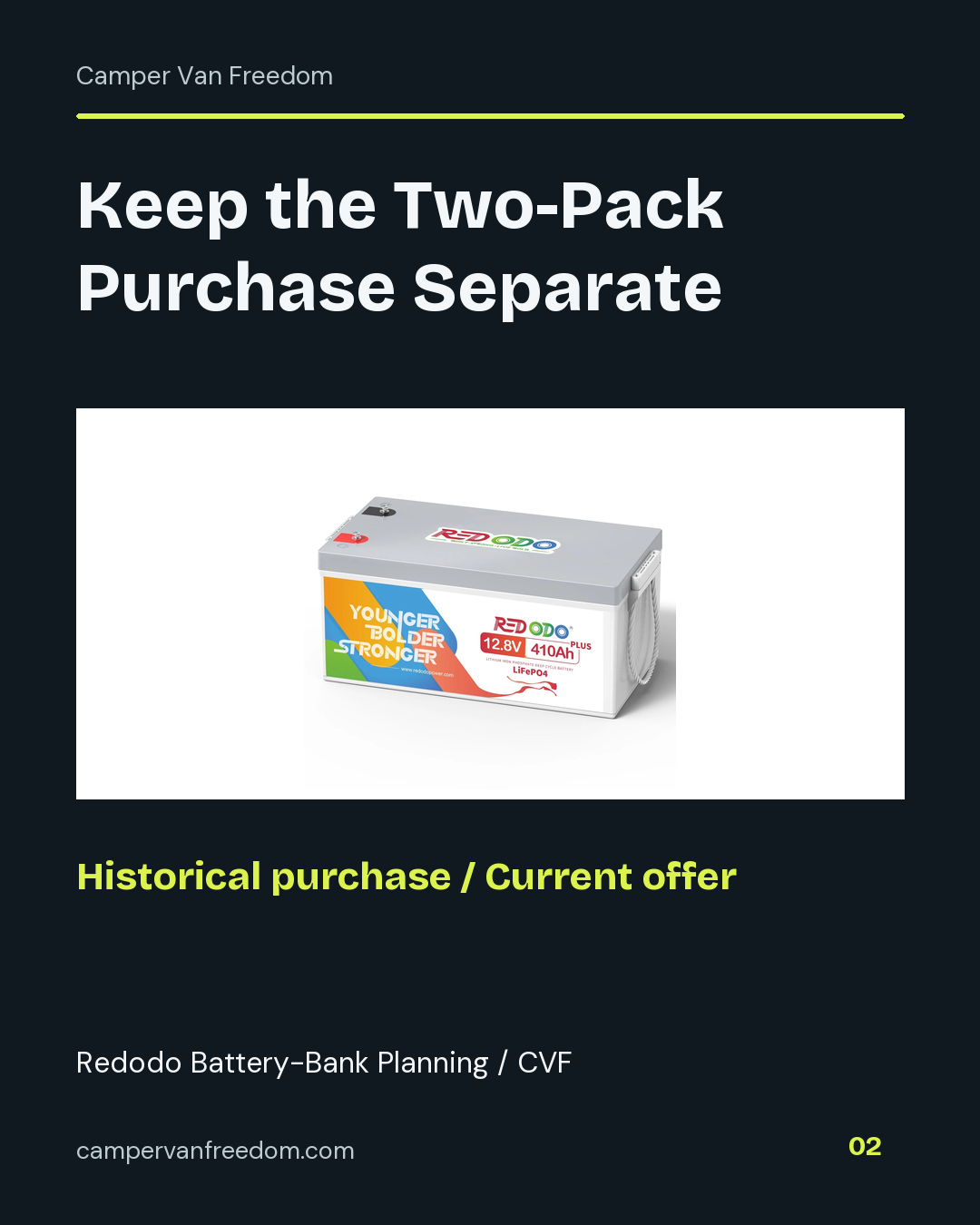
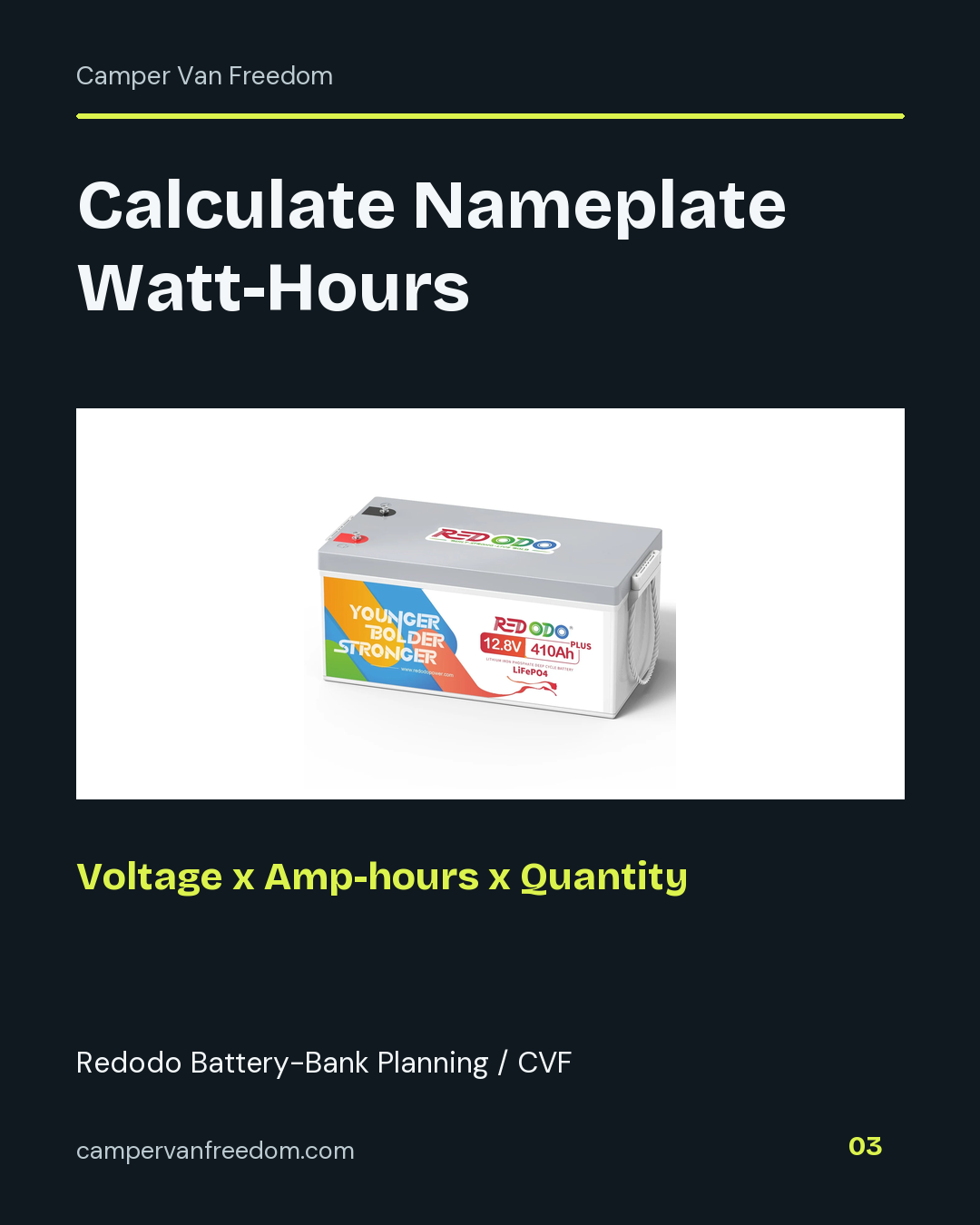
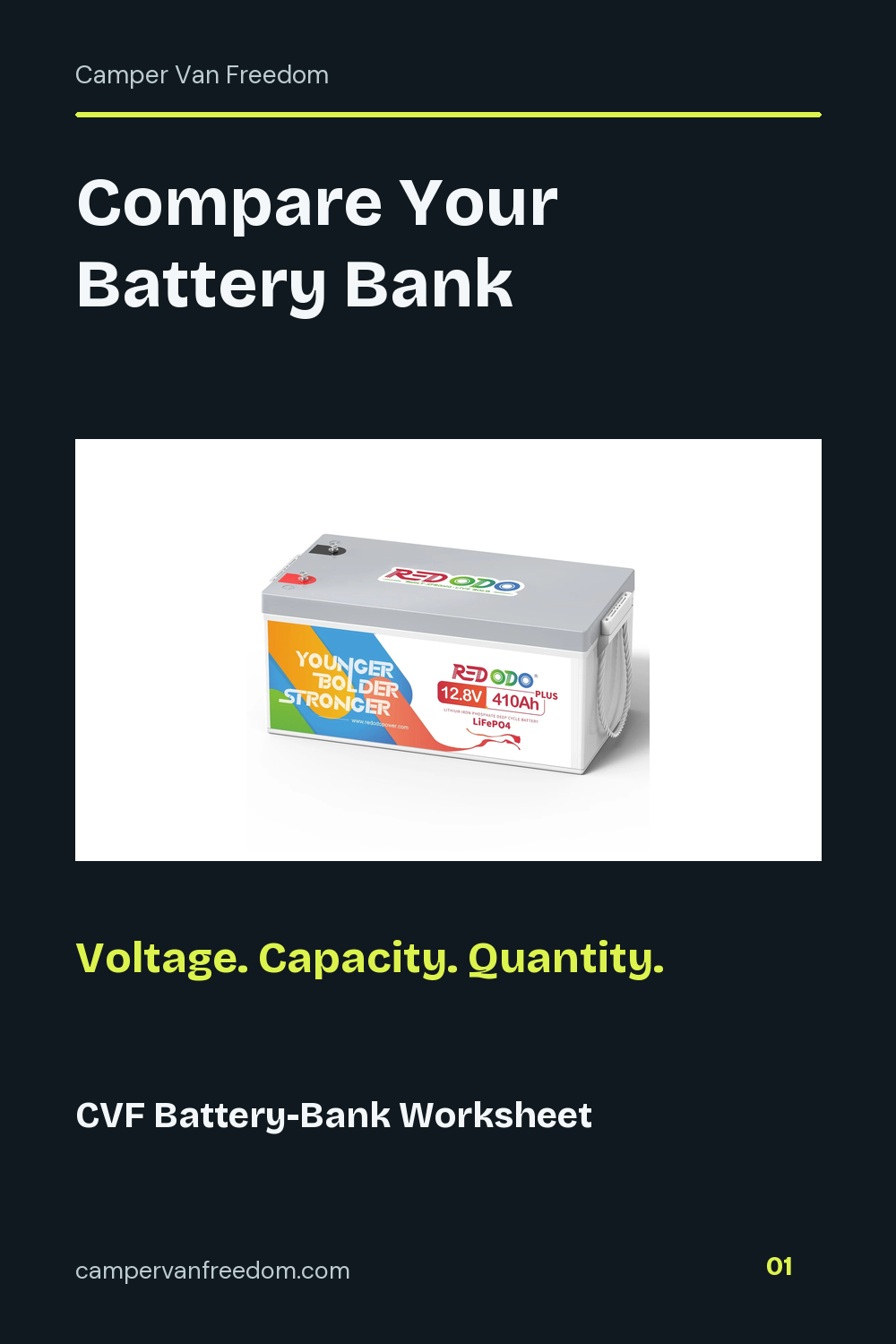
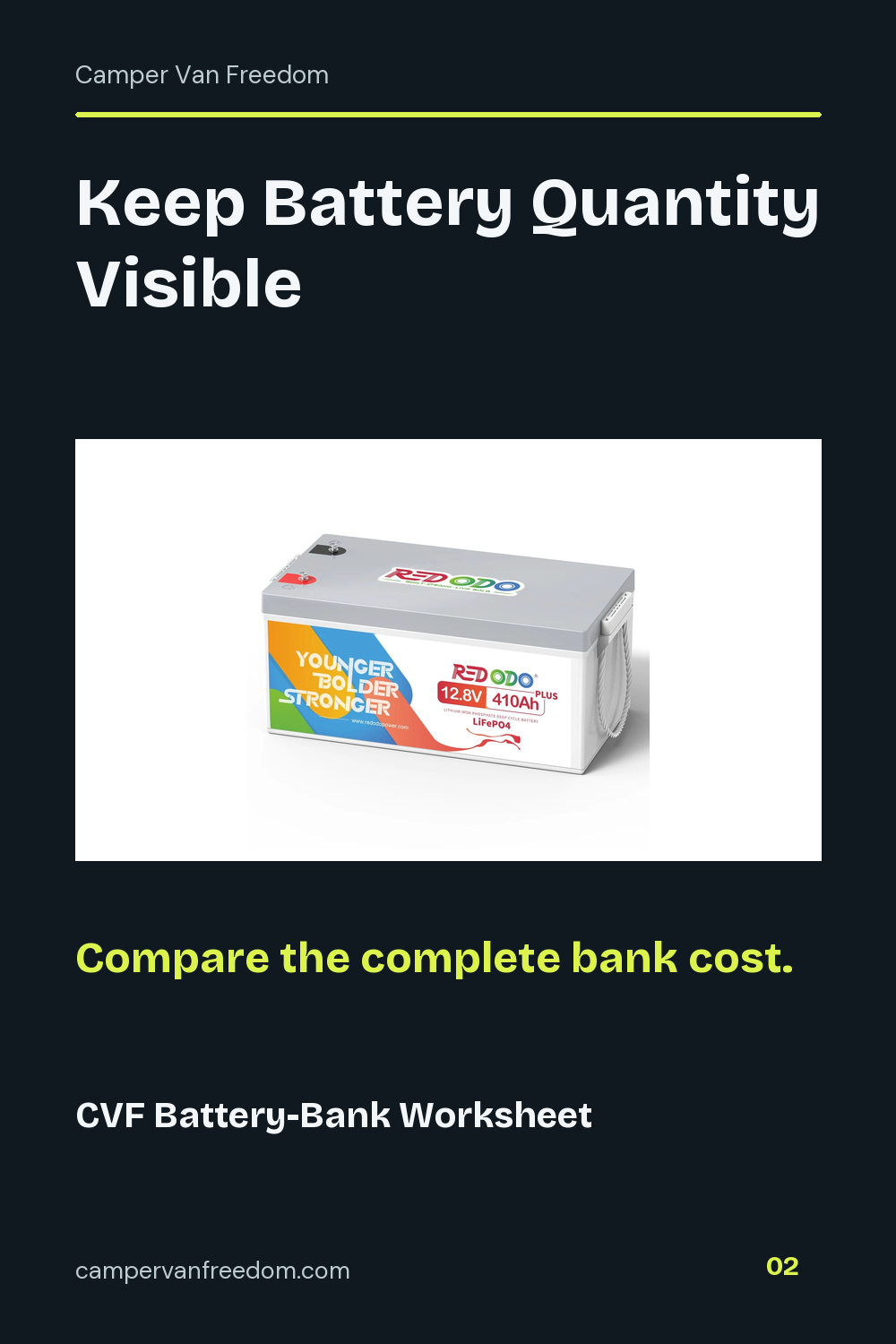
My original purchase record names a Redodo 12V 410Ah LiFePO4 battery two-pack. That quantity remains part of the purchase record when comparing a current offer.
Watt-hours include voltage in the comparison. Multiplying nominal volts by amp-hours per battery and battery count keeps voltage and quantity visible alongside the capacity rating.
The worksheet multiplies nameplate watt-hours by the planning-share percentage you enter, then divides by your daily watt-hour budget. Save those assumptions with the result.
Record the selected pack and the complete price for the quantity being purchased. A displayed per-battery figure and a complete bundle total are different entries.
The compartment plan uses a filled rectangular grid in one layer. Enter rows and columns whose product matches the battery count from the energy plan. The calculator combines the entered dimensions, gaps and overall access allowances, then reports length, width and height margins against the corresponding compartment measurements.