The charging station belongs to my purchased electronics accessories. My electrical diary shows how I organized multiple device cables and their shared entry route, a useful reference for the smaller charging cables inside the van.
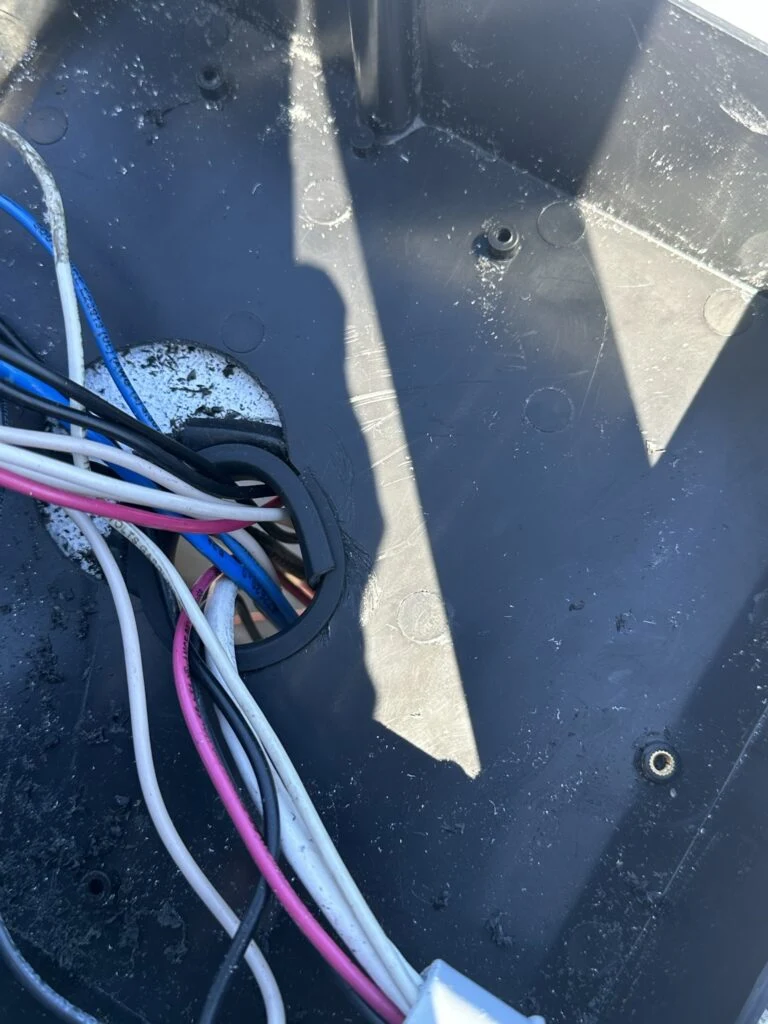
The trimmed roof opening where my cable groups enter the van.
The item in my kit
I bought Ten-Port USB Charging Station as part of my camper van equipment.
The charging station belongs to my purchased electronics accessories. My electrical diary shows how I organized multiple device cables and their shared entry route, a useful reference for the smaller charging cables inside the van.
Where it fits my build
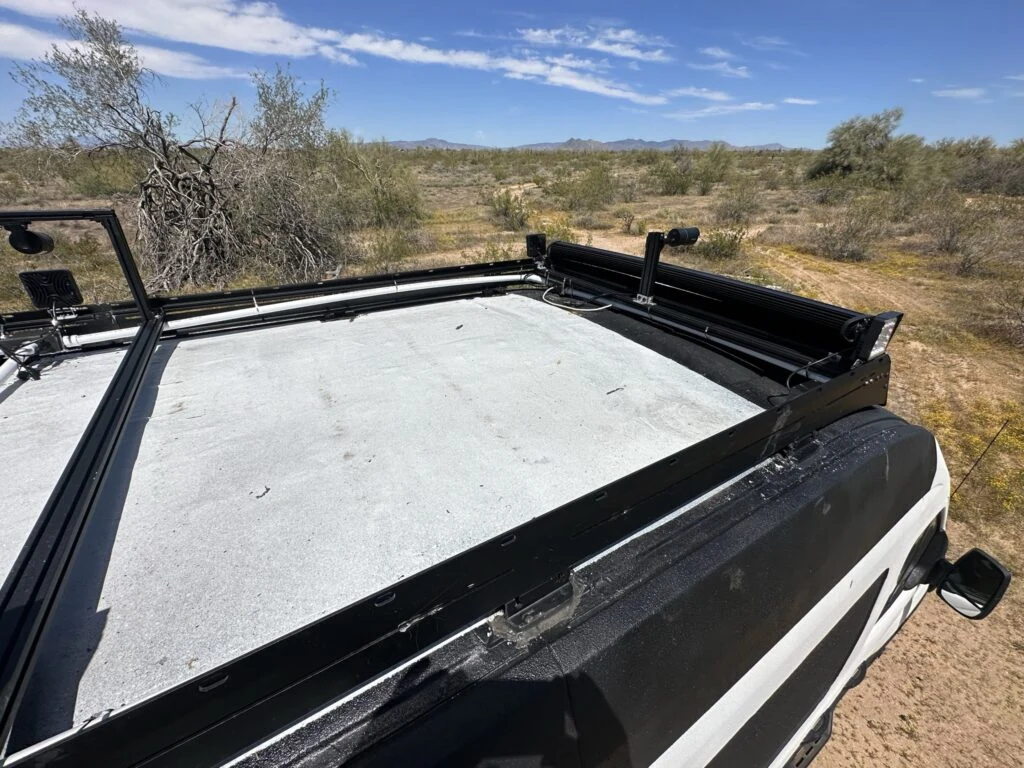
On Day 104 I pulled the roof wiring through the PVC route with fish tape and brought the cable groups into the van. I fitted plastic trim around the roof opening where the wires passed through.
I also finished the remaining light-wire connections, fitted the junction-box covers, joined the remaining PVC sections and tightened the metal ties around the route.
The roof at the end of my Day 104 wiring session.
My build notes
This stage pulled together several earlier sessions of drilling boxes, fitting glands and arranging the roof hardware. The final cable entry was the point where all those separate roof routes met.
My notes show how much of the work was physical organization: pulling cables, keeping entry points accessible and closing boxes after the connections were finished.
The route into the van was a layout problem as much as a wiring task.
Alternative products
Two alternatives to compare
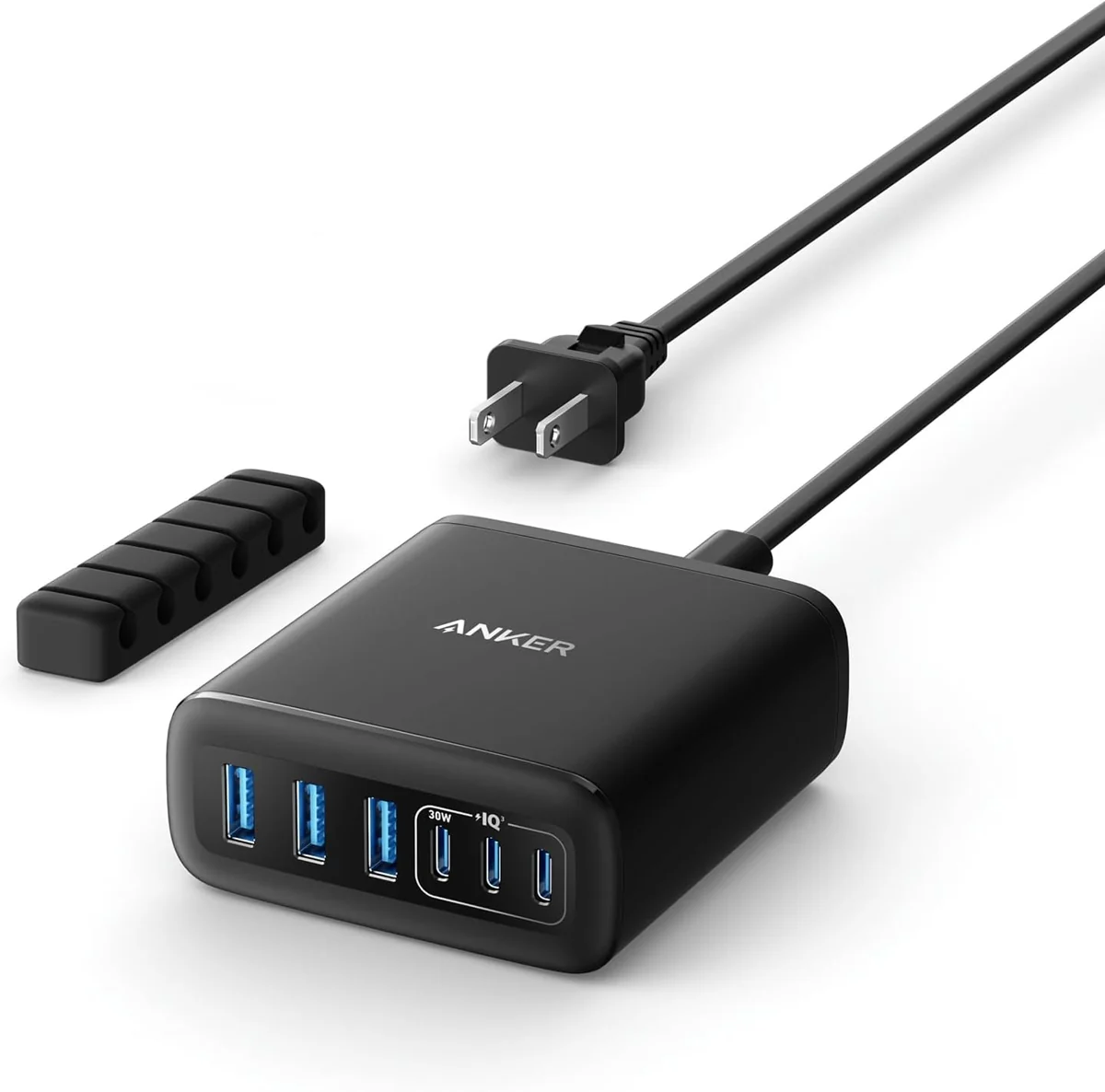
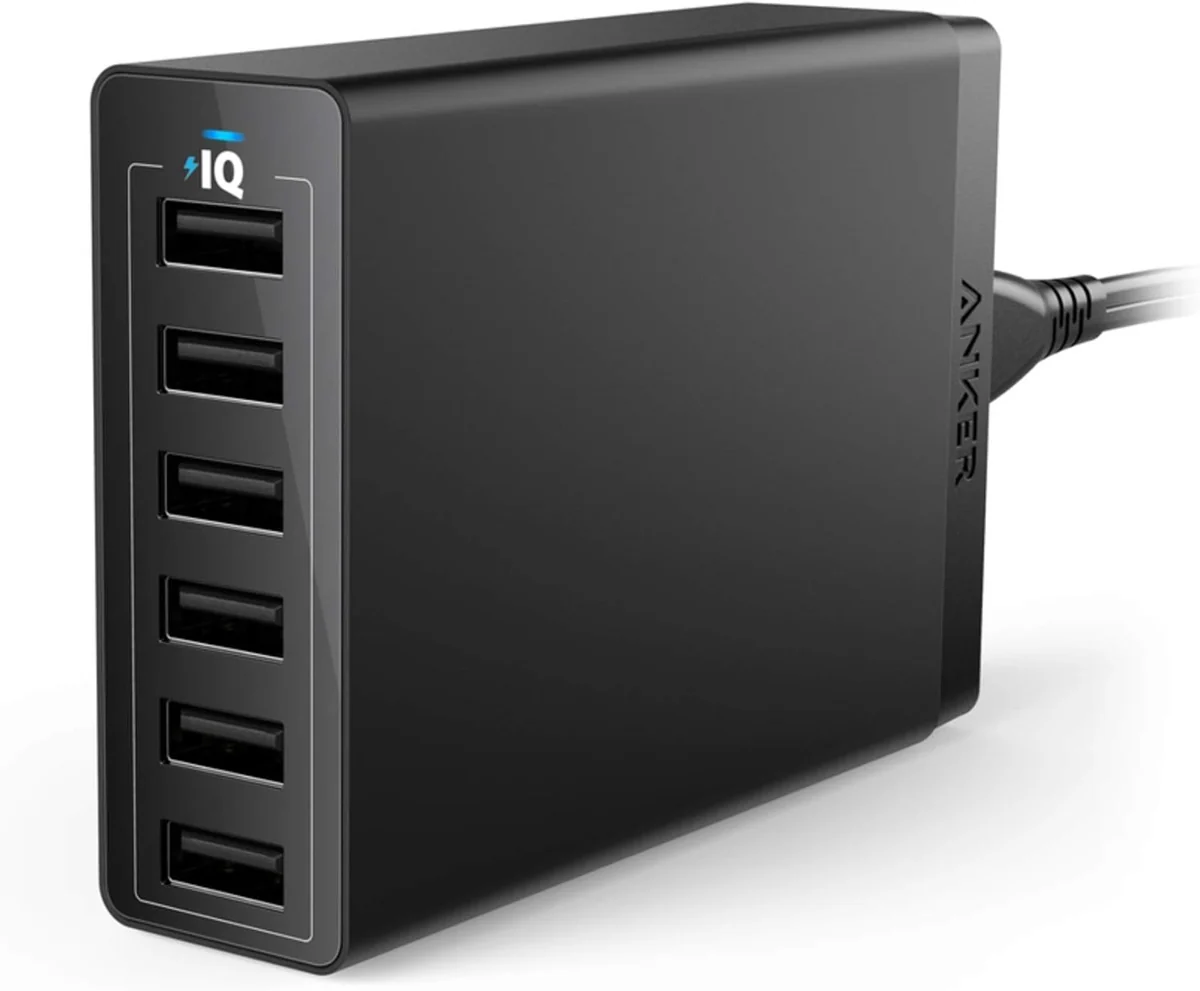
The Anker 112W station uses six mixed USB ports, while the PowerPort 6 offers six USB-A ports rather than the purchased ten-port layout.
Anker Six-Port Desktop Charger
This desktop charging station provides six USB ports in one housing. Its mixture of USB-C and USB-A connections serves devices with different cable ends.