The MK3 interface belongs to my purchased electrical setup equipment. My diary records the physical side of bringing device wiring into the van, while this adapter is part of the separate computer-connection toolkit.
I bought Victron MK3-USB VE.Bus Interface as part of my camper van equipment.
The MK3 interface belongs to my purchased electrical setup equipment. My diary records the physical side of bringing device wiring into the van, while this adapter is part of the separate computer-connection toolkit.
Separating a Wired Setup Interface from a Bluetooth Dongle
I pulled the roof cables through the PVC route with fish tape.
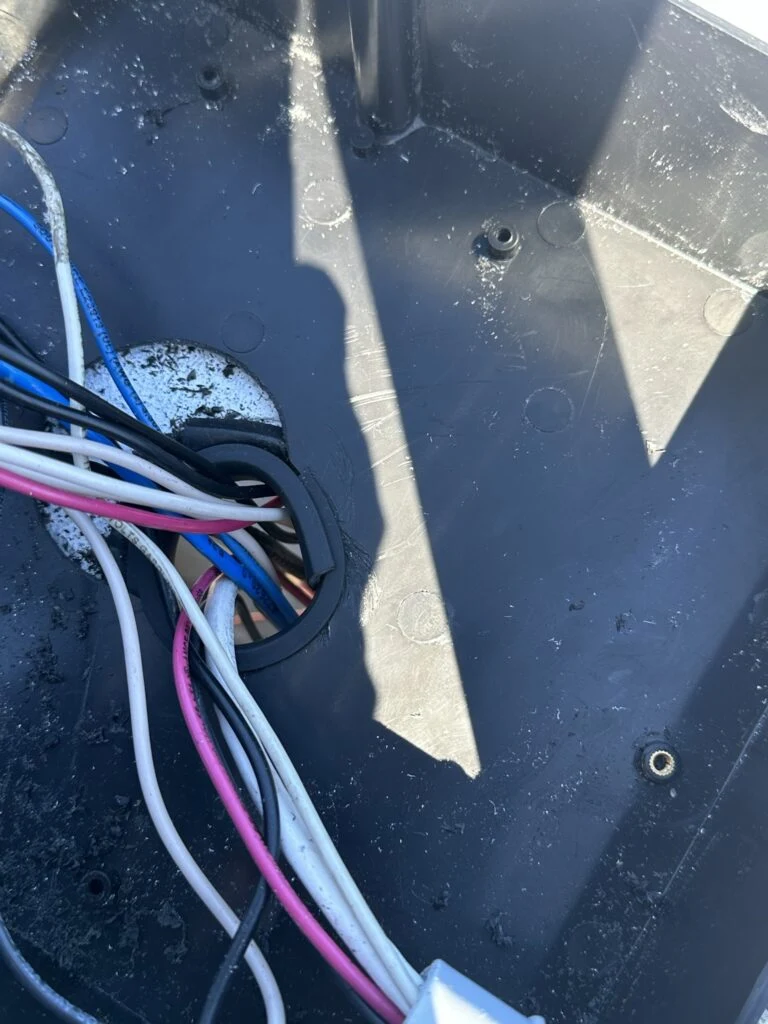
I fitted plastic trim around the roof opening where the wires entered the van.
I completed the remaining light connections, covered the boxes and joined the final conduit sections.
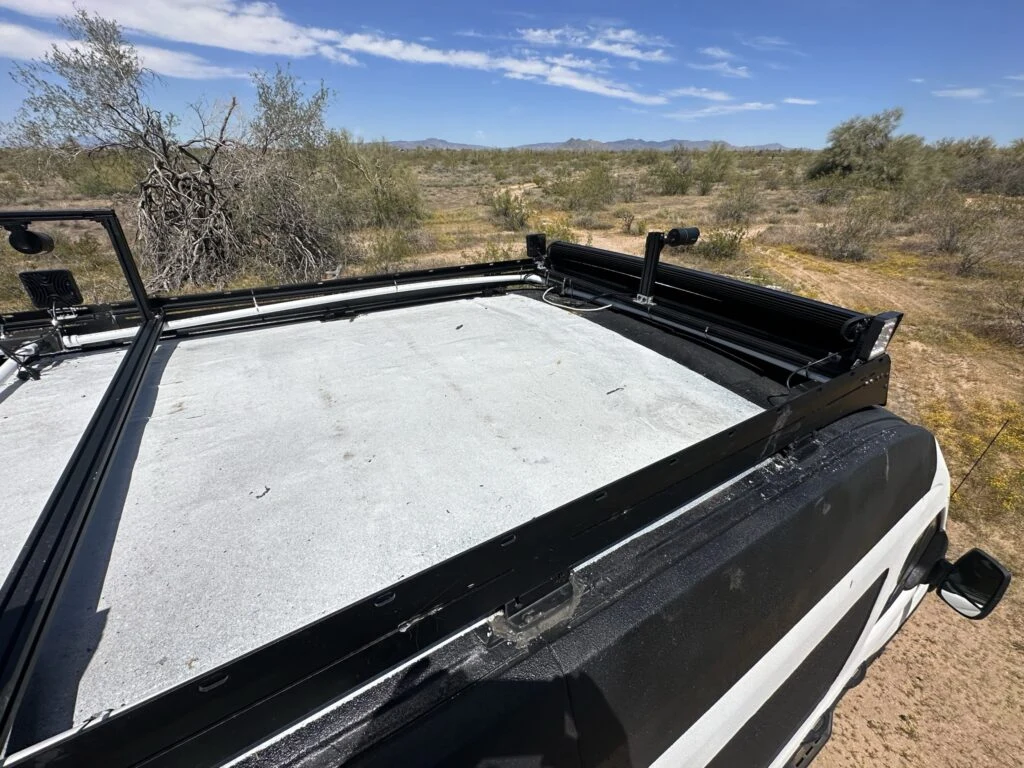
The roof at the end of my Roof Wiring and Devices Project Day 8 wiring session.The trimmed roof opening where my cable groups enter the van.
My Takeaway from This Job
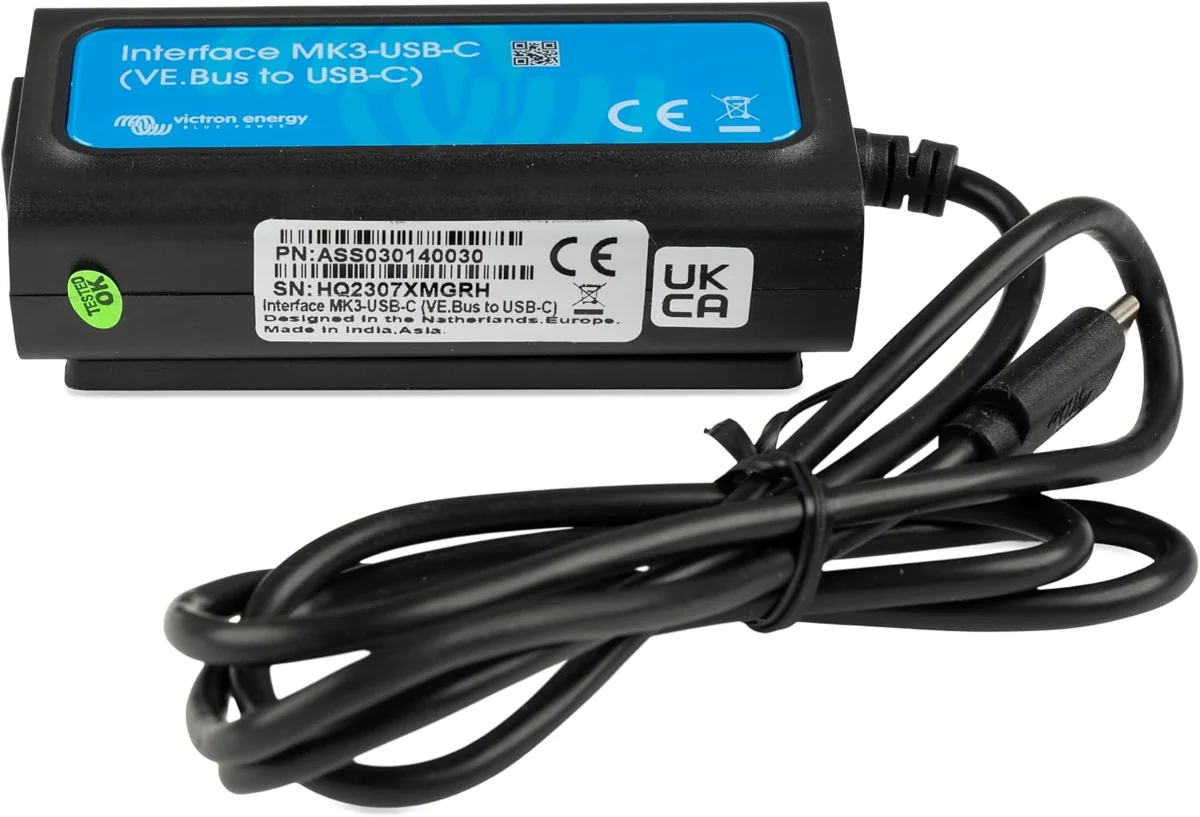
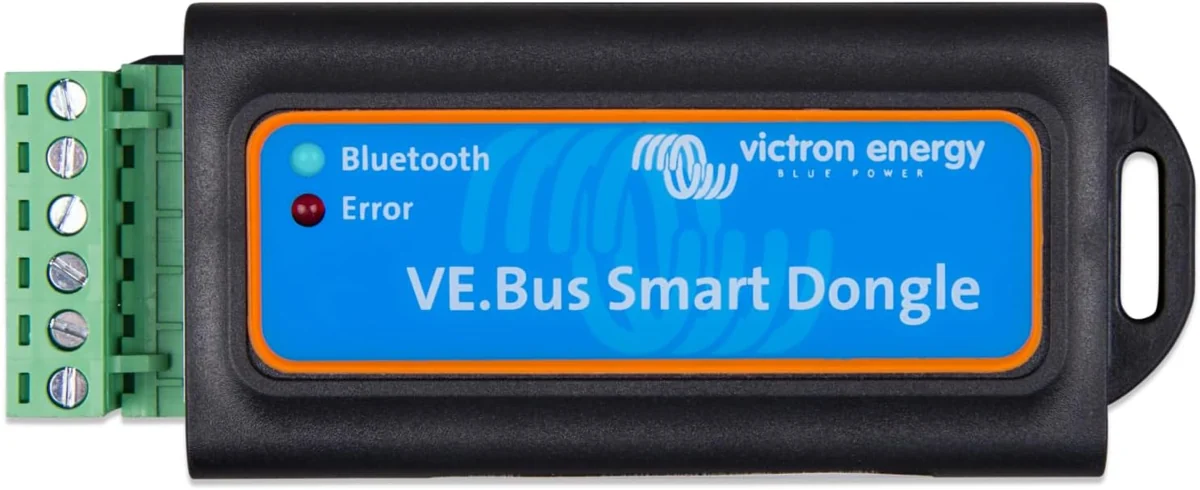
The MK3 adapters keep a wired VE.Bus-to-computer connection, changing the computer end between USB and USB-C. The Smart Dongle instead adds Bluetooth monitoring and control functions, making its purpose different from simply changing the plug on the same interface.
Product Details And Van-Build Uses
Specification
Product Detail
Equipment Connection
VE.Bus
Computer Connection
USB
Role
Configuration and firmware access for compatible VE.Bus products
The MK3-USB is a configuration interface rather than a battery charger or power cable. Victron’s connection guide shows it between a compatible VE.Bus product and the computer running configuration software. In a camper-van electrical project, it belongs with the setup and troubleshooting tools for the inverter-charger. Identifying VE.Bus equipment separately from VE.Direct equipment prevents mixing up the two interface families.
No. MK3-USB connects VE.Bus equipment. The VE.Direct-to-USB interface serves products with a VE.Direct connection.
Alternative products
Two Alternatives to Compare
The MK3-USB-C changes the computer connector, while the VE.Bus Smart Dongle provides Bluetooth monitoring and control functions rather than the same wired configuration interface.