I bought the SimPure filter among my water-system components. My early interior plan put the tank openings ahead of finished floors and panels, which is the layout context for this purchase.
I bought SimPure Spin-Down Sediment Filter as part of my camper van equipment.
I bought the SimPure filter among my water-system components. My early interior plan put the tank openings ahead of finished floors and panels, which is the layout context for this purchase.
Filter Access Within the Water-System Plan
I used SketchUp to plan the interior and put body openings ahead of the framing, floor and wall panels.
My Interior Preparation notes included the shower drain and openings for three water tanks in that preparation sequence.
I removed cargo tie-down hardware for later framing mounts and door trim for the later insulation and paneling.
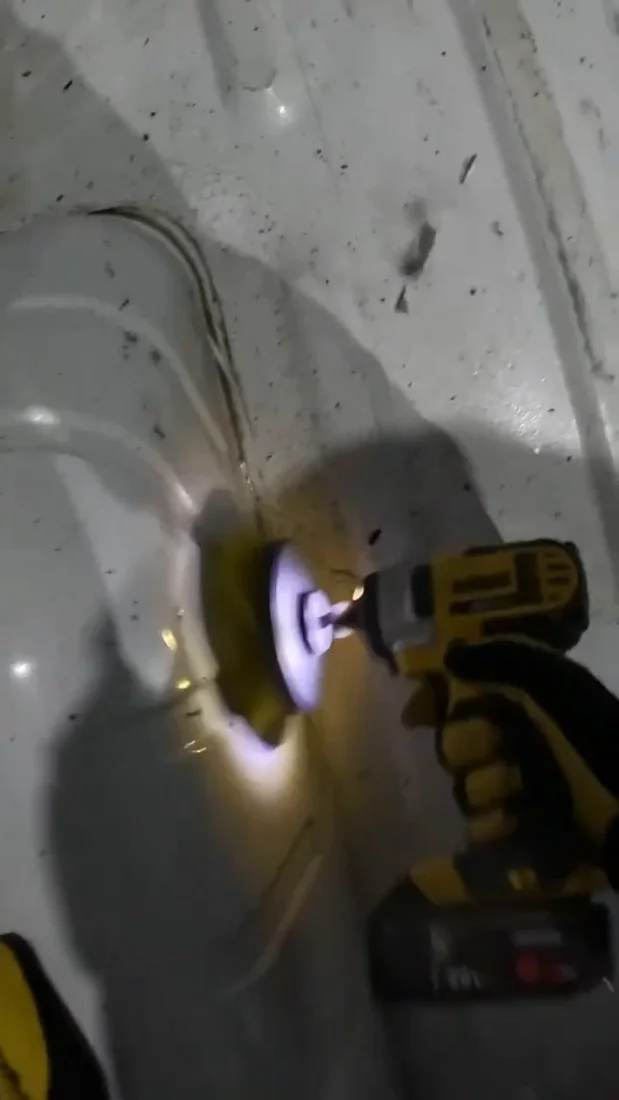
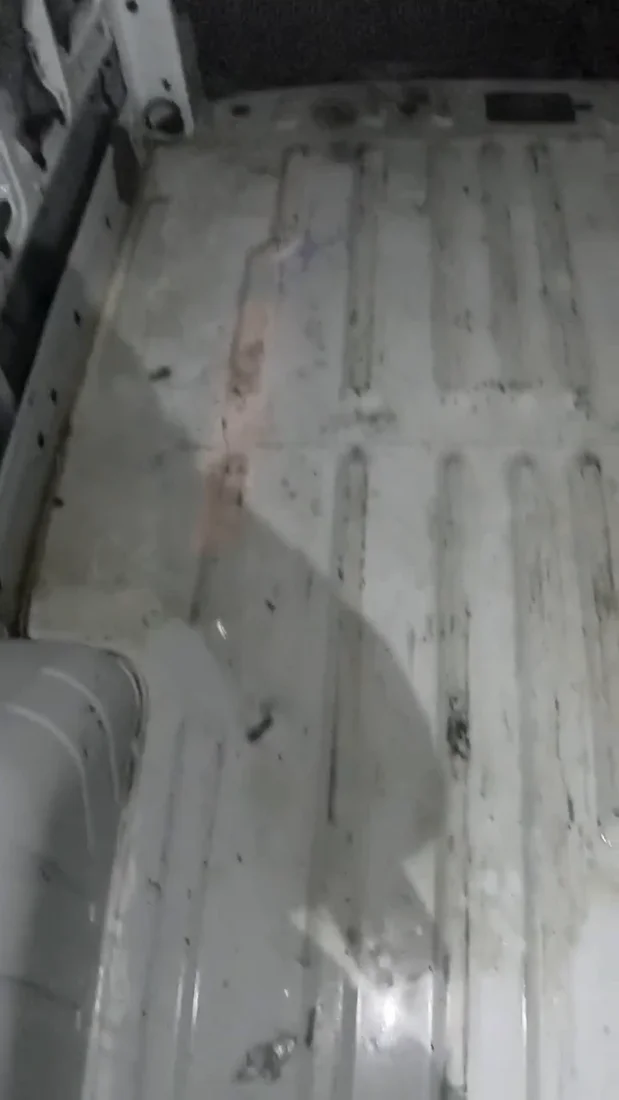
Removing stuck-on residue during the floor cleanup.The cargo floor during my preparation session before sound deadening.
My Takeaway for the Build
My Interior Preparation plan included tank openings before the interior finishes. For the SimPure purchase, the useful layout detail is access to the clear bowl and lower flushing valve. The iSpring adds automatic-flushing equipment, while Beech Lane uses two cartridge housings; these create different service spaces and replacement-part arrangements.
Product Details And Van-Build Uses
Specification
Product Detail
Filter Type
Reusable spin-down sediment prefilter
Housing
Transparent collection bowl
Cleaning Access
Lower drain valve
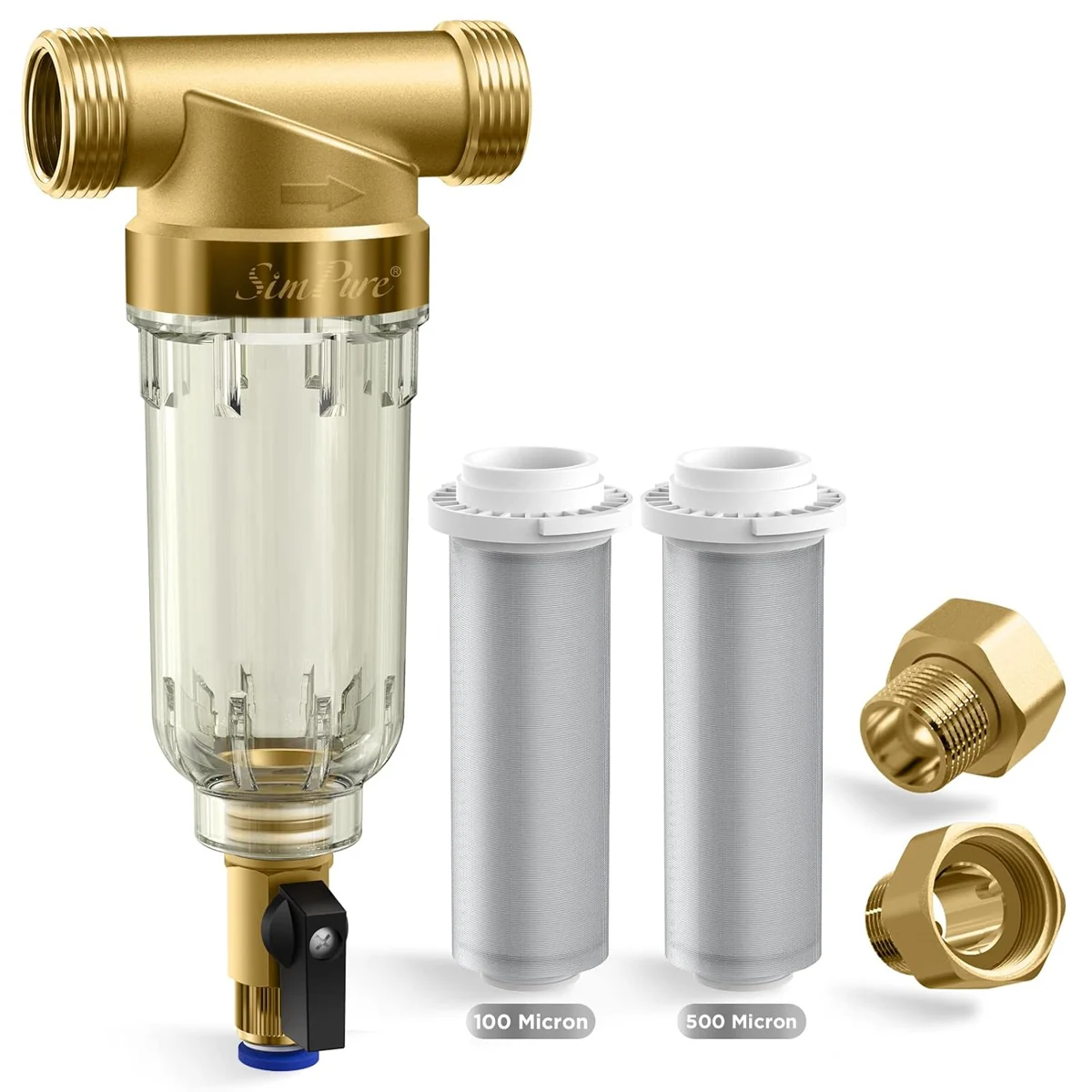
A spin-down sediment filter collects particles in a visible bowl and provides a drain for flushing them out. SimPure’s product reference describes the mesh element, connection options and cleaning access for this filter family. In a camper-van water layout, the practical planning questions are the space below the drain and the room needed to remove the bowl. Those service clearances differ from the footprint of the inlet and outlet connections. The filter reference is useful for organizing a prefilter position and maintenance access while keeping my original purchased component and water-system notes intact.
What Space Matters Besides The Plumbing Connections?
Leave room to reach the flushing valve and remove the collection bowl. Those are separate access needs from routing the inlet and outlet.
Alternative products
Two Alternatives to Compare
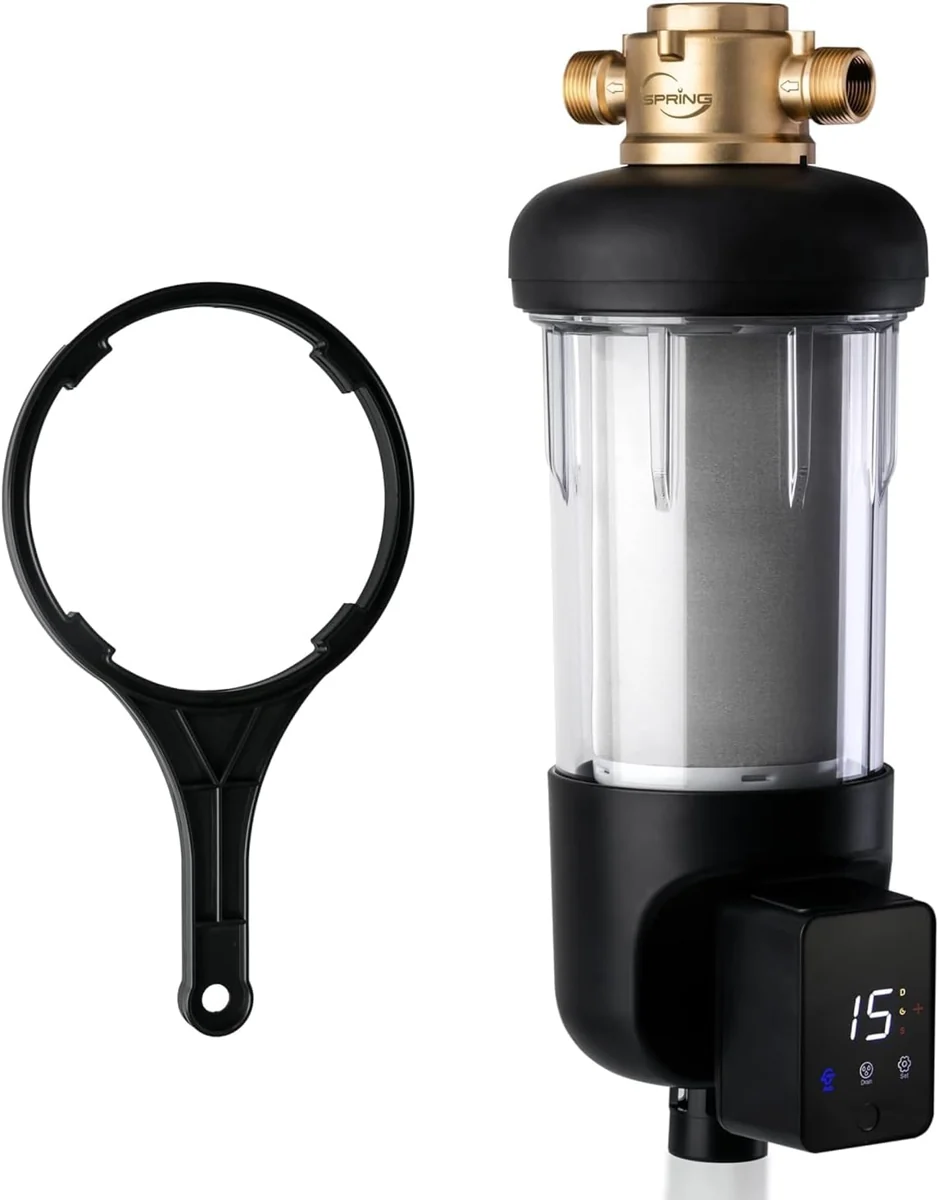
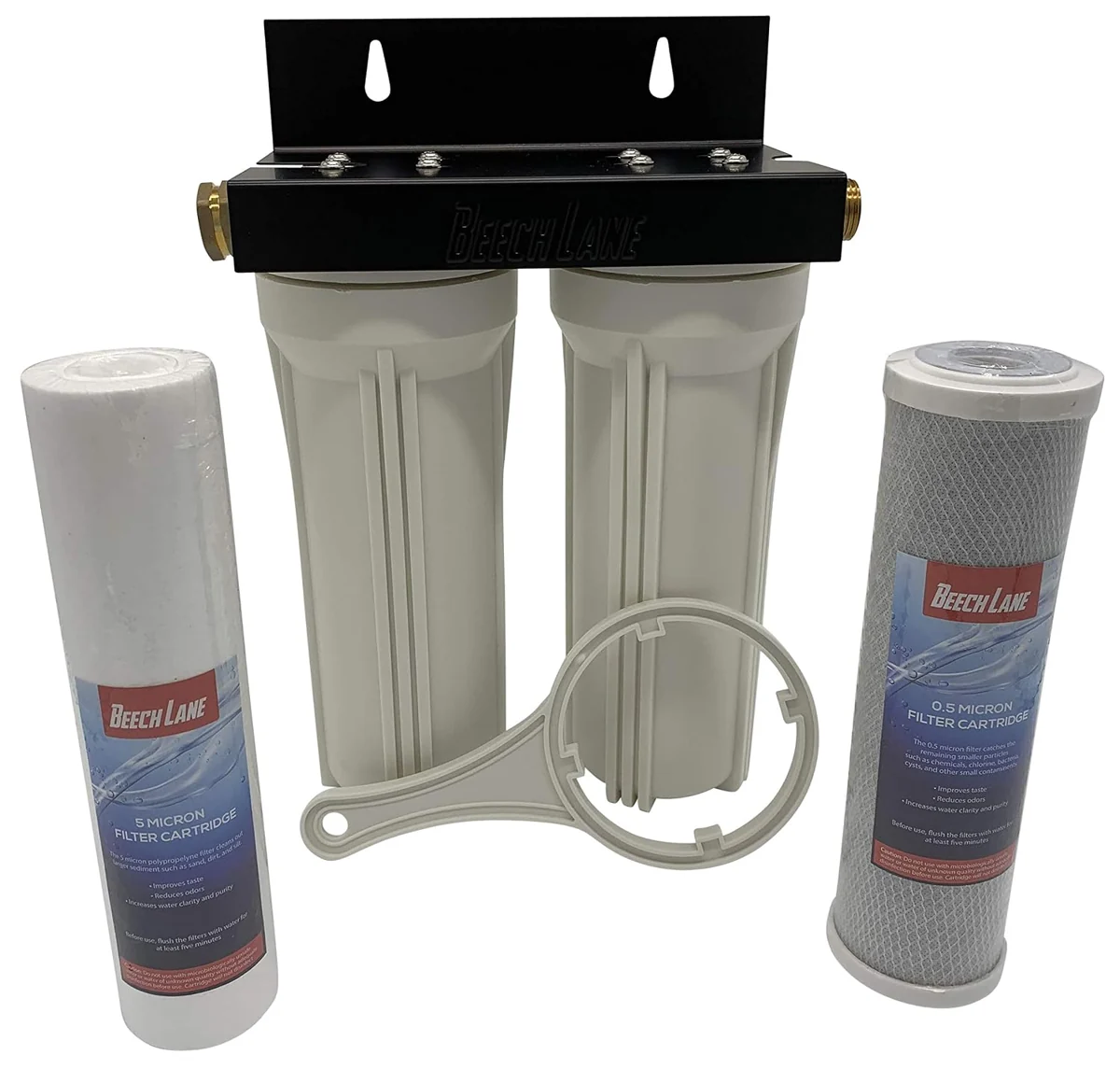
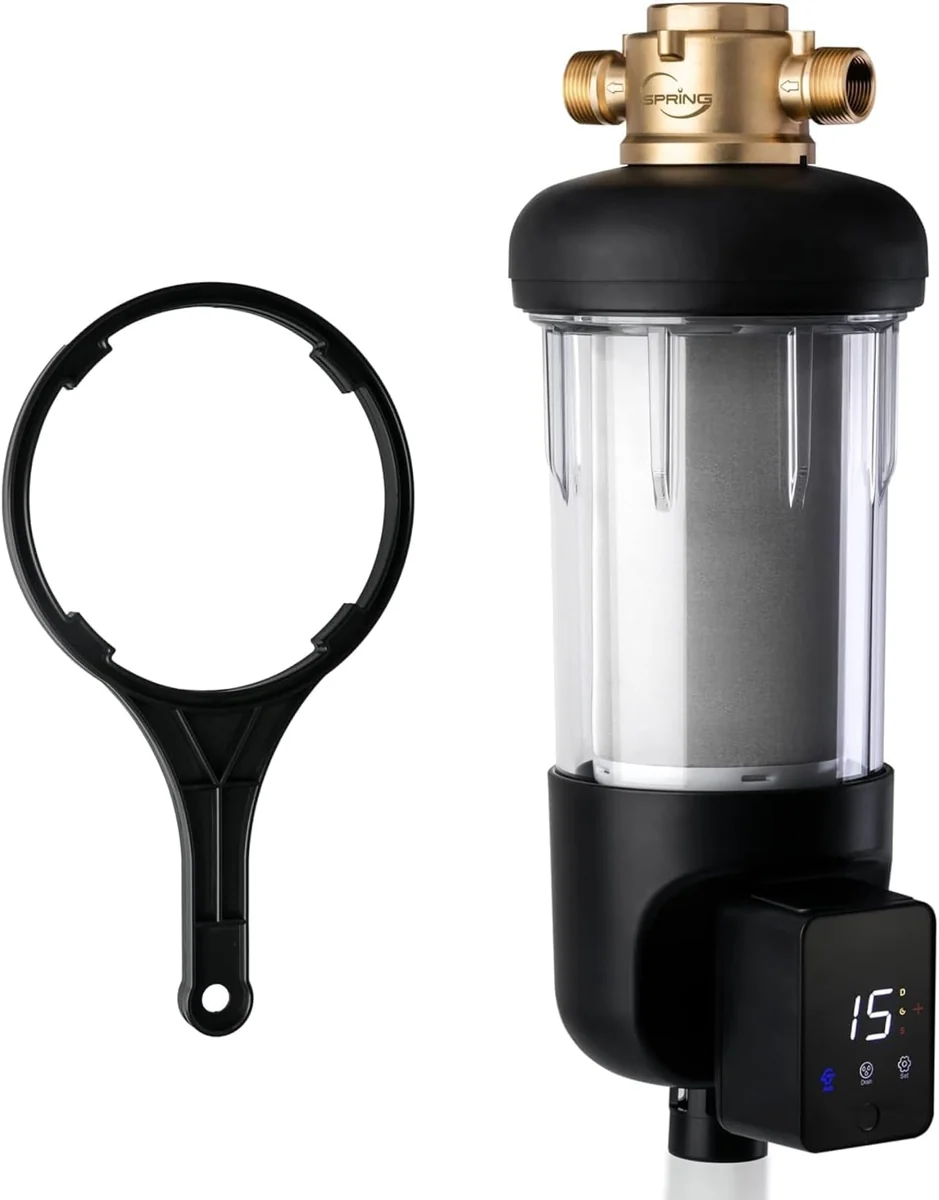
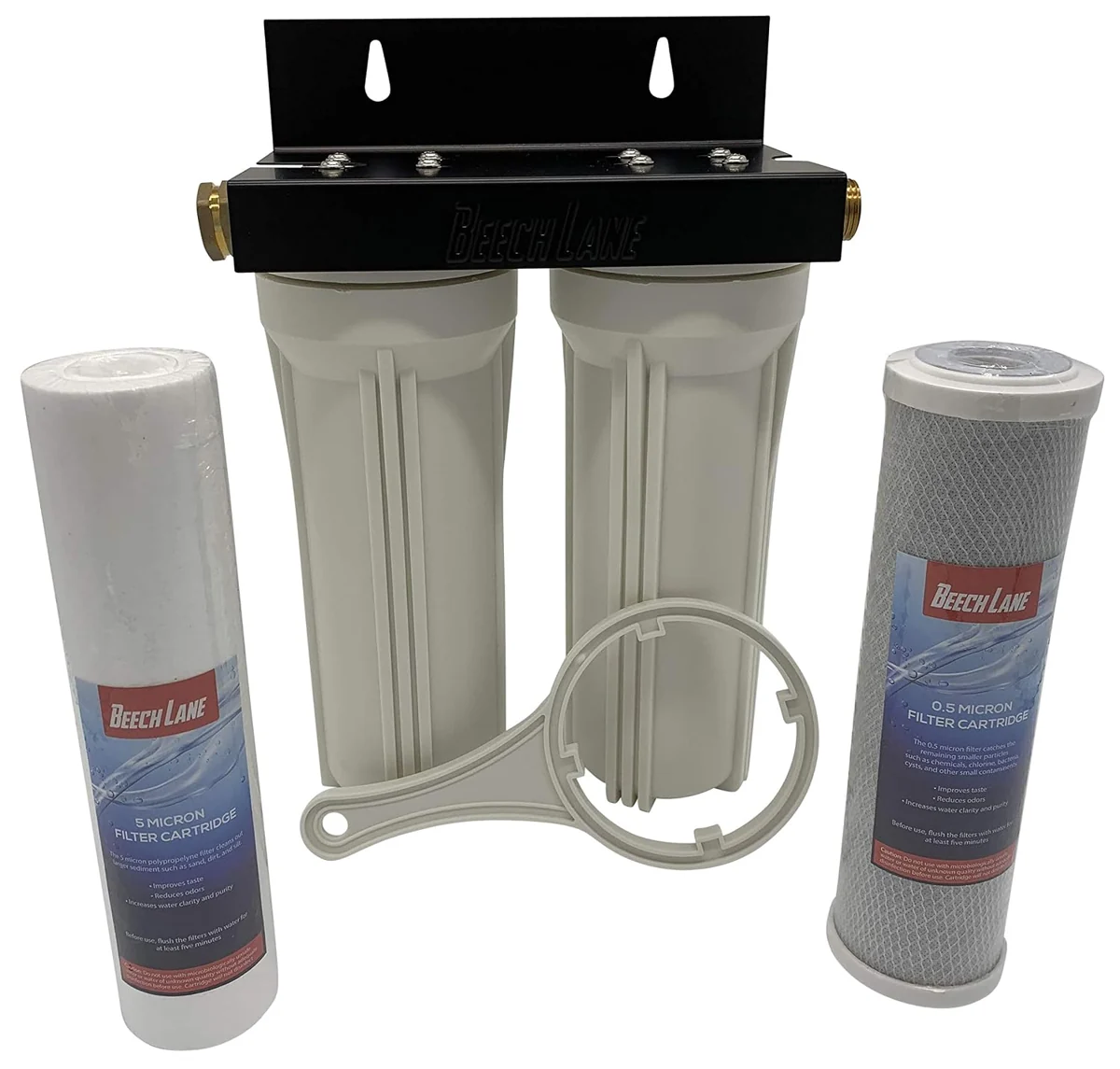
The iSpring unit adds an automatic-flushing module to the spin-down format. Beech Lane instead uses two replaceable cartridges in separate housings, so the service access and replacement parts differ.
Product
What distinguishes it
Purchase link
SimPure Spin-Down Sediment Filter
Reusable mesh filter with clear housing and flushing valve.
This spin-down filter combines a clear housing with an automatic-flushing module. The controls sit beside the reusable screen assembly and lower discharge connection.
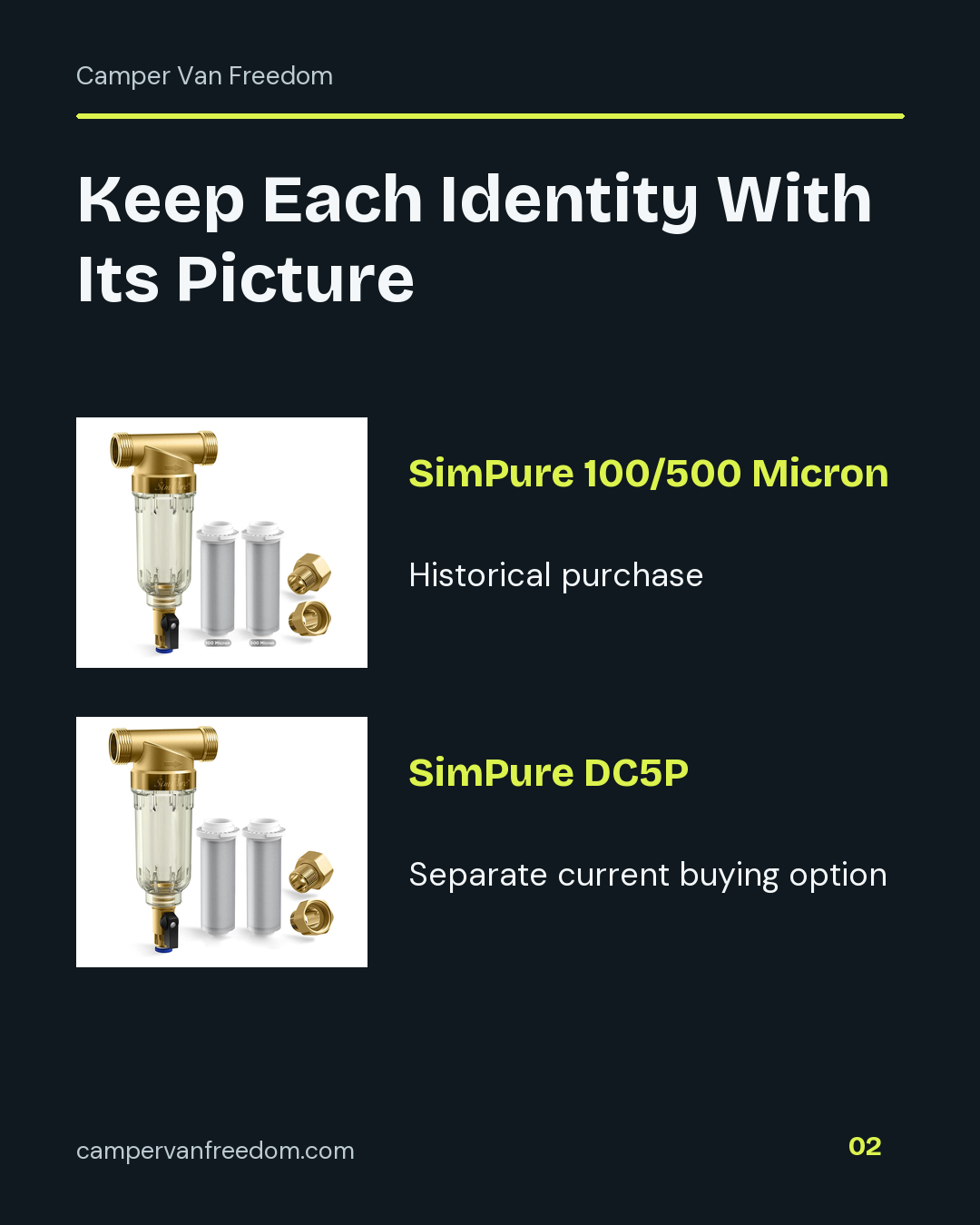
The SimPure 100/500 micron spin-down sediment filter is the exact product in Steven’s purchase record. Its clear housing, screen and flush valve belong to that historical product identity.
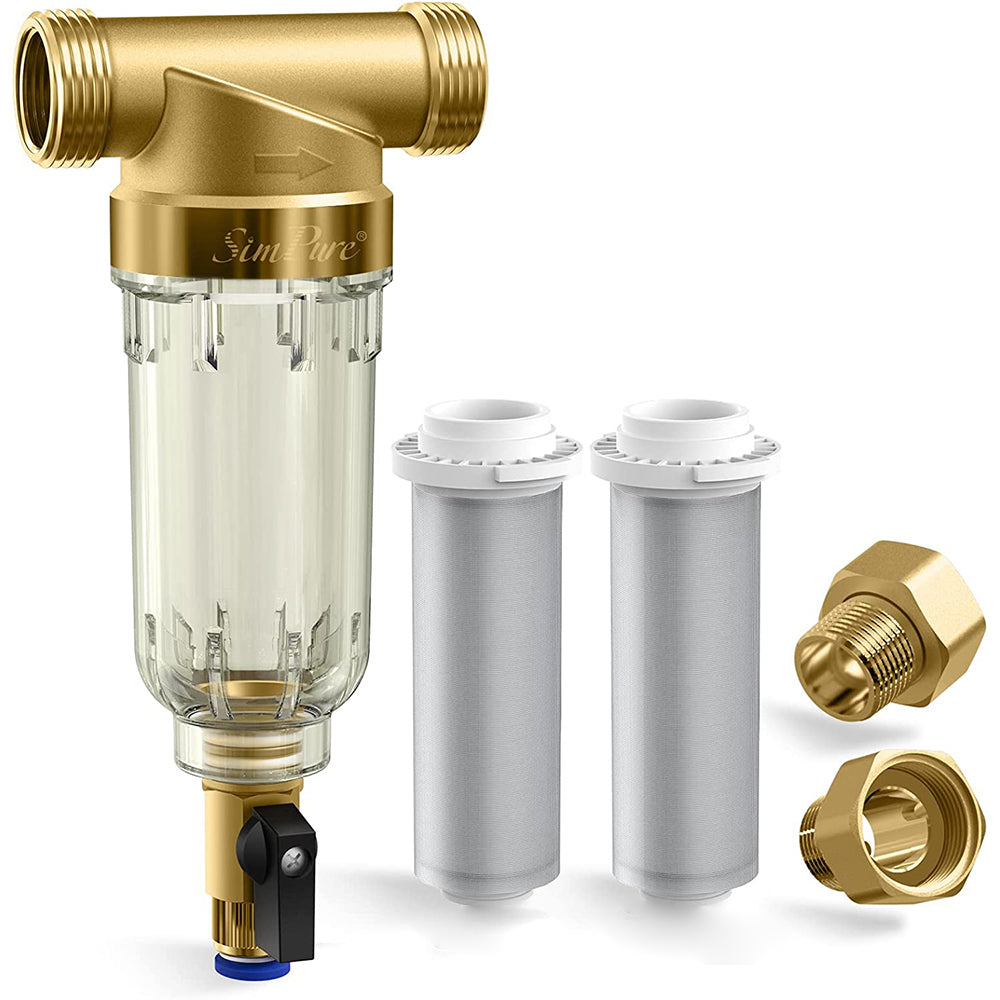
The current SimPure DC5P listing shows a washable spin-down sediment screen with a clear housing and flush outlet. It is a separate current buying option from Steven’s historical 100/500 micron purchase.
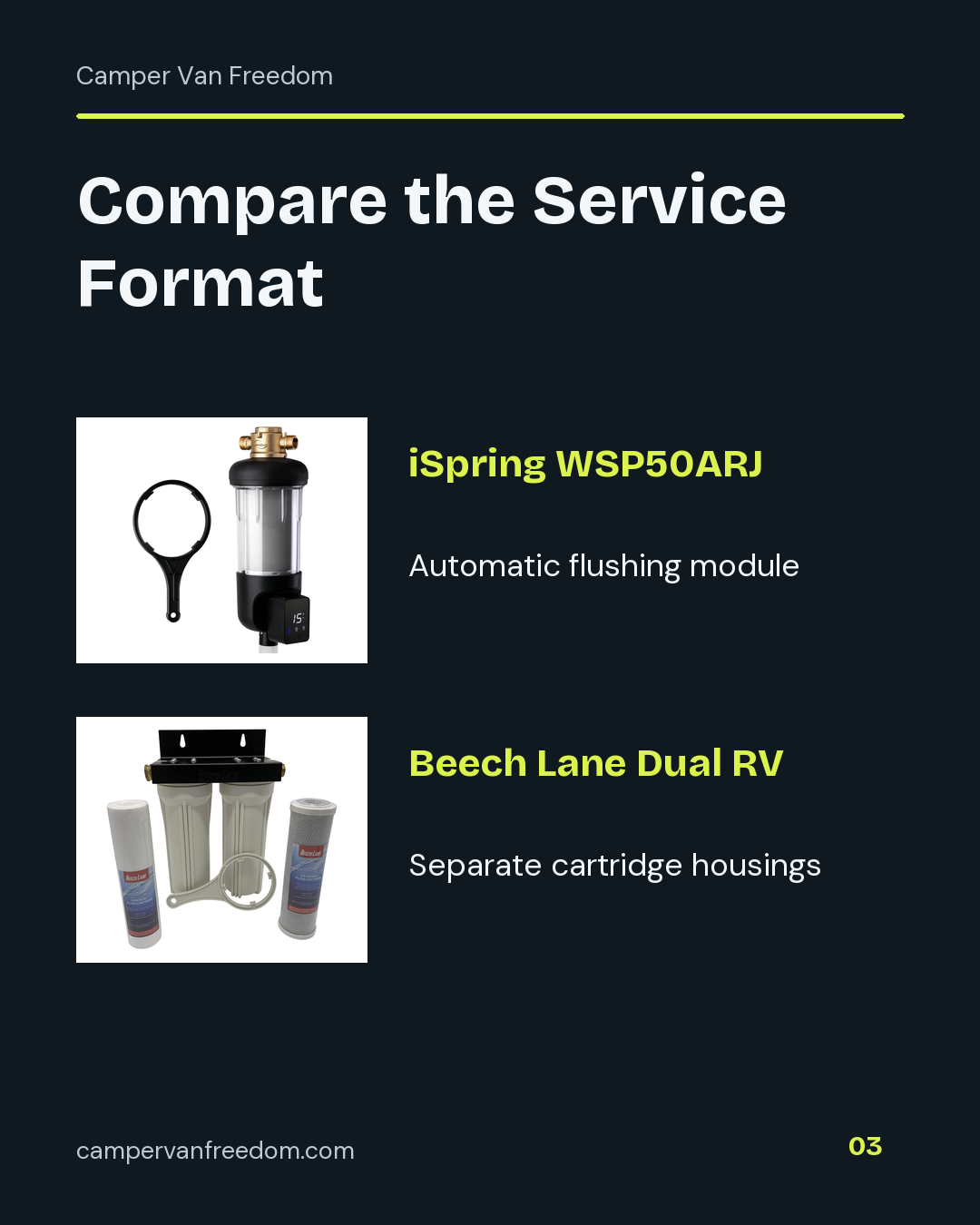
The iSpring WSP50ARJ is a spin-down sediment-filter alternative with an automatic flushing module. Compare its service controls, module power and exact connections as a separate configuration.
The Beech Lane dual RV filter assembly in Steven’s purchase catalog uses separate sediment and carbon cartridges. Its two replaceable housings provide a different service format from a flushable spin-down screen.
My purchase record names the SimPure 100/500 micron spin-down sediment filter. That original identity stays with its picture and Amazon destination. SimPure’s current DC5P page describes a separate current buying option; I keep the selected screen and included parts with that listing instead of changing my purchase history.
Give Each Filter a Job
Start with the stage you are comparing. A spin-down filter uses a screen and flush outlet for sediment. A dual-cartridge assembly has replaceable cartridges and a different maintenance process. Put those roles in separate rows so a similar-looking water-filter listing does not silently change the comparison.
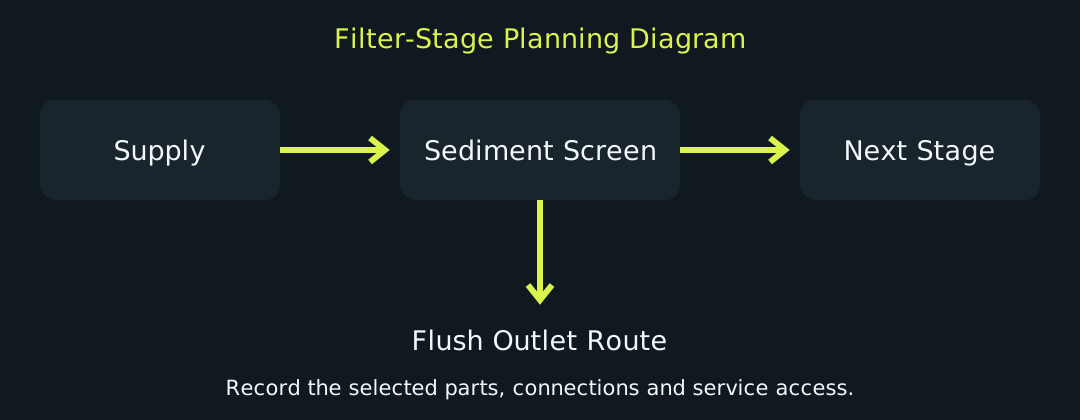
The planning diagram below gives the sediment screen its own position before a separately chosen next stage. Its flush branch is a separate route to plan. Use that simple drawing to organize components, connections and access in your own layout.
Keep the Original and Current Product Separate
The historical SimPure product in my catalog is the 100/500 micron purchase. The current DC5P merchant page lists 40 and an extra 200 micron screen in its description. Save the current package details with its own offer. Model name, selected screen and included fittings belong at the top of the worksheet.
Photographs help preserve that distinction. The original purchase image sits beside the original identity, while the current DC5P image sits beside the current merchant link. Open the matching destination when comparing the package.
Compare the Service Format
The iSpring WSP50ARJ is a researched spin-down alternative with an automatic flushing module. Include the module’s controls and power arrangement in its comparison column. Keep its model-specific fittings and parts list with that product.
The Beech Lane dual RV water-filter system is also in my purchase catalog. It uses two cartridge housings, with sediment and carbon cartridges. Compare it as a different filter-stage format: cartridge access, replacement parts and recurring cartridge cost belong in that column.
Draw Access Around the Product
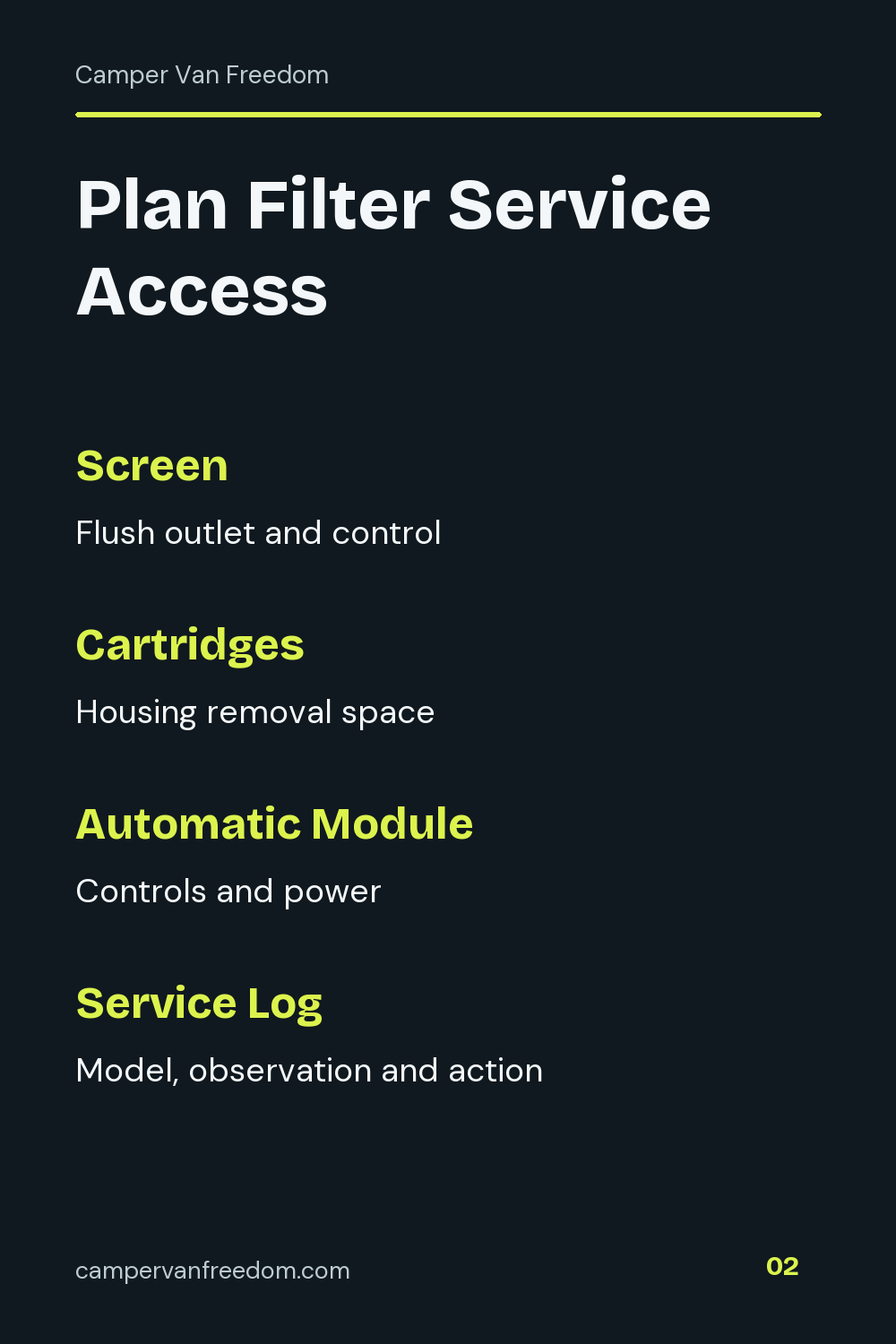
Write the inlet and outlet connection details from the chosen product documentation. Add the fittings you would need to join the next component. Then record how the housing or screen is serviced and where that movement needs room.
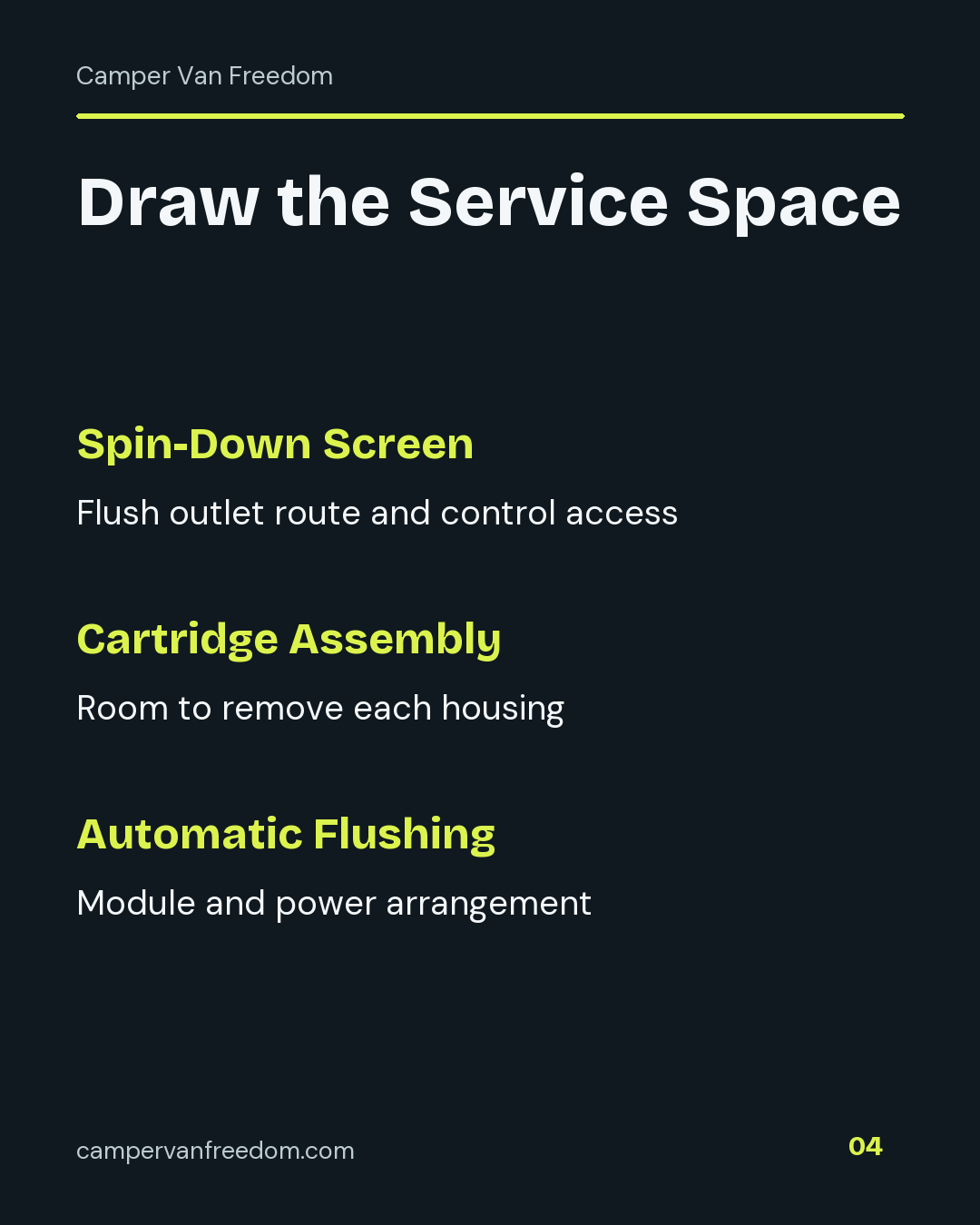
For a spin-down filter, give the flush outlet a destination and an accessible control position. For a cartridge assembly, draw the space needed to remove each housing. For an automatic-flushing model, include the module and its power connection. These entries make the physical comparison useful before you count the price.
Add the Complete Cost
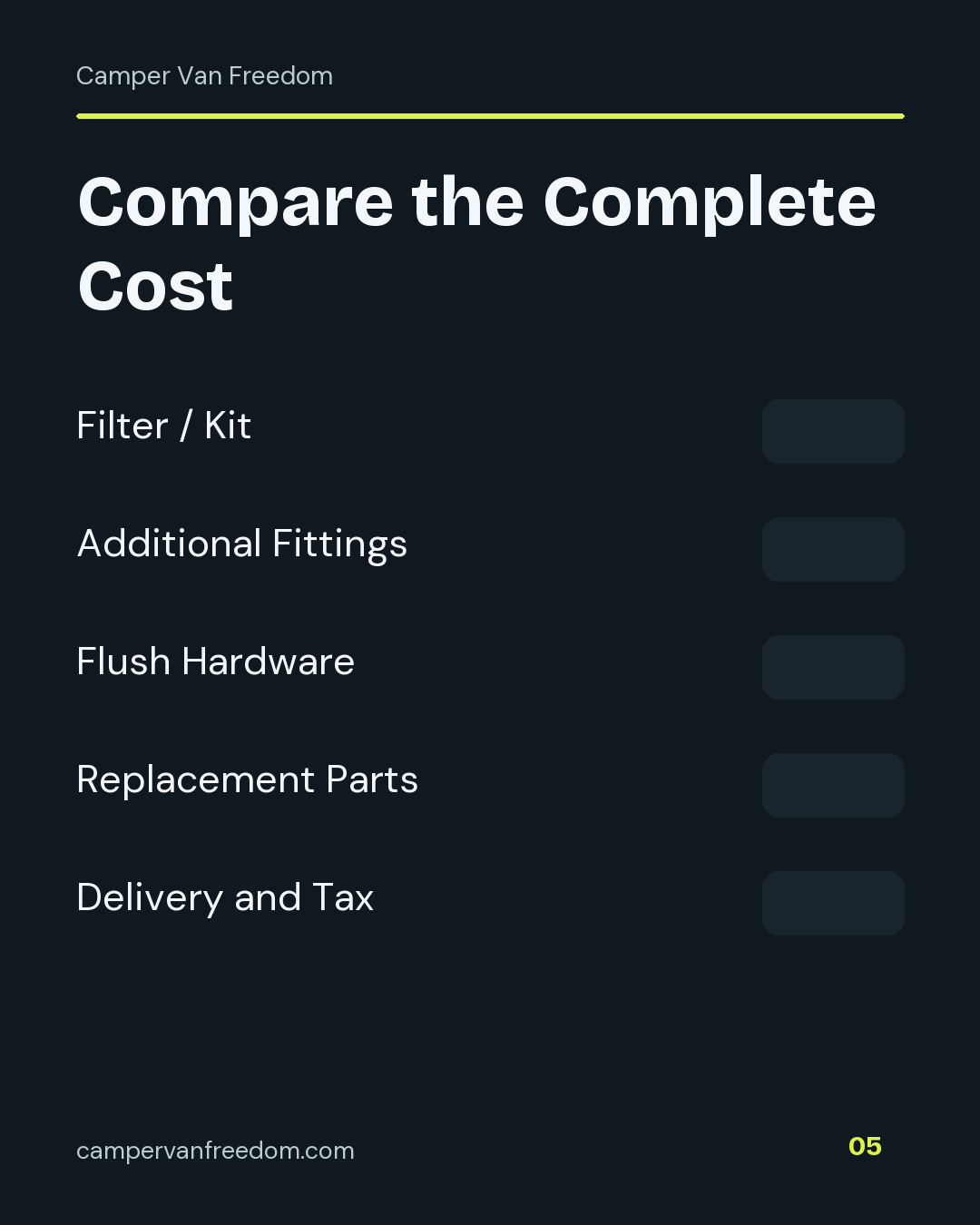
Use separate rows for the filter or kit, additional fittings, flush hardware, replacement parts, delivery and tax. Mark which components are included before adding a second purchase. The worksheet totals the entered costs and shows how many cost fields contain values.
Keep the first-purchase total distinct from future replacement cost. A screen, an automatic-flushing module and a pair of cartridges create different service lists. Record the part names, prices and lookup date beside each option so you can revisit the same configuration.
Keep a Service Record
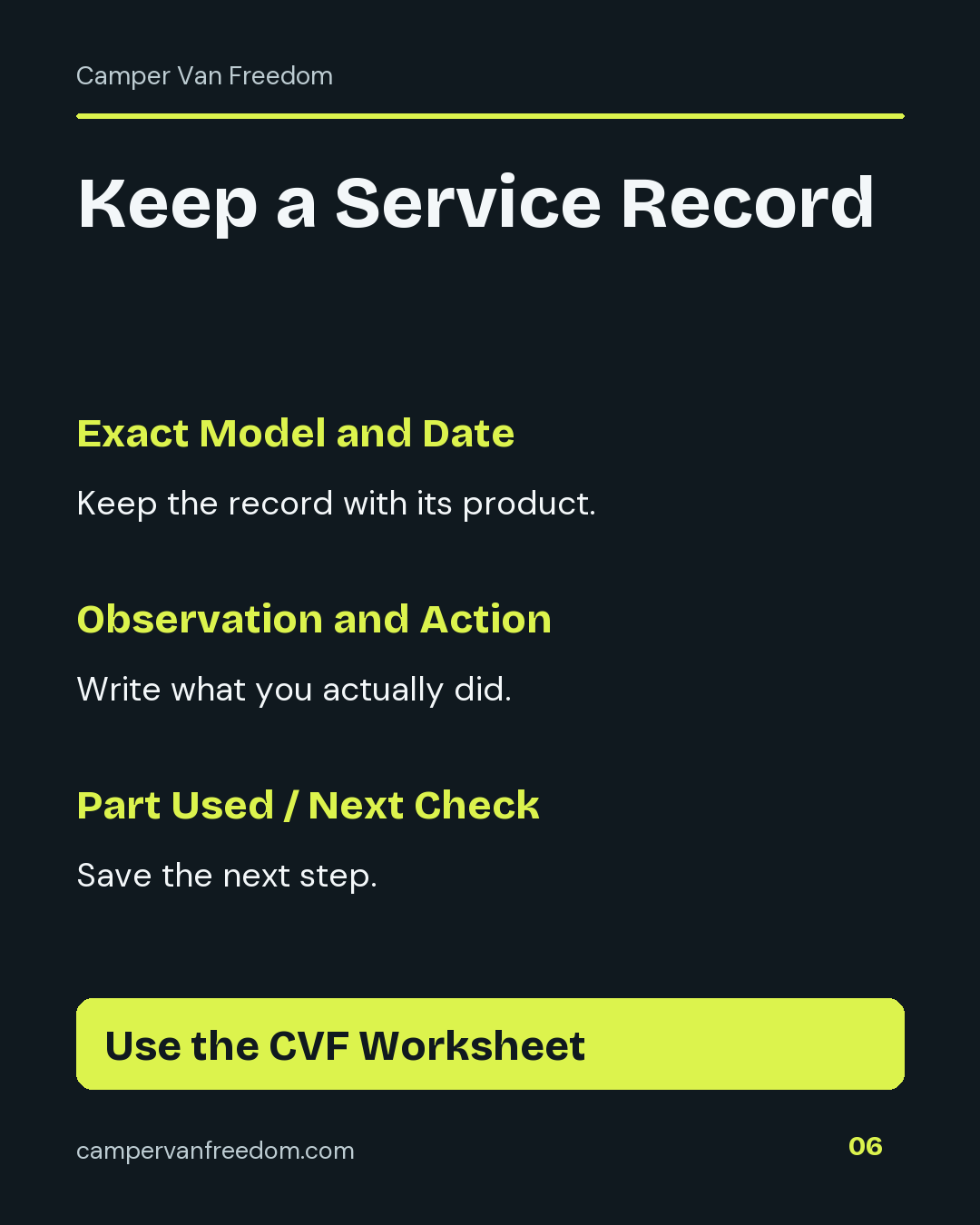
The blank service log records the date, exact model, observed condition and action performed. Add the part used, if any, and your next planned check. Your own entries supply the observations; the worksheet keeps them attached to the product you selected.
Finish the comparison with the chosen stage, exact package, access plan and complete entered cost. The current SimPure link opens the DC5P buying option. The original Amazon link remains attached to my historical 100/500 micron purchase, with iSpring and Beech Lane shown separately for their different service arrangements.
Your Filter Comparison Worksheet
Give each exact package its own column. Enter your own parts, access plan and costs.