Choose the OBD2 Workflow
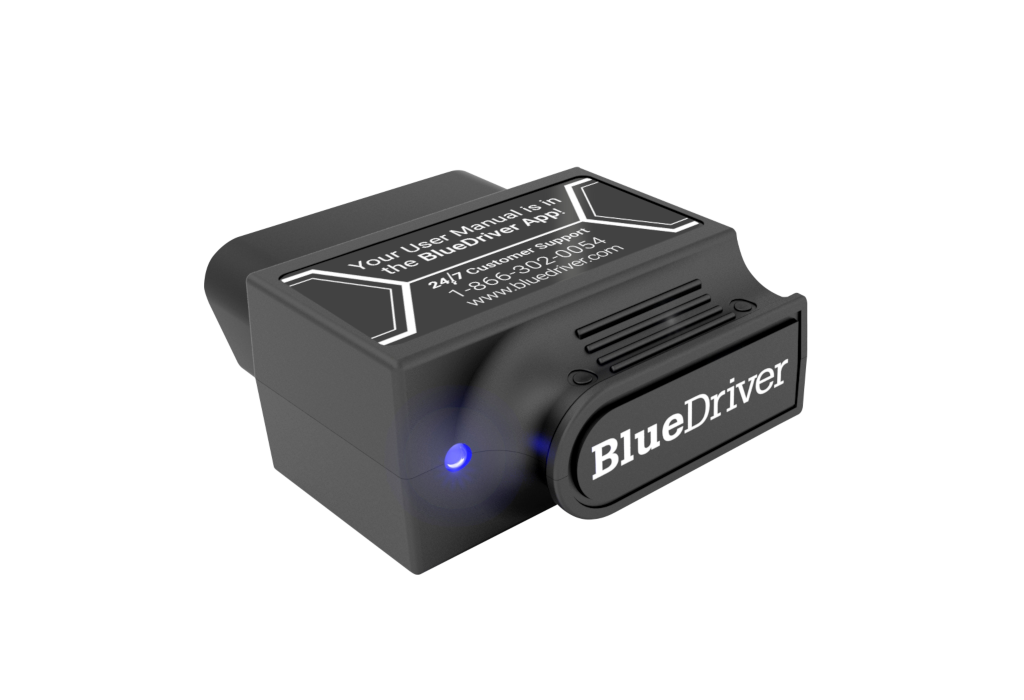
BlueDriver Pro
BlueDriver Pro connects its Bluetooth adapter to the BlueDriver phone app. Keep its Pro compatibility result with the exact model being compared.
View BlueDriver Pro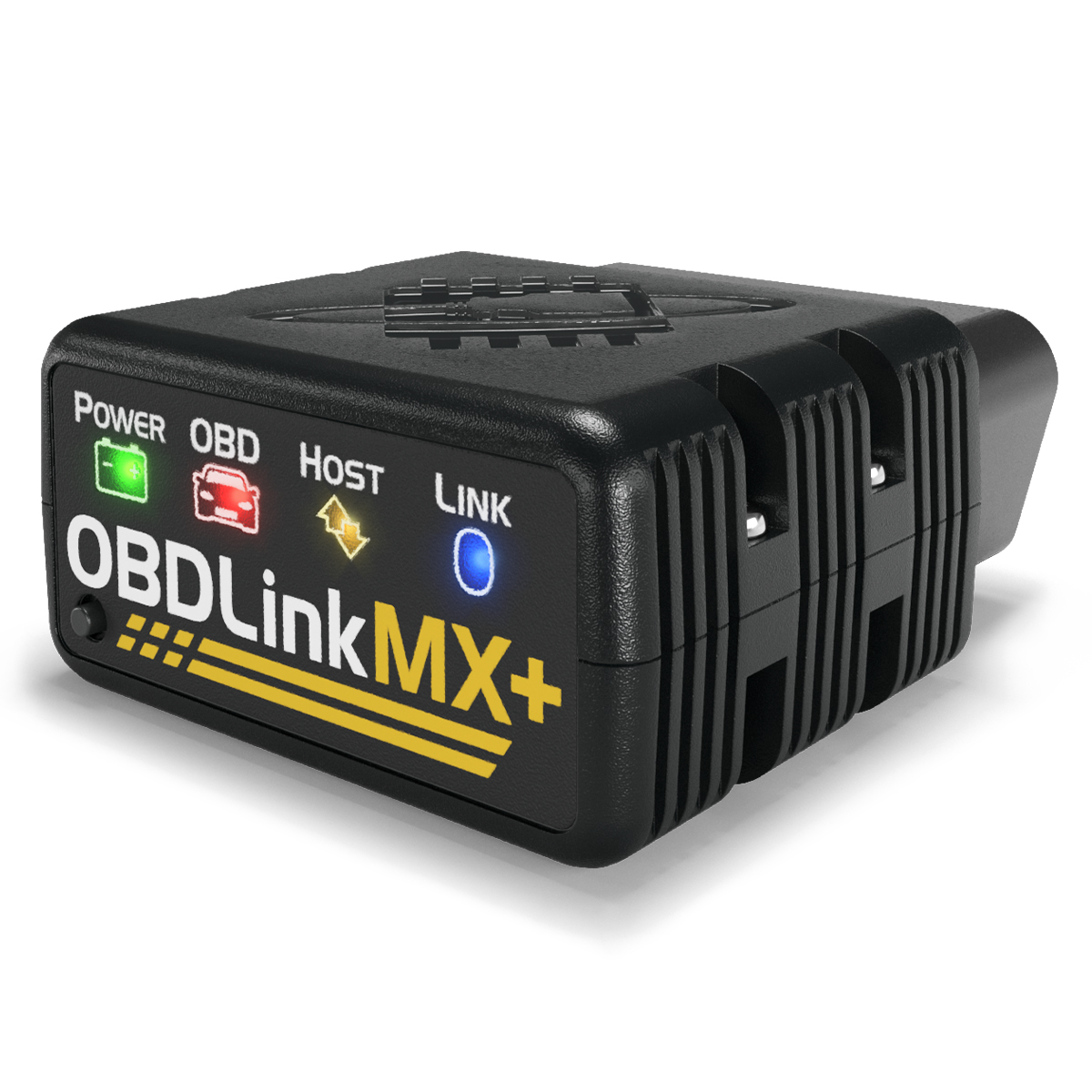
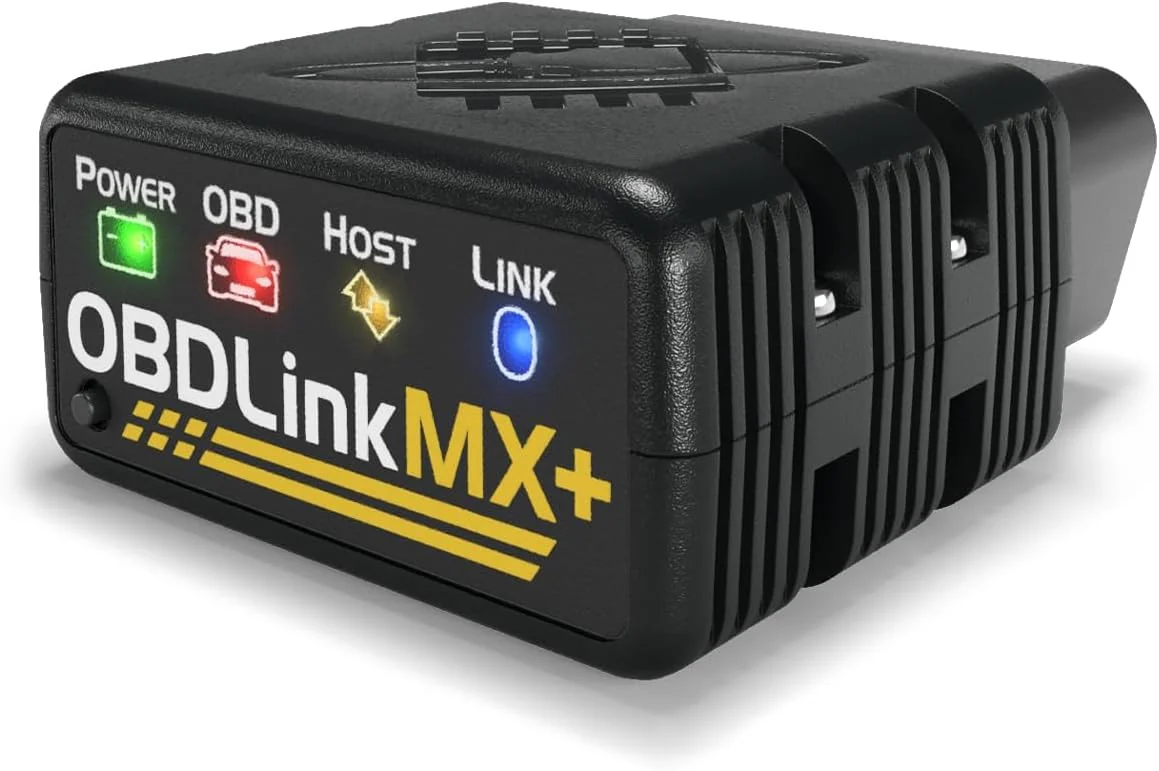
OBDLink MX+
OBDLink MX+ is a Bluetooth adapter with compatible app options for supported platforms. Include the chosen software and required function in the comparison.
View OBDLink MX+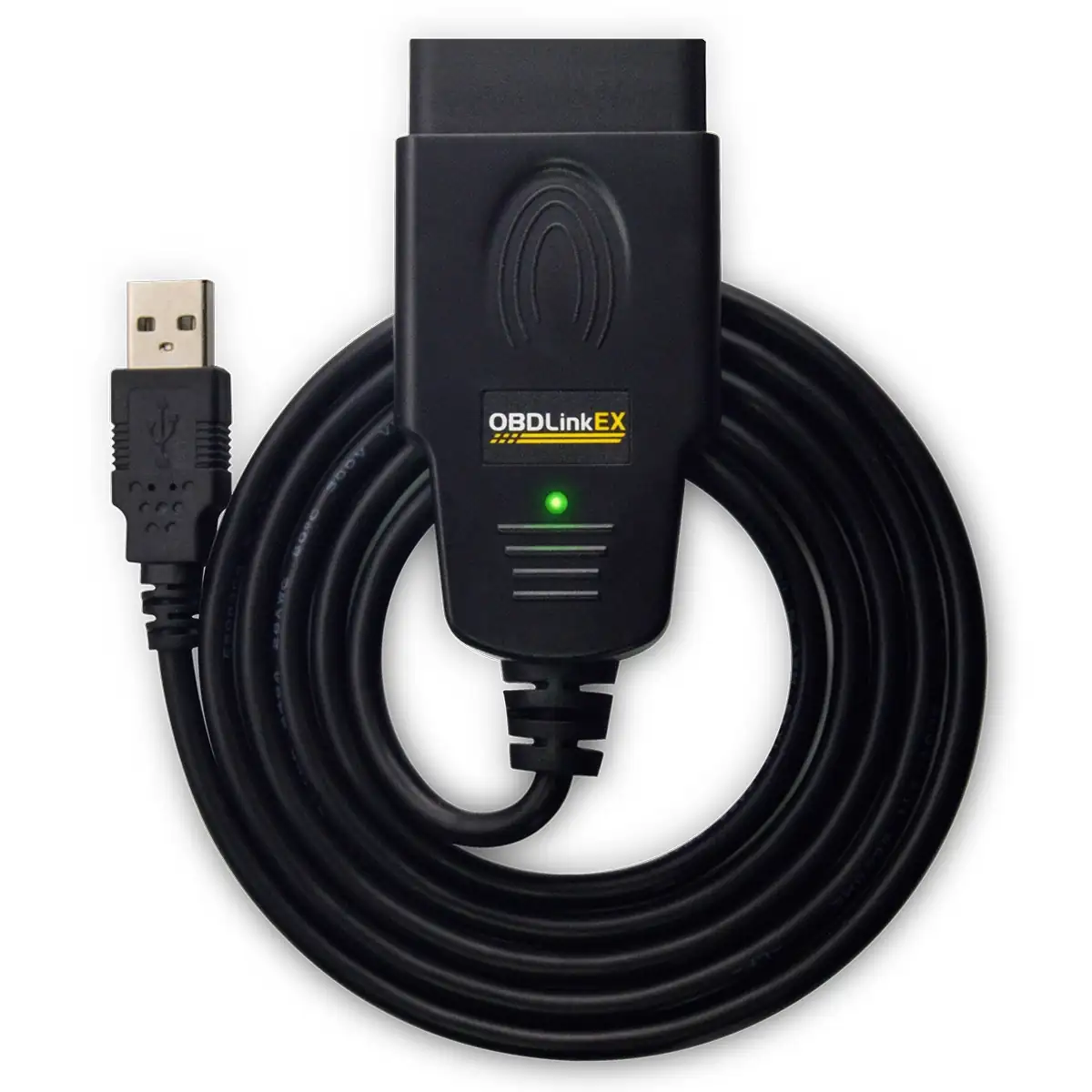
OBDLink EX
OBDLink EX uses a USB connection and is designed around FORScan for Windows. Compare the adapter, software and computer together.
View OBDLink EXThe useful place to start is the job you want the scanner to do. Reading an engine fault, checking a particular vehicle module and using a Ford-focused software workflow are different buying decisions. I would write that job down before comparing devices.
Start With the Vehicle and the Job
Put the vehicle’s original sales country, model year, make, model and engine at the top of your checklist. Add the phone or computer you plan to use. Then name the function you need: engine-code reading, saved diagnostic information, live readings or access to a particular module.
A compatibility result should answer that named job for that vehicle. Keep the result and its date next to the product you are considering. This is much more useful than a general “works with OBD2” label when the reason you are buying is a specific function.
Compare the Three Workflows
| Option | Connection and Software | Useful Buying Question |
|---|
| BlueDriver Pro | Bluetooth with the BlueDriver phone app on iOS or Android; the Pro product page states no subscription is required. | Does the Pro compatibility checker list the functions I need for my exact vehicle? |
| OBDLink MX+ — Alternative | Bluetooth; OBDLink lists iOS, Android and Windows, plus supported third-party apps. | Which compatible app provides my required function, and what does that app cost? |
| OBDLink EX — Alternative | USB; designed around FORScan for Windows. | Am I choosing a wired Ford-focused computer workflow rather than a phone-first setup? |
These choices point to different ways of working. A phone-first setup keeps the interface on the device you normally carry. An adapter with several app options adds a software decision. A wired computer setup adds the laptop and connection to the equipment you will use.
BlueDriver Pro
BlueDriver Pro combines its Bluetooth adapter with the BlueDriver app. Use the separate Pro compatibility checker to look up the vehicle and the functions you want.
The BlueDriver item in my build-kit records is the Pro model. Keep that exact identity when comparing a current offer: Pro and Pro Next-Gen are separate product choices, with separate compatibility pages.
Two Alternatives to Compare
OBDLink MX+
MX+ is a Bluetooth adapter with OBDLink-listed support for iOS, Android and Windows. Its compatible-app list is an important part of choosing the complete setup.
OBDLink EX
EX uses a USB connection and is designed for FORScan on Windows. Compare it as an adapter-and-computer workflow, with the software and required function included in the decision.
Compare the Complete Cost
Write down the adapter price, shipping, tax and any app or licence cost. Add a cable or computer accessory only if your chosen setup requires it. If you already own part of the setup, record that rather than treating it as a new purchase.
Keep optional extras in a separate column. That makes it easier to compare the cost of the job you actually want to do, instead of comparing one basic package with another package that includes extras.
Use the Compatibility Worksheet
For each option, record the exact model, the manufacturer’s compatibility result, the app and platform, the named function and the complete cost. A blank requirement stays an open comparison point.
Before connecting a device, use its current setup instructions. For your own records, note the date, vehicle, reported code or reading and what you did next. Those notes give the next diagnostic session a useful starting point.
Choose the Setup You Will Use
Choose the option whose documented vehicle coverage, software and connection match the job on your checklist. Keep the exact model and seller together when you open the current offer. The same brand name on a newer device does not make it the same configuration.
Product References
BlueDriver Pro product page
BlueDriver Pro vehicle compatibility
OBDLink MX+ product page
OBDLink EX product page