The cable in my display setup
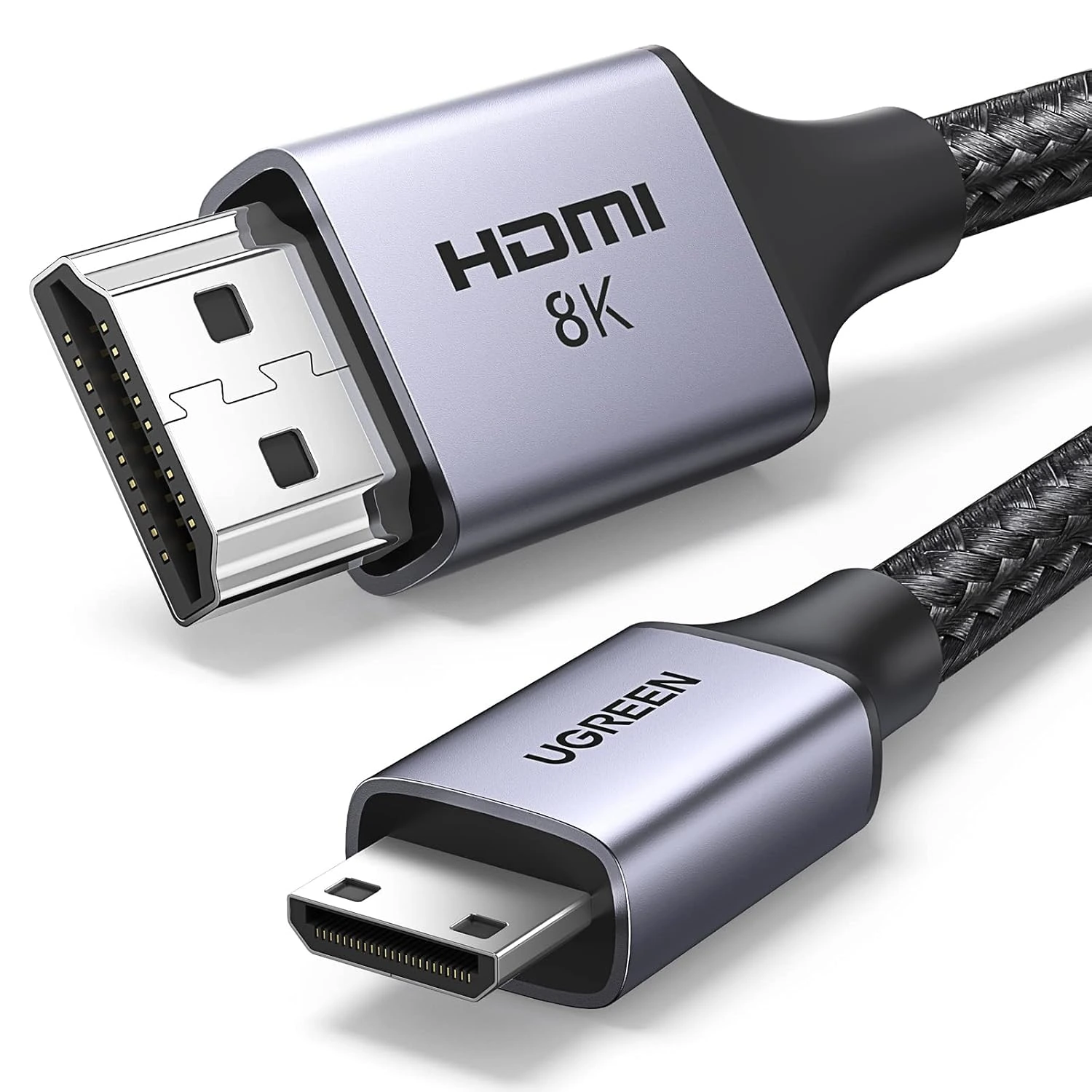
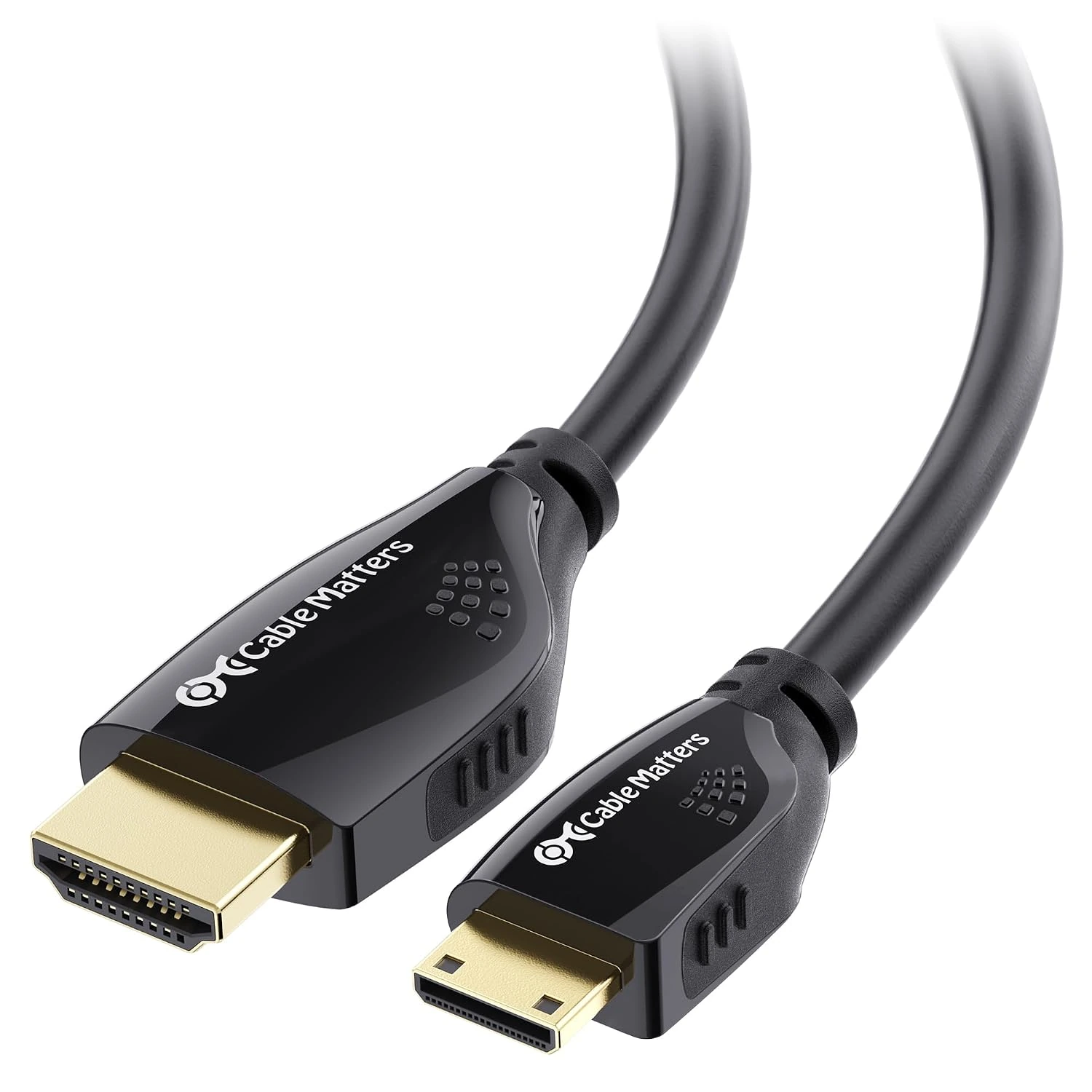
My original drawings label this connection “HDMI to Mini HDMI.” I used that full-size-to-mini connector combination between the converter and display.
The cable has its own role alongside the converter, screen and computer interfaces. I keep it separate from the VE.Direct leads, MK3-USB interface and USB hub in the monitoring part of the system.
Keeping both connector ends identifiable
The full-size HDMI plug and the smaller mini-HDMI plug are different physical ends of the same lead. A product photo showing both ends is useful when comparing the cable with the equipment connections.
The two alternatives below retain a full-size HDMI male plug and a mini-HDMI male plug. One is a 6.6-foot braided UGREEN cable; the other is a fifteen-foot Cable Matters lead with molded grips and a flexible jacket.
My wider electrical-build context
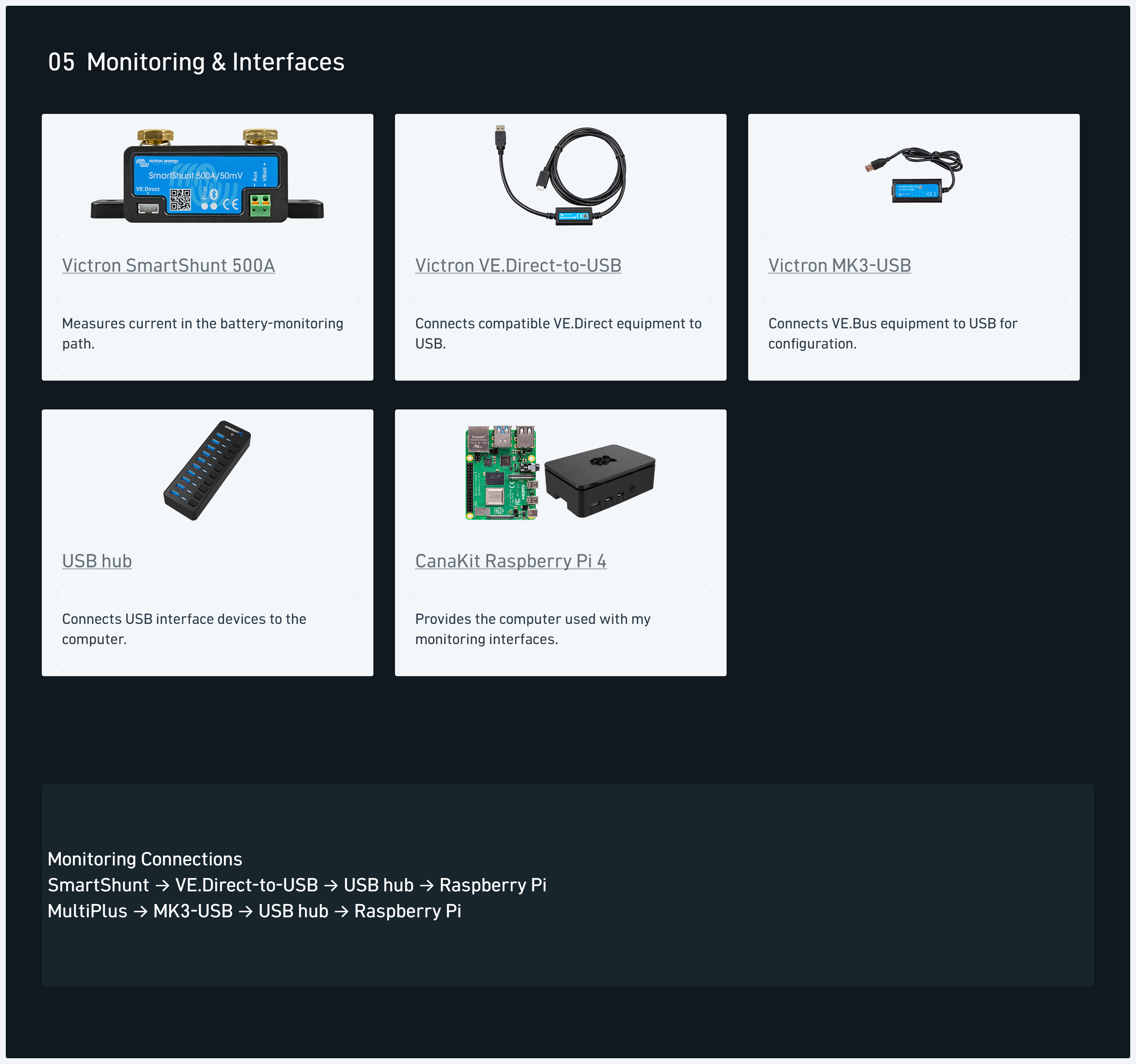
The system diagram groups the display and interface components separately from the battery-power hardware. That keeps the signal leads visible alongside the larger power-system components.
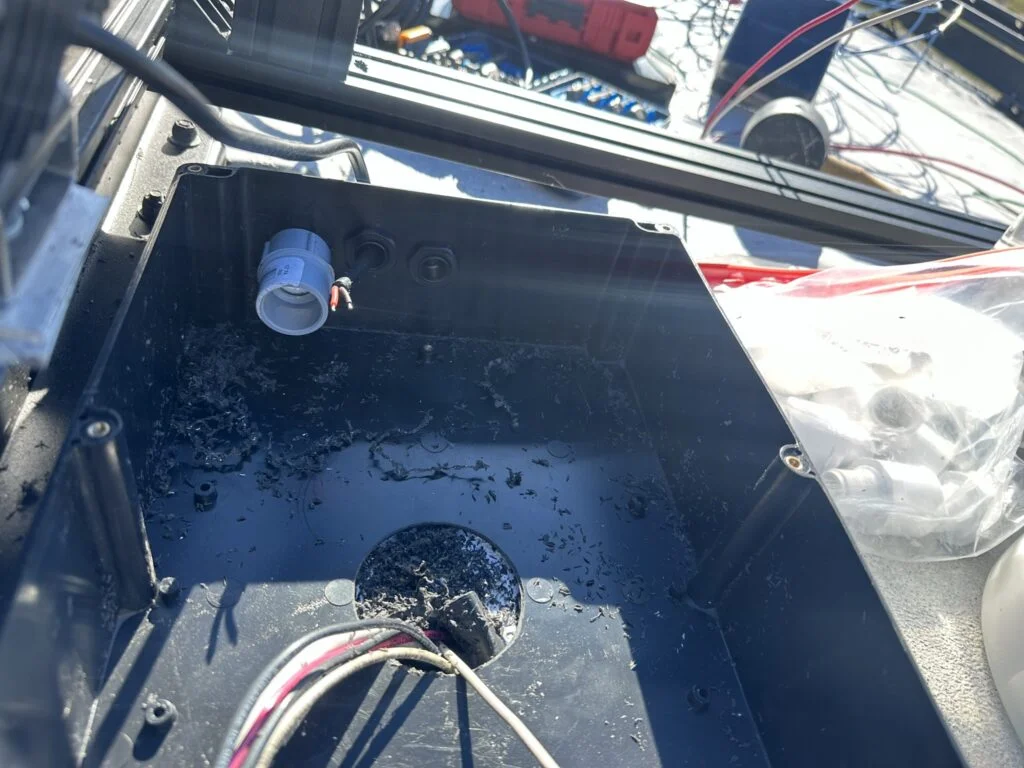
The roof-wiring diary records the other side of the project: cameras, lights, enclosures, glands and routed wire groups. I worked through the roof entries and conduit pulls before completing connections and covers. The project photos below document that work.
My takeaway
My takeaway is to write down both connector ends before choosing a lead length. “HDMI cable” on its own leaves out the smaller connector used at the display end of this connection.
Once the connector combination is identified, length and jacket construction become useful comparison points. The UGREEN and Cable Matters options below provide different lengths and outer constructions while retaining the full-size-to-mini combination.
From my electrical build
Read the roof-entry work · See the conduit pulls and final connections
Explore the complete component register and system diagram →