My electrical drawings include a SABRENT ten-port USB hub with individual port switches. It belongs to the computer-and-interface side of the van build, alongside the separate Victron interface cables.
I used the USB hub shown in my original drawings. Its ten-port, individually switched layout matches the HB-BU10 product, giving it a clear identity separate from the smaller USB-C dock also recorded in my purchases.
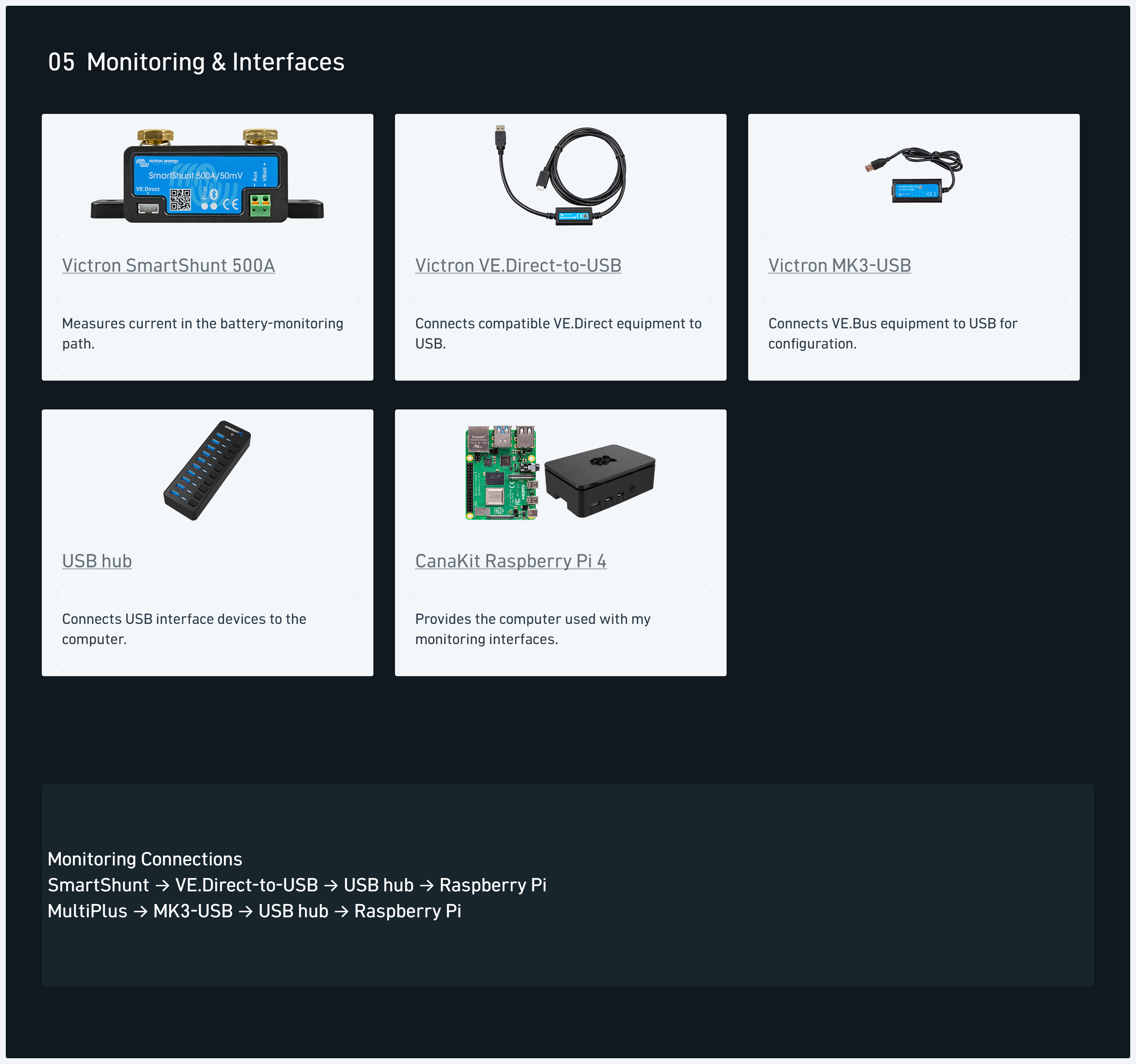
My diagram separates the computer, screen, USB hub and interface leads. That keeps a hub’s port-expansion role visible rather than combining every monitoring component into one generic control box.
My build context
The monitoring detail shows the hub with the computer equipment and USB interface devices. The VE.Direct and MK3-USB components have their own item pages because the hub and the interface adapters perform different jobs.
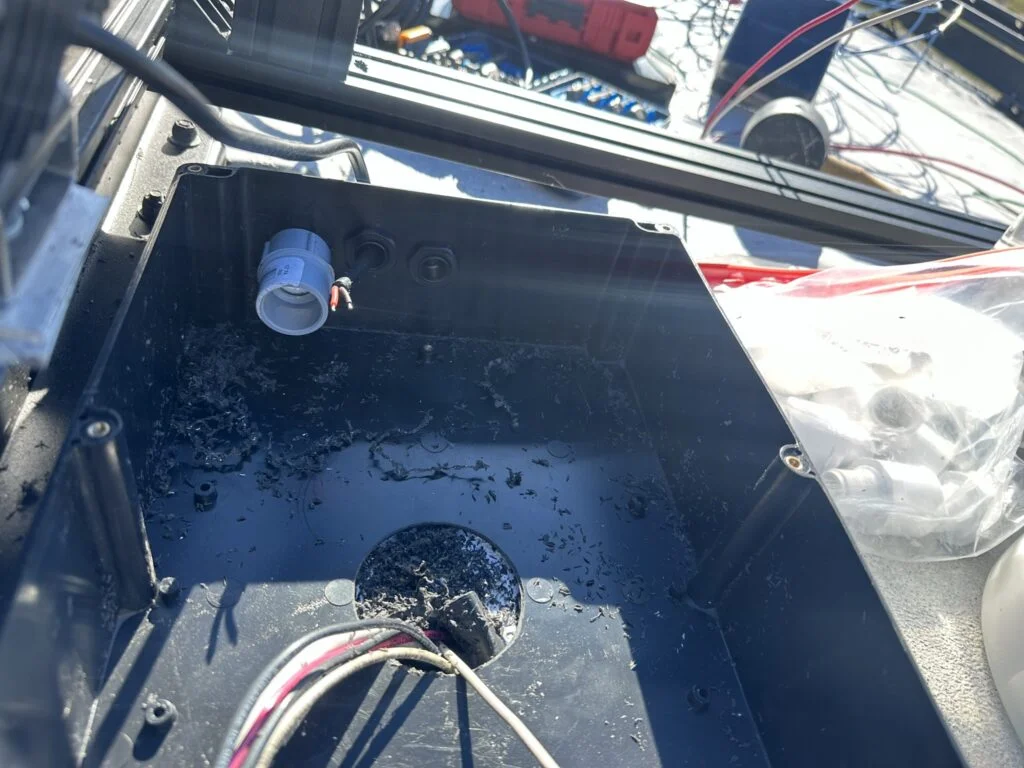
The roof-wiring photographs document another part of the same build: the device leads, junction boxes and cable entry that I worked through before completing the roof routes. The interface equipment has its own place in the system overview, away from the large battery-power connections.
The monitoring detail from my electrical-system diagram, including component E27.
For a hub comparison, the number of data ports matters more than the total number of sockets in the product title. The HB-BU10 gives ten USB data ports; another ten-port SABRENT model divides its sockets between data and dedicated charging.
Individual switches also make the physical control layout easy to identify. My takeaway is to keep the host connection, data-port count and external supply together in the equipment record so the intended connection arrangement is clear.
Count data ports separately from dedicated charging ports when comparing USB hubs.
Alternative products
Two alternatives to compare
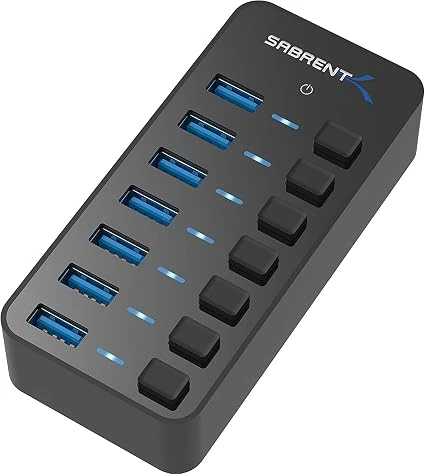
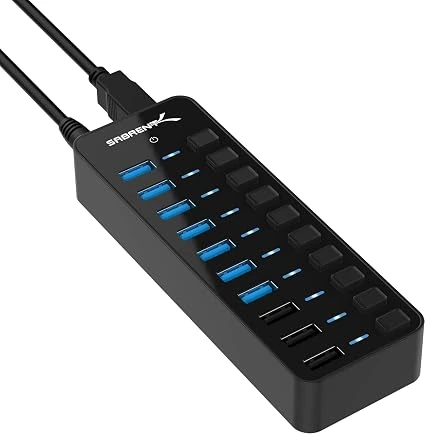
The HB-BUP7 provides seven USB data ports in a shorter arrangement. The HB-B7C3 has seven data ports plus three dedicated charging ports. The HB-BU10 in my drawing provides ten data ports, making the socket mix the main difference to compare.
This powered USB hub provides seven USB-A data ports with individual power switches. Its external adapter supplies power separately from the upstream USB connection.
This powered hub combines seven USB data ports with three dedicated charging ports. Individual switches and LEDs provide port-level control and status indication.