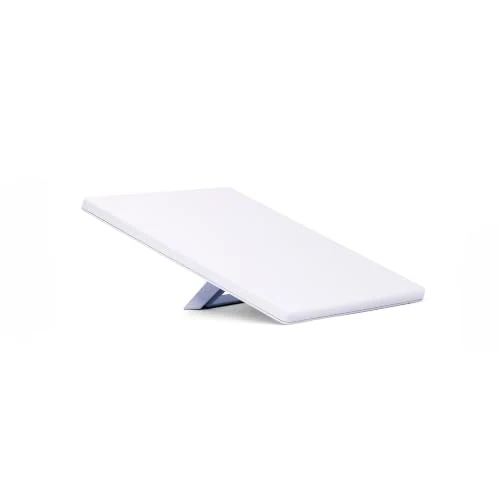
Starlink kits appear more than once in my van purchase records. I have brought them together here with three current kit options.
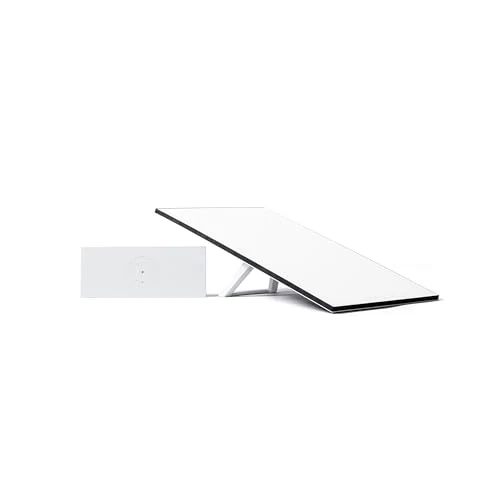
The featured Amazon option is Starlink Standard Kit with Tri-Band Router.
Where it fits my build
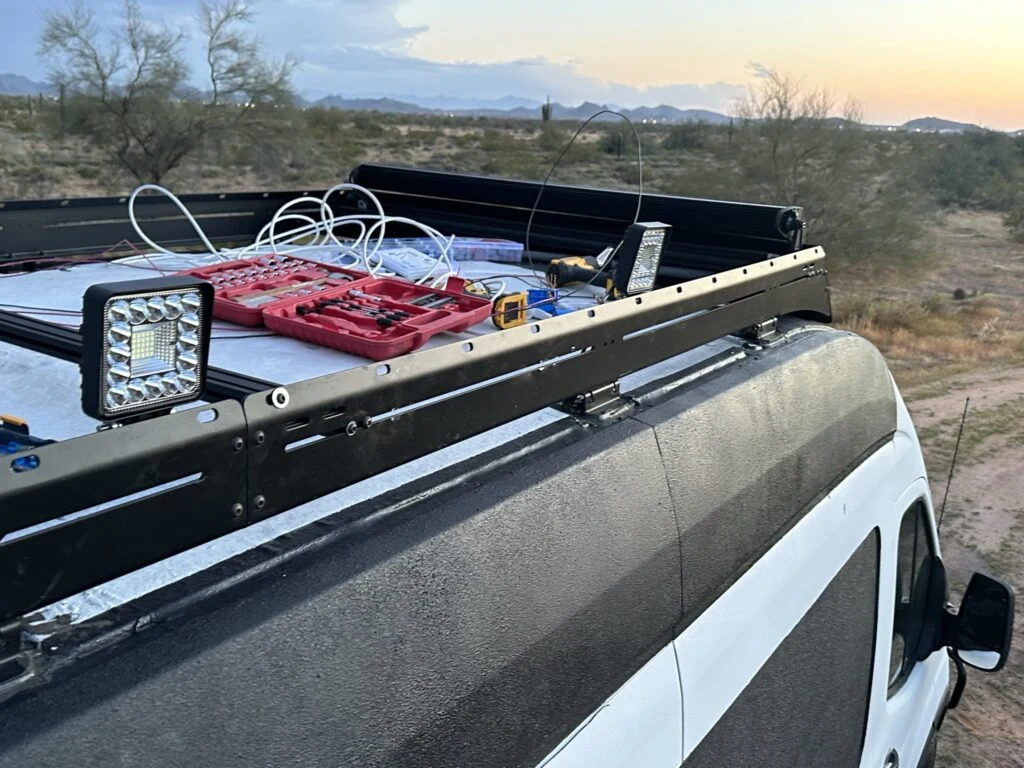
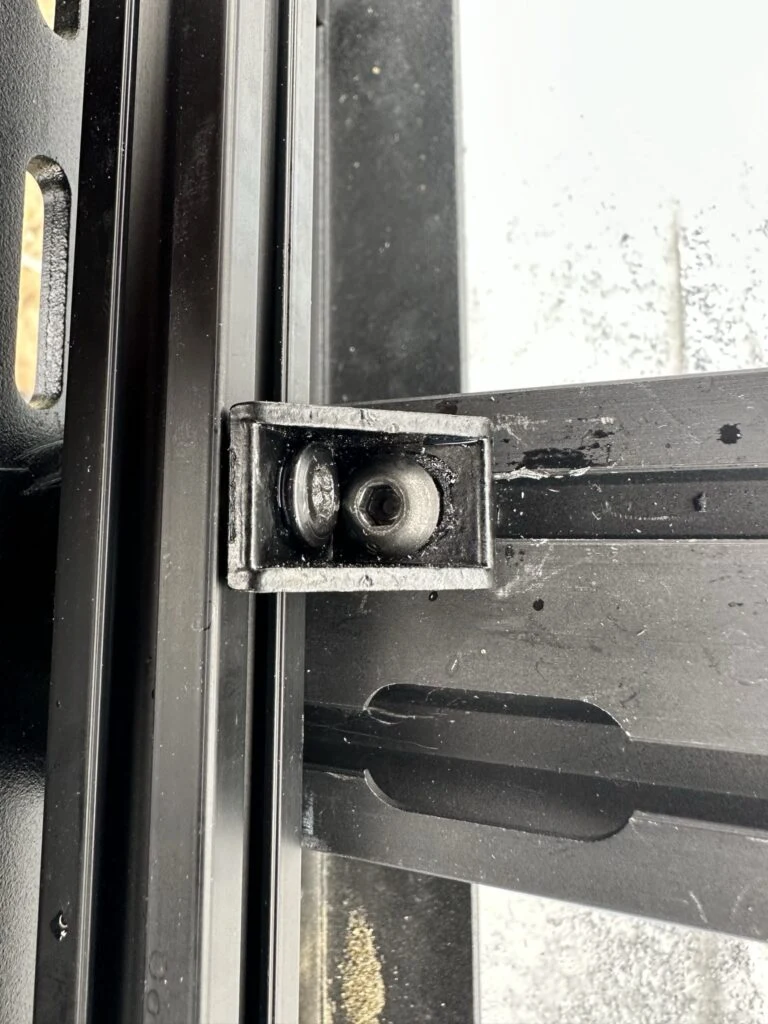
On Day 95 I moved the Flatline rack cross beams to suit the solar-panel length, then added 2020 extrusion above the existing rack extrusion. I brought two solar panels onto the roof to work through the fit.
That same session included junction-box assembly, cable glands and routing power and Ethernet cables. The physical layout of the rack and the cable routes developed together.
Lights, cables and tools laid out during my roof work.Rack extrusion and mounting hardware during the fitting stage.
My build notes
The roof session took twelve hours, and fitting the panels was only one part of it. Cutting extrusion, positioning brackets and organizing the cables all used the same limited working area.
My useful takeaway from that day is the value of laying out the real parts before settling their positions. Moving a cross beam and checking the panel fit gave me a concrete reference for the next stage.
I worked through panel position, rack spacing and cable routes together on the roof.
Alternative products
Two alternatives to compare
The featured Standard kit has a separate router and dish, as does the other Standard option. The Mini combines a smaller dish and Wi-Fi hardware in a compact format, making physical layout the useful starting point for this comparison.
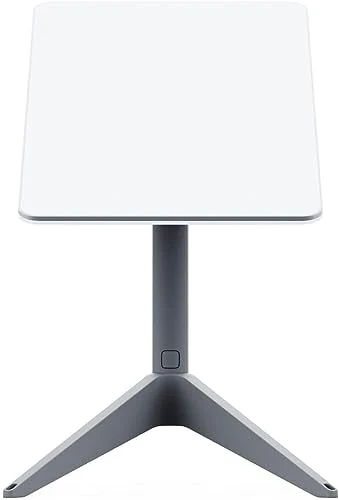
Starlink Standard Kit with V2 Router
This Starlink kit combines a satellite dish with a separate dual-band Wi-Fi router. Its router and dish arrangement provides another Standard-kit format to compare.
The Starlink Mini combines satellite connectivity hardware and Wi-Fi in a compact unit. Its smaller physical format offers a portable alternative to a Standard kit with a separate router.