Where it appears in my build
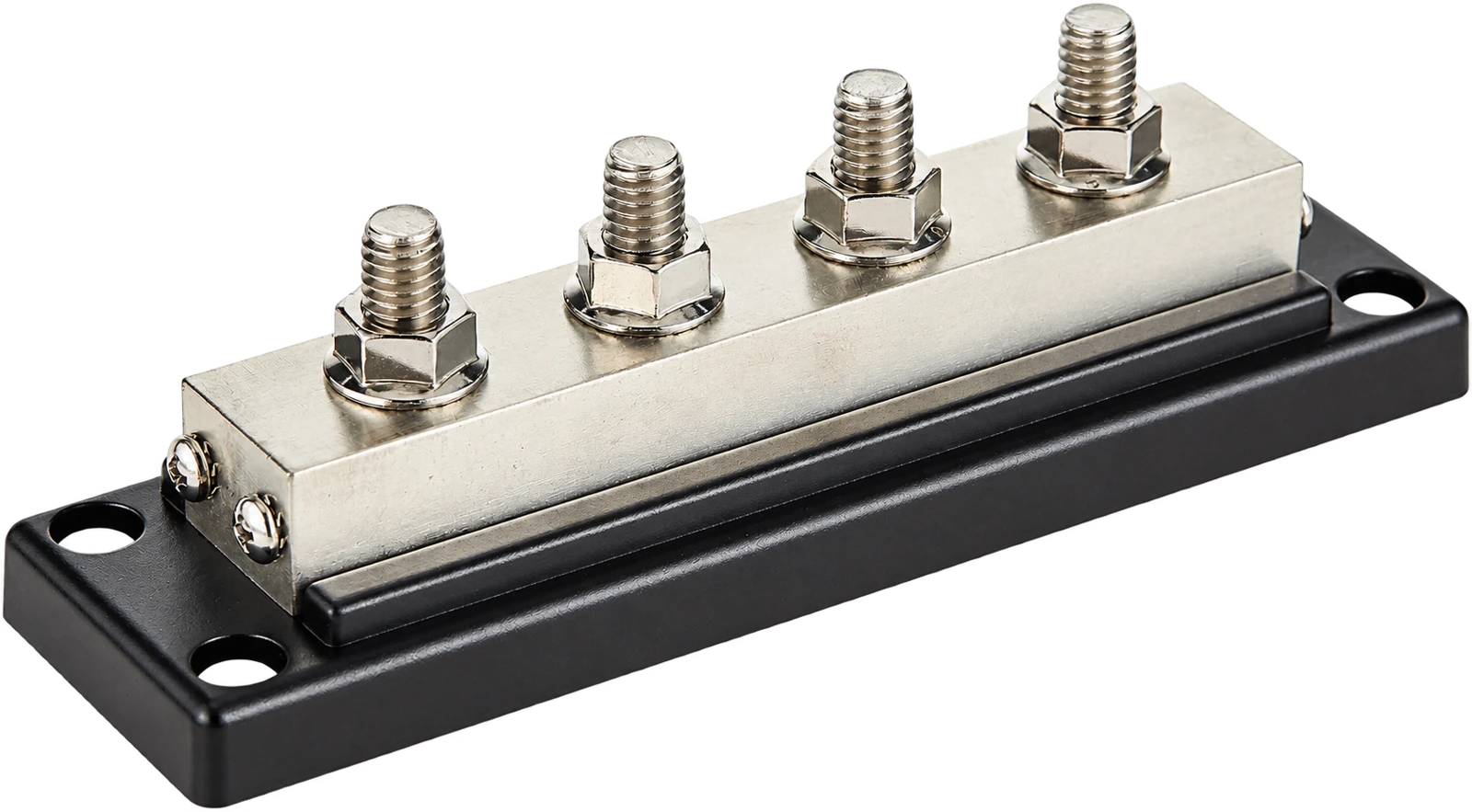
The four-stud bar appears in Drawings 2, 3 and 4. Its image has a clear cover, four large studs and an AMOMPOWER label. Those details identify the illustrated layout more clearly than the short “600 A Bus Bar” text on its own.
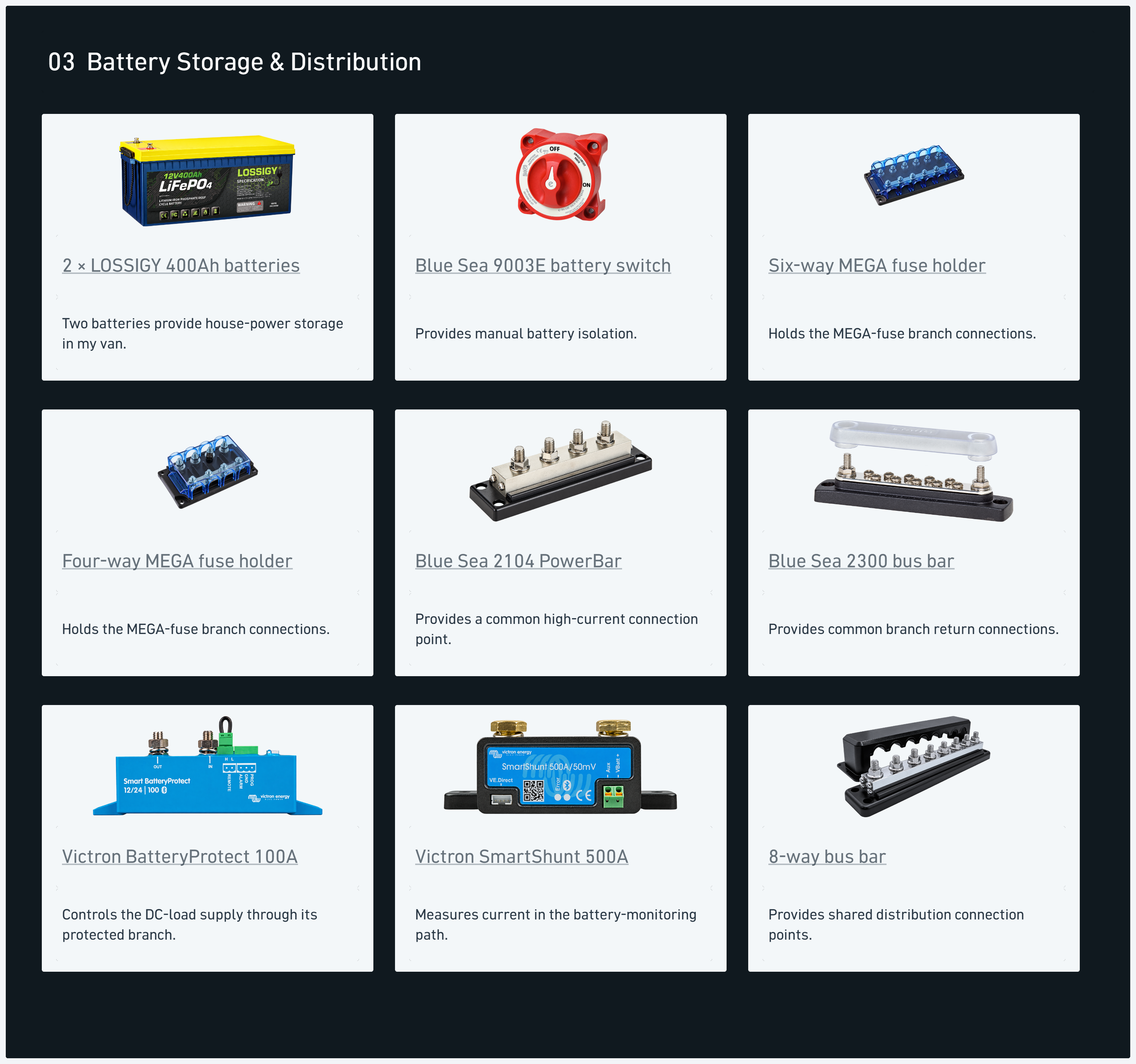
My electrical build includes several connection-bar layouts. The eight-stud AMOMD purchase has more large connection positions; the Blue Sea 2300 provides a row of smaller screw terminals. I keep those separate from this four-stud reference.
Comparing the connection layouts
A bus bar brings several cable connections onto a shared conductor. For this item, the useful physical details are the number of studs, their arrangement and the cover surrounding the connection area.
The four-stud layout gives each connection a visible place in the drawing. It also makes the surrounding cable routes easier to follow without treating every distribution component as the same rectangular block. My system overview links the battery storage, charging and load-distribution sections together.
My takeaway
My takeaway is to record the physical connection layout with the component name. The words “bus bar” cover several different pieces of hardware in my kit, and the number of large studs is an immediate way to distinguish them.
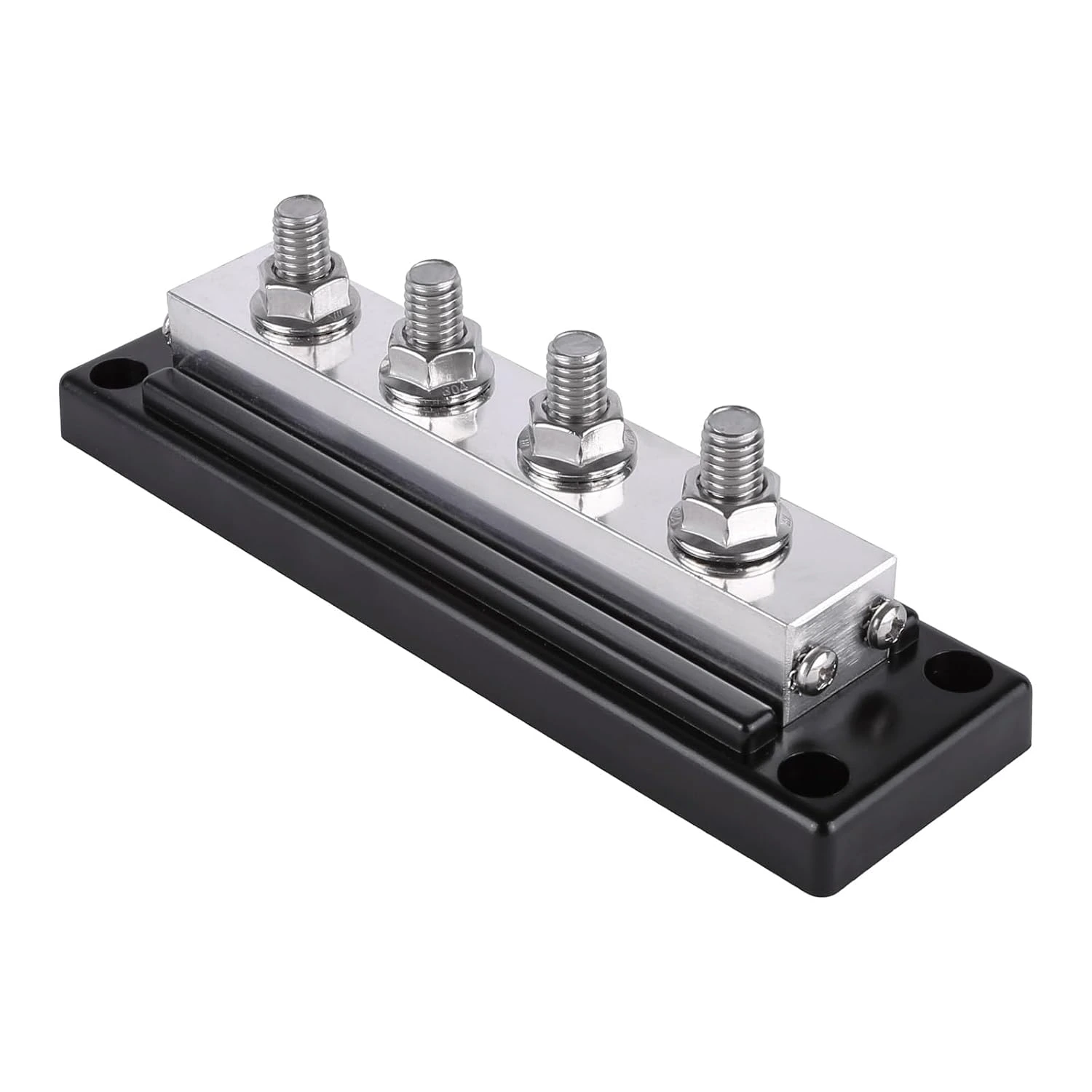
For a comparison, I look at the studs, conductor, mounting base and cover as a complete assembly. The two Amazon alternatives below preserve a four-post arrangement while using their own base and conductor designs.
From my electrical build
Read the roof-entry work · See the conduit pulls and final connections
Explore the complete component register and system diagram →