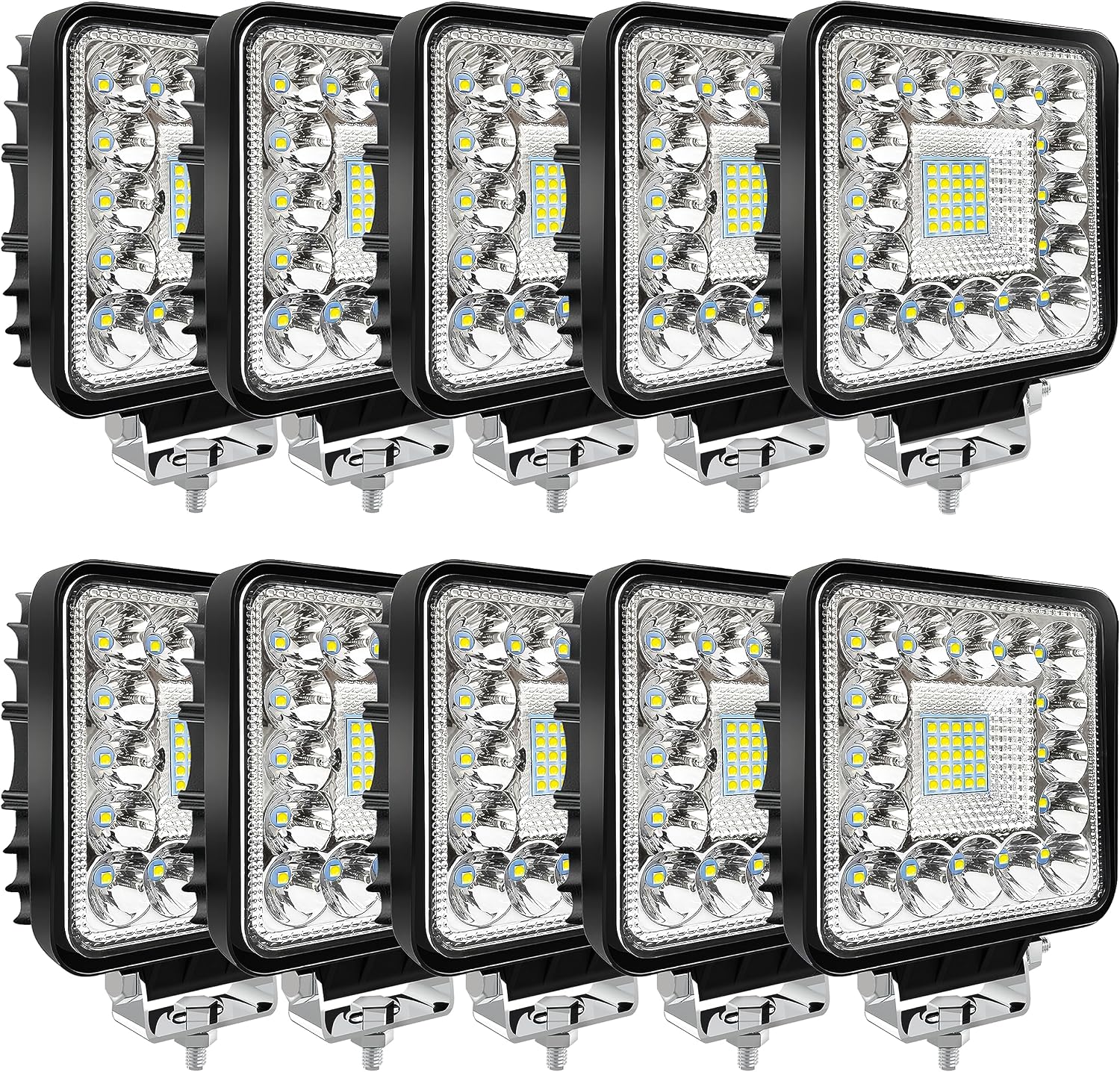
San-Young LED Work Lights
These SanYoung LED pods provide auxiliary illumination around a van. Their mounting brackets attach the lamp housings to a supporting surface.
View on AmazonMy electrical equipment includes San-Young LED work lights, a Nilight 71017C-A curved light bar, a PLZ stereo and a Ciascy four-channel dash-camera system.
Their operating power and running time contribute to the van’s daily energy use.
These SanYoung LED pods provide auxiliary illumination around a van. Their mounting brackets attach the lamp housings to a supporting surface.
View on Amazon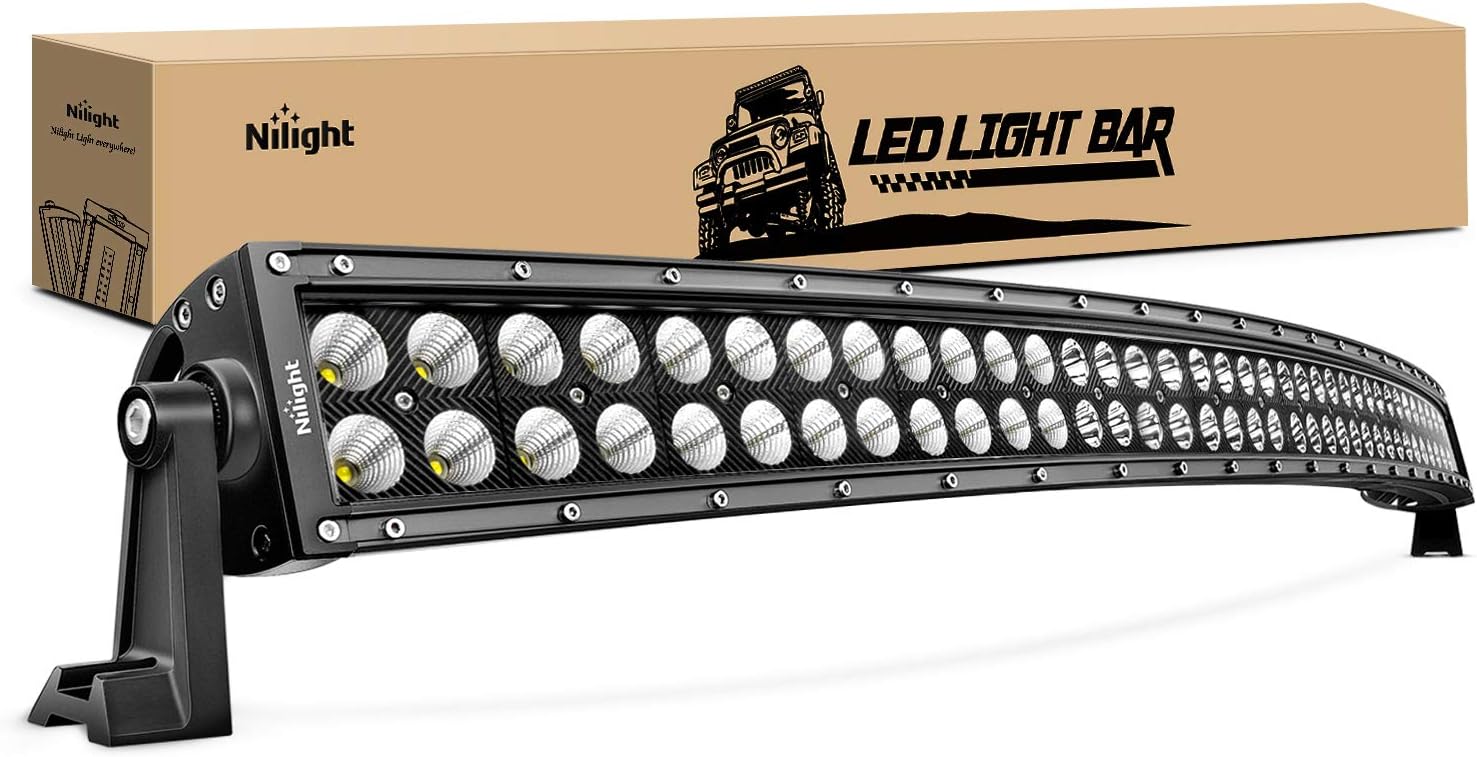
This curved LED light bar combines spot and flood illumination in a wide auxiliary fixture. Its long curved housing forms a separate light assembly from the smaller work-light pods.
View on Amazon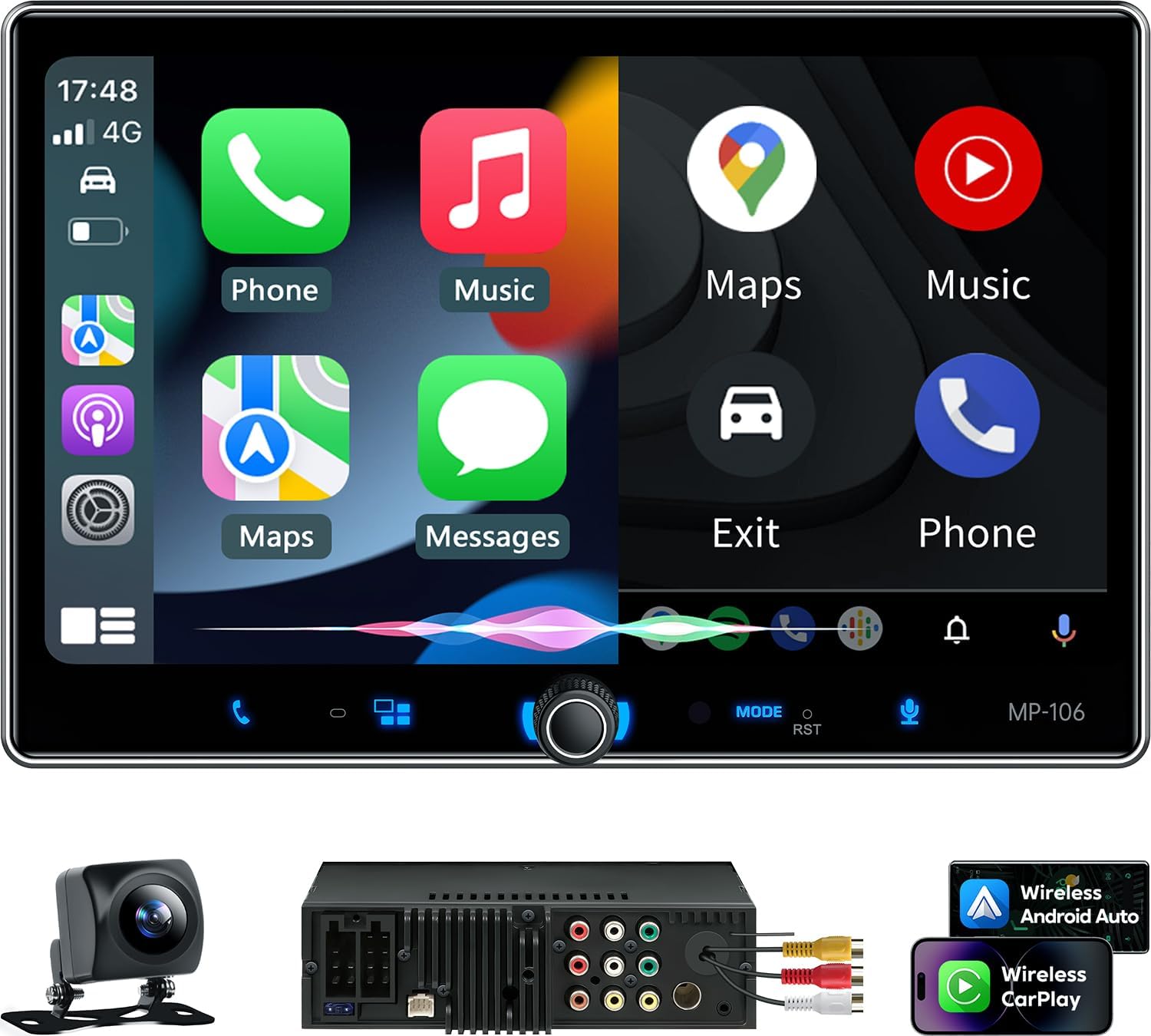
This PLZ receiver combines a touchscreen with wireless Apple CarPlay and Android Auto. Audio connections and a camera input bring several dashboard functions into one head unit.
View on Amazon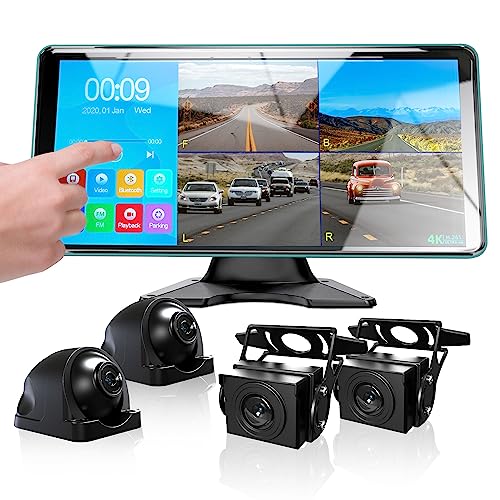
This Ciascy kit combines four cameras with a touchscreen monitor and recording functions. A split-screen view displays multiple camera channels together.
View on AmazonMy exterior lighting includes compact San-Young work-light pods and a separate Nilight curved light bar.
The PLZ stereo handles audio and touchscreen functions. The separate Ciascy system displays camera views on its own monitor.
For the stereo, a marketed audio-output figure should not be treated as the device's measured continuous draw from the battery. Measuring the device in use answers that separate question.
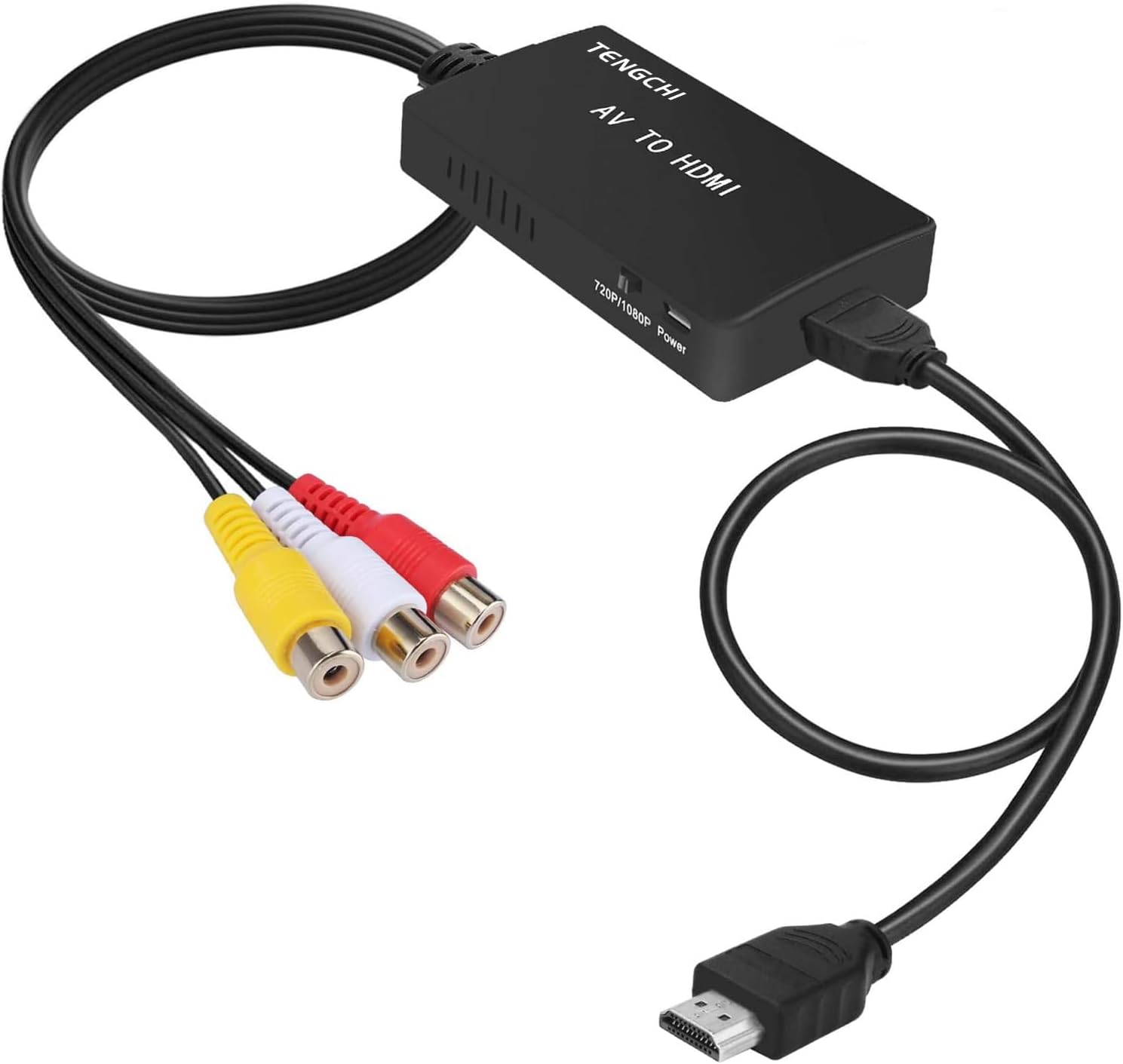
This powered adapter converts composite RCA video and stereo audio into HDMI. The illustrated version has red, white and yellow RCA input leads and an HDMI output lead.
View on AmazonThe video cables I used include red/white/yellow RCA and an HDMI-to-Mini-HDMI cable, as labeled in the drawings. Red and white RCA carry audio; yellow carries composite video.
I used a Nilight six-gang DC switch panel for branch controls. The distribution guide covers that equipment alongside bus bars, fuse holders and wiring.
Label a load record with both the device and circuit function, such as lighting or camera equipment.
Record each device’s operating watts and time in use. Watts multiplied by hours give watt-hours. For current measurements, retain voltage and the measurement point with the reading.
A low-power device left running for hours can use more energy than a powerful device used briefly. The hub’s worked example shows this calculation.
The battery guide connects that daily demand with stored energy and runtime.
| Device | Equipment group |
|---|---|
| San-Young LED work lights | Exterior work lights |
| Nilight 71017C-A curved light bar | Exterior light bar |
| PLZ stereo | Audio and touchscreen receiver |
| Ciascy four-channel camera system | Camera views and monitor |
| Tengchi RCA-to-HDMI converter | Composite-video and audio conversion |
| Nilight six-gang panel | DC circuit controls |
The bus bars, switches, fuse holders, breakers, wiring and junction box I used.
The two Lossigy 400Ah batteries I used, their storage role, and the charging and monitoring equipment around them.
The MultiPlus inverter charger, shore inlet, changeover switch and Firman generator in the build.