Camper Van Roof Vent Planning: Make Room for the Fan, Solar and Rack
Plan a camper van roof vent as part of the whole roof: the opening, the space around the fan, the solar panels, the rack and the cable routes. Then check the same position from inside the van, where the ceiling controls and lid mechanism need to be reachable.
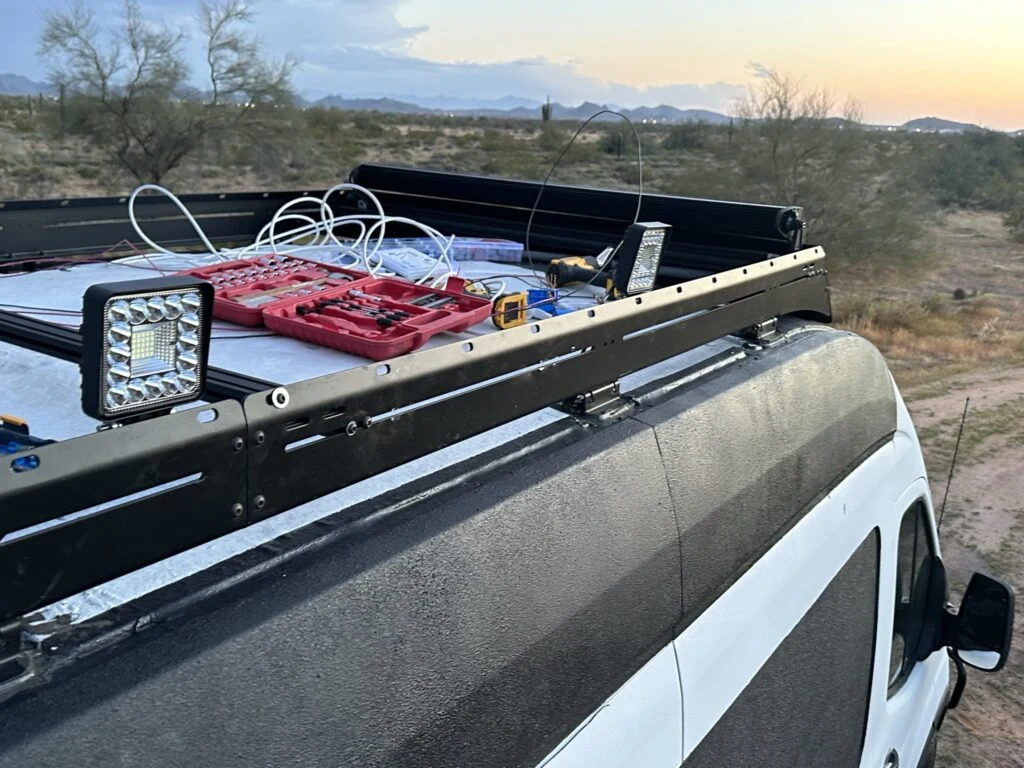
When I brought two solar panels onto my Ford Transit roof for a trial fit, I moved the roof-rack crossbeams to suit their length. I also added 2020 aluminum extrusion above the existing Flatline rack. That work made roof space a very concrete part of my build: a position that looks available in a sketch can already be needed by a bracket, a cable entry or the next piece of equipment.
I bought the MAXXAIR 6200K manual-opening fan for the van. My Day 95 roof-work record supplies the fitting context for this planning process: panels, extrusion, junction boxes, cable glands, power leads and Ethernet routes sharing the same roof.
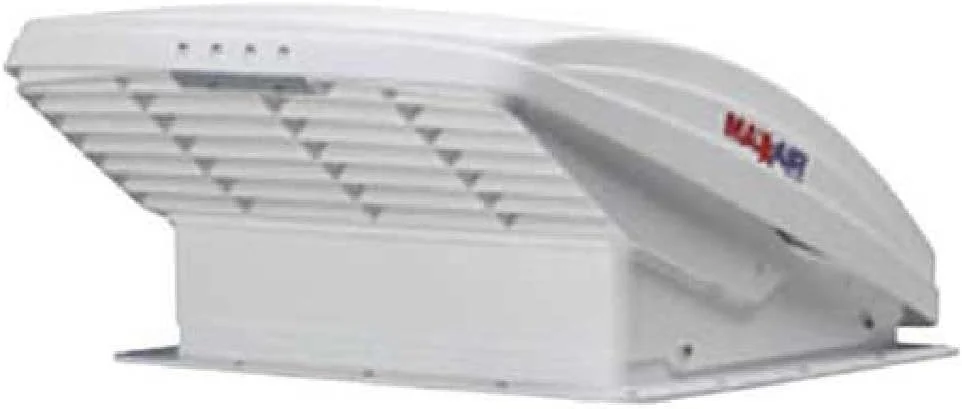
MAXXAIR 6200K Manual-Opening Roof Fan
This roof-mounted fan exchanges air to help clear cooking odors and reduce stuffiness inside a camper van. Its manual-opening lid and removable insect screen provide straightforward ventilation and cleaning access.
View On AmazonStart With One Roof Plan
Put the fan, panels and rack on the same drawing. Separate sketches for separate purchases make it easy to give the same patch of roof to two different things. A single plan also makes it easier to carry a change forward: moving a crossbeam can affect a panel support, and moving a panel can change the route to a junction box.
Choose a consistent reference for the drawing, such as the front of the usable roof area and the vehicle centerline. Label front and rear. Record each measurement from that reference rather than building a chain of measurements from one movable item to another. Keep the roof-side view and the interior ceiling view aligned so that you can compare them directly.
A useful first pass has three layers: the roof features already there, the equipment you intend to place, and the space needed to reach or move that equipment. Use a different line style for each. Keep the actual measured dimensions beside the outline so that a scaled sketch can be checked against the van.
Record What Is Already Competing For Space
Start with the rack and its supports, then add the panels and the routes connecting the roof equipment. My Day 95 notes include assembling junction boxes, fitting wire glands, running power and Ethernet cables, and adding PVC conduit. Those smaller parts belong in the plan alongside the large rectangles.
| Part Of The Layout | Record | Question To Resolve |
|---|---|---|
| Roof rack | Rails, crossbeams, brackets and their present positions | Which parts move when a panel position changes? |
| Solar panels | Measured panel outline and mounting positions | Where do supports and cable exits fall? |
| Roof vent | Opening, outer flange and model-specific clear space | Does the whole fan arrangement fit? |
| Boxes and cables | Entry points, gland positions, conduit and connecting routes | Can the route reach its destination without crossing a moving part? |
| Interior ceiling | Control position, trim area and nearby cabinets | Can I reach the controls and lid mechanism in the planned layout? |
Photograph the roof at this stage. Include a wider view that shows the arrangement and closer views that make individual connections understandable. In my build diary, the sequence is as useful as the product list: the crossbeams moved, extra extrusion was added, and two panels came up for fitting. The photographs and notes preserve the decisions behind the arrangement.
Draw The Opening And The Fan's Clear Space Separately
For the MAXXFAN Deluxe family that includes the 6200K, the US installation manual, P/N 11E90001K, specifies a 14 × 14-inch opening. It also calls for at least 8 inches clear behind the outer rear edge of the roof flange, with the louvers facing the vehicle's rear. The opening and the rear clear space therefore need separate marks on the drawing.
Trace the outer flange as its own outline using the actual component dimensions. Add the rear-space mark from the flange edge. That makes the relationship visible when you place a panel, crossbeam or box nearby. Write down which model the marks describe; a common opening size does not supply every dimension of the equipment above it.
For example, a planning sheet might have an opening rectangle labeled “6200K opening,” a second outline for the flange, and a shaded strip behind its rear edge. The strip starts at the flange edge. This simple distinction helps prevent an opening-only sketch from understating the roof area that the arrangement needs.
Check The Ceiling Side Of The Position
The 6200K I bought has a manually opened lid and ceiling controls. Include the position from which you will reach those controls in your interior layout. A roof position can look convenient from outside while ending up over a cabinet edge or an awkward place to stand.
Mark the ceiling trim area and the nearby furniture outlines on the inside view. Act out reaching upward from the floor position you expect to use. Include the space occupied by doors, lids or other moving furniture. This makes the control arrangement a layout decision rather than a detail discovered after the ceiling is planned.
The current MAXXAIR model table distinguishes the 6200K from remote-control models such as the 7500K. That is a useful comparison when deciding how you want to operate the fan. Keep the exact model name on both the roof and ceiling views.
Trial-Fit The Panels And Routes Together
My solar-panel trial fit involved moving the Flatline rack's extrusion crossbeams to suit the panel length. I installed 2020 extrusion above the existing rack and brought two panels onto the roof for fitting. The same diary entry records mounting two small LED lights on the passenger side. Each change affected what else could occupy the space.
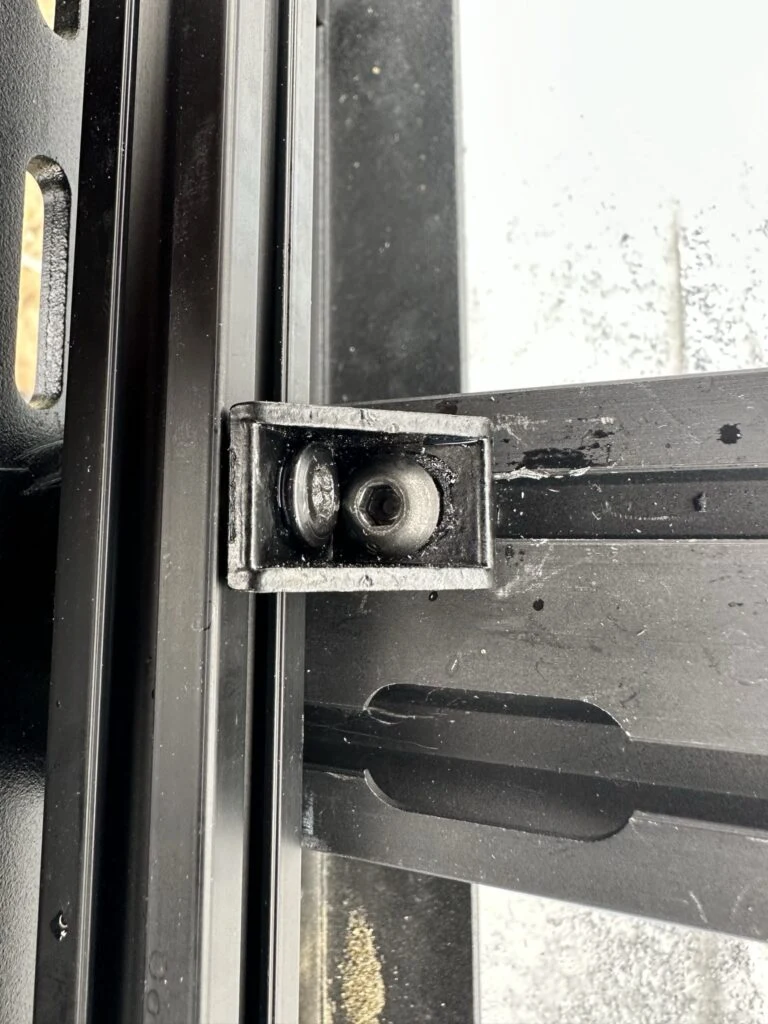
Work through the arrangement in a repeatable order. First, place the rack and support positions on the drawing. Next, position the large equipment outlines and their required surrounding space. Then add the boxes, cable exits and routes between them. Finally, revisit the interior ceiling view and photograph the trial arrangement.
When something moves, update the drawing and the measurement record together. Give the revised sketch a date or version. Keep a short note explaining the change, such as “crossbeam moved to suit panel length,” so that a later adjustment starts from the latest arrangement.
My roof-solar guide follows the panels and their place in the electrical system. The Flatline rack reference supplies the related rack context. Keep those component records beside the combined roof plan.
Use The Roof Planning Worksheet
Download The Roof Planning Worksheet
The CSV opens in a spreadsheet and provides blank rows for the rack, panels, vent, boxes and ceiling-access check. Use your measured dimensions and a single unit throughout. Record the position reference, opening size, outer envelope, moving or clear-space envelope, nearby equipment and the next check.
One example entry could read “roof vent — reference: vehicle centerline and front roof mark — nearby equipment: rear panel edge.” Fill the dimension fields from the actual model and measured arrangement. The useful result is a record that another look at the van can confirm: every outline has an identity, a position and a source for its dimensions.
Use the last column to carry the next decision forward. “Measure the flange,” “check ceiling reach” and “photograph the revised crossbeam position” are specific actions. Close each one by adding the result to the same row, then date the plan again.
Compare The Fan I Bought With Two Alternatives
My purchase was the 6200K. The two alternatives below offer other control arrangements to compare. For the complete item record and the related build photographs, open my MAXXAIR 6200K Tools & Materials page.
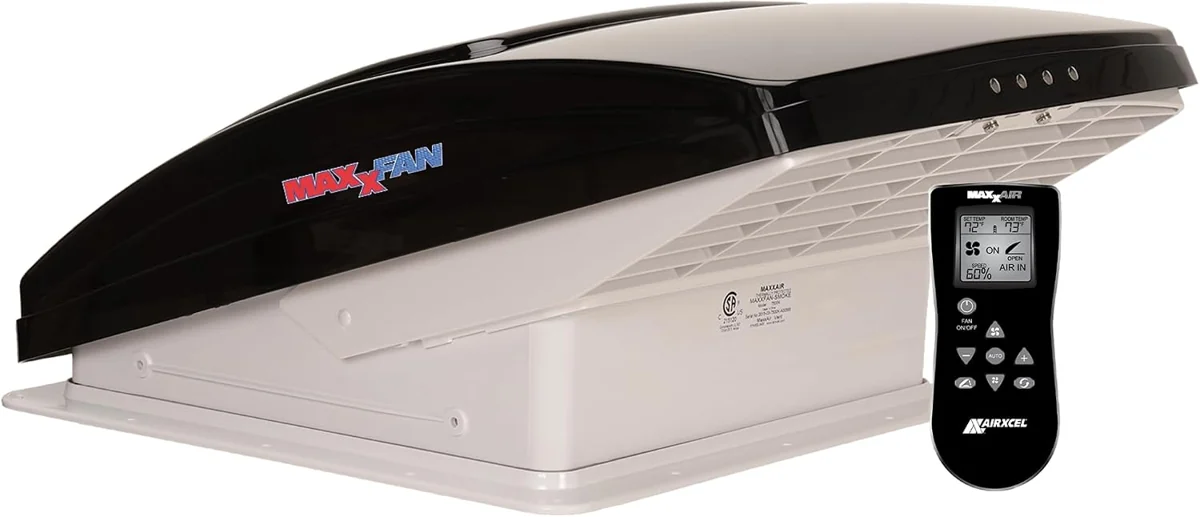
MAXXAIR 7500K Roof Fan
This roof fan combines a vent opening with a reversible electric fan. Remote control and thermostat functions provide another way to adjust the airflow.
View On Amazon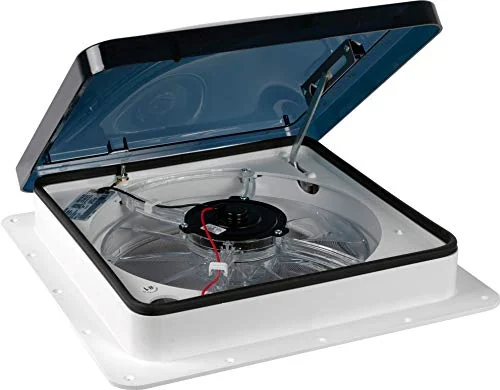
Fan-Tastic 1200 Roof Vent Fan
This roof vent combines an electric fan with a manual lid crank. Three speed settings provide a straightforward control arrangement at the ceiling.
View On AmazonTake One Coordinated Plan Back To The Van
Finish with a roof drawing, an aligned ceiling view, a measurement record and photographs of the current fitting stage. Check that the fan opening, flange and rear space appear together with the panels, rack hardware and cable routes. Then use the next-check column to resolve the remaining measurements.
Moving the crossbeams for my panel trial fit showed me why the combined view matters. It turns a group of individual purchases into a layout you can examine as a whole. Keep that layout with the original roof-work notes and the Tools & Materials catalog as the build develops.